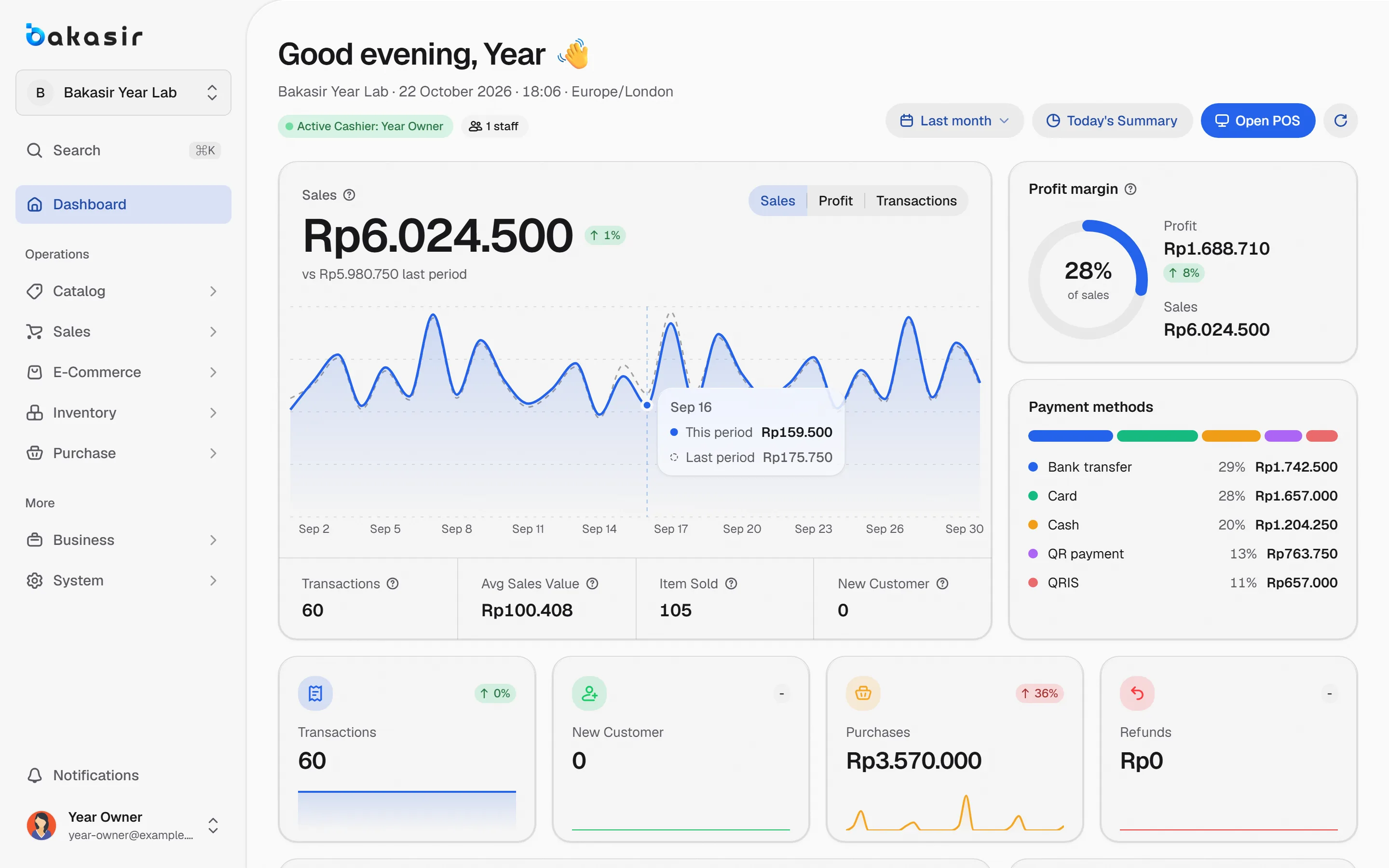
Sales, customers, stock, reports and optional plugins share the same transaction records, so each number matches the next.
Switch modules on and off
Tap a module to see how the platform grows around the same core.
2 of 6 modules on
Illustrative toggles. Plugins are managed in the Portal.
One record from sale to statement
The platform is a chain, and every link reads the one before it.
- 1
Sell and record
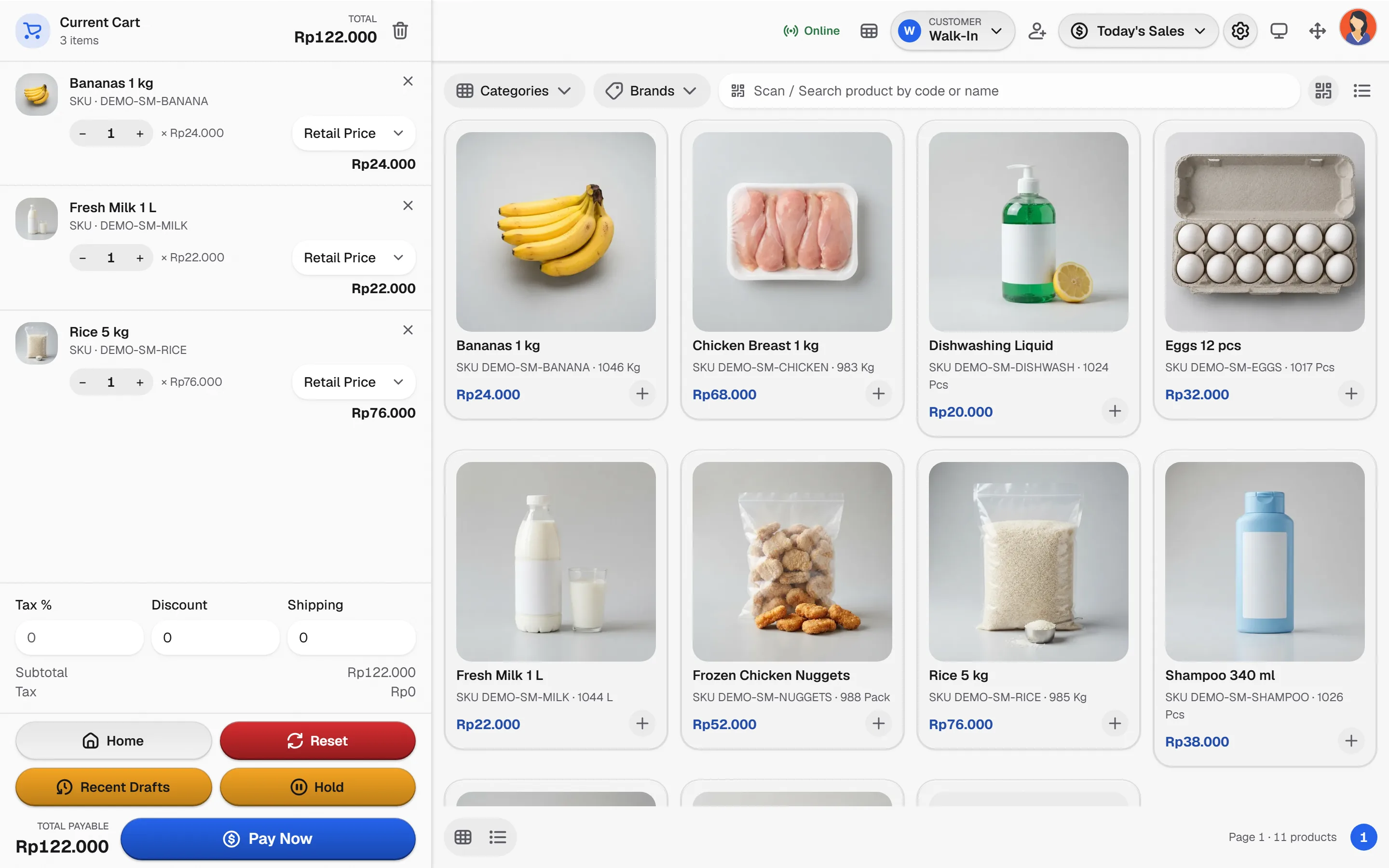
POS, customers and payment methods write one transaction record.
- 2
Control stock
Purchases, transfers, counts and adjustments record every movement.
- 3
Report and reconcile
Reports, the daily summary and accounting read from the same documents.
- 4
Extend deliberately
Switch on plugins such as accounting, HRM and E-Commerce when you need them.
The foundation behind every plan
The capabilities this kind of business uses every day.
One record, many views
Corrections use voids and reversals instead of rewriting completed documents.
Inventory ledger
Costing is a System setting, and method changes apply going forward.
Plugins on the same core
Accounting, HRM, E-Commerce, loyalty and more build on existing data.
Offline POS, honestly
A prepared terminal sells offline and syncs later. Not every Portal screen is available offline.
See it in the real Bakasir app
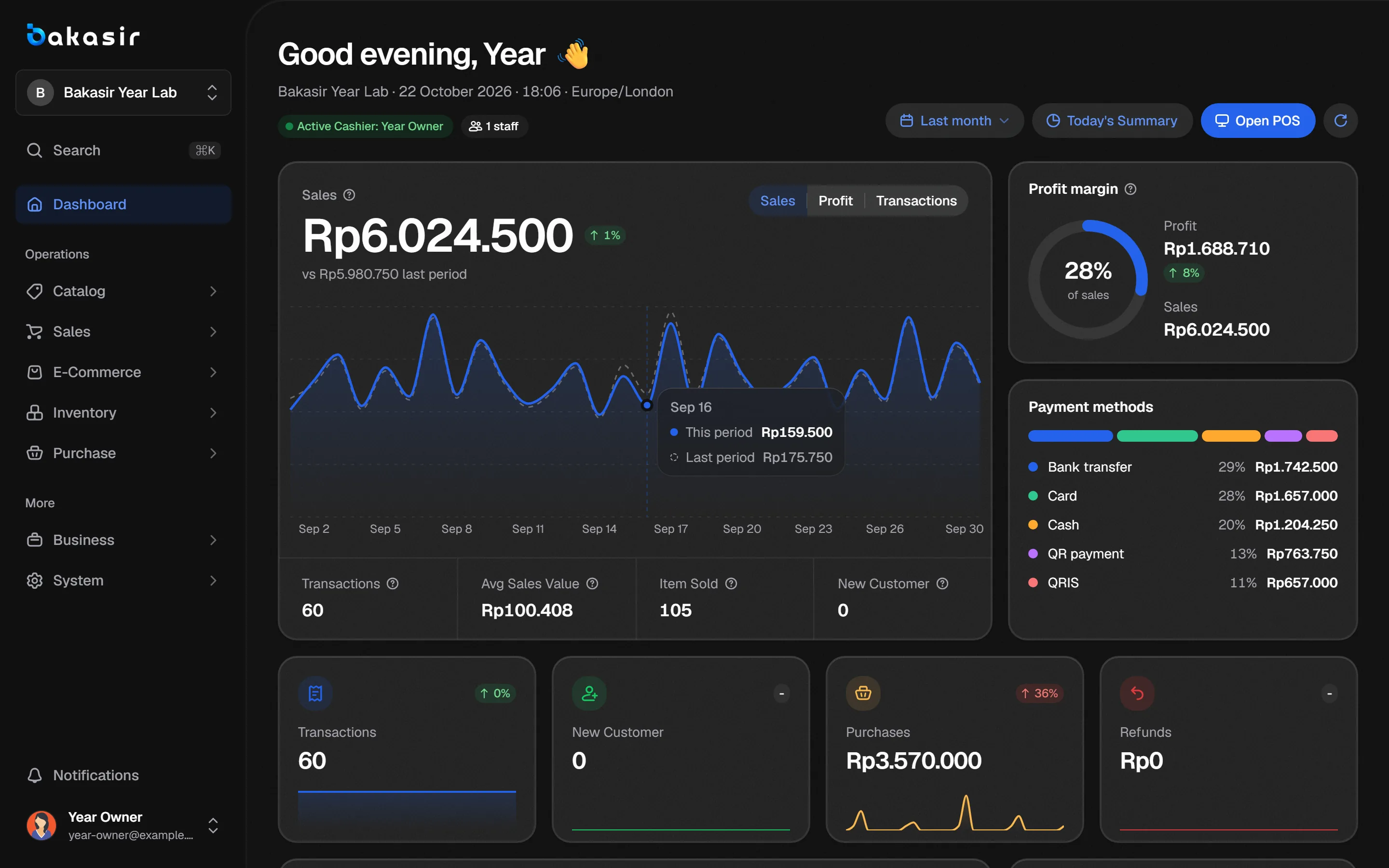
The dashboard summarizes sales, profit, payments and activity across the outlets your account can see.