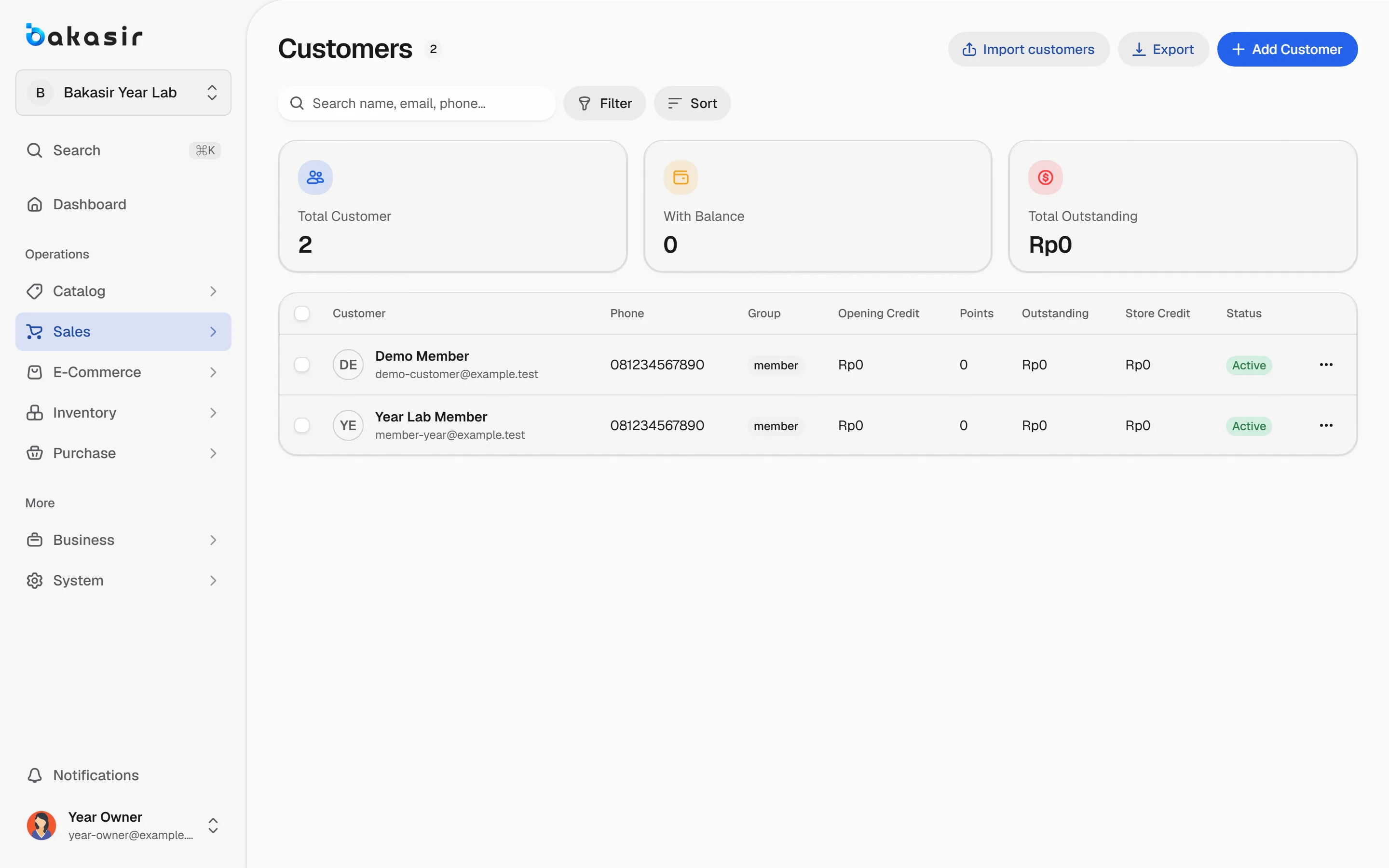
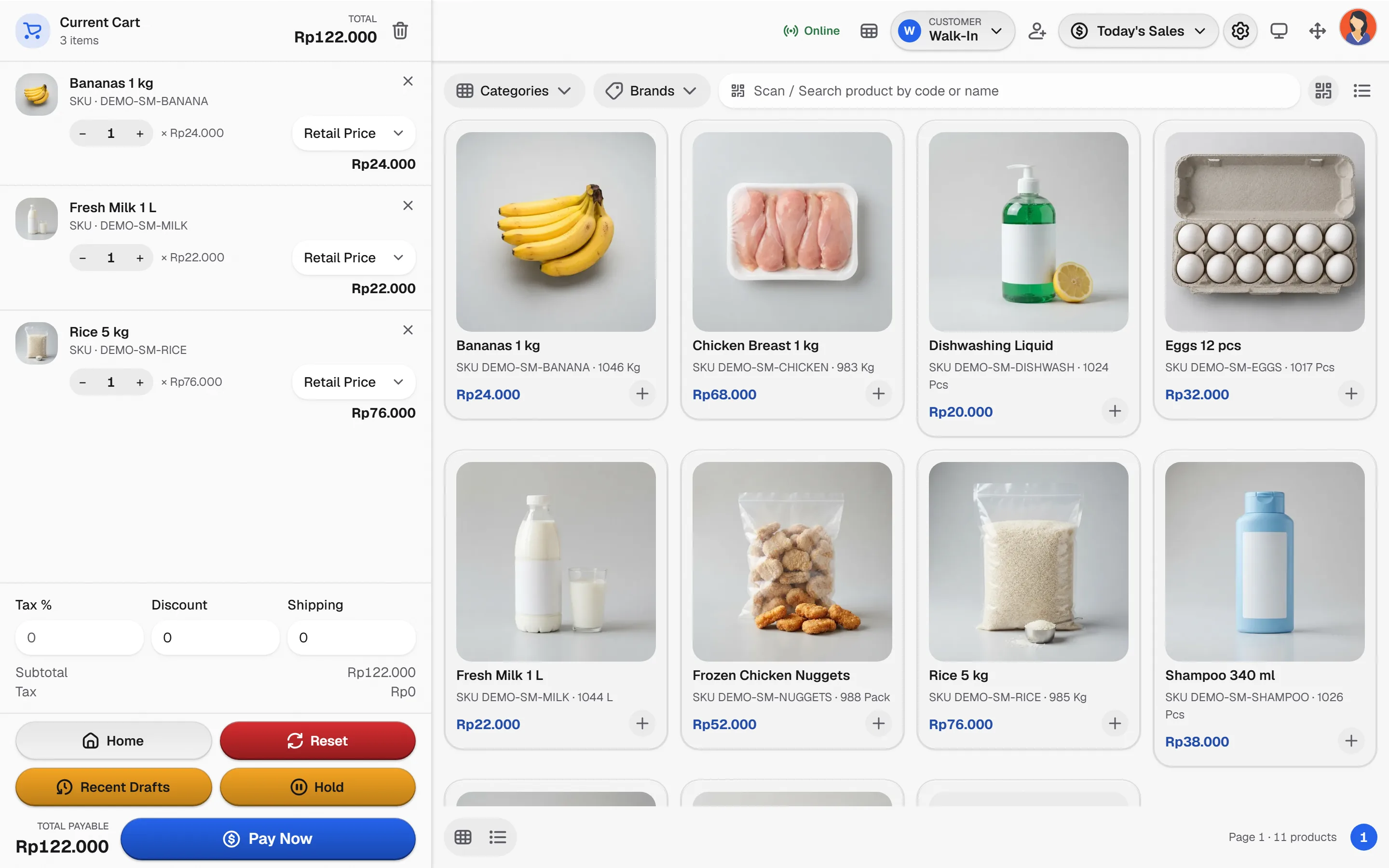
Sell services and retail products on one receipt, keep a customer record that helps the next visit and let your team clock in from the same system.
From service menu to the day's close
A service visit in four steps.
- 1
Define the services
Create service products that never deduct stock, with clear names, prices and tax.
- 2
Choose the customer
Attach a customer before checkout so history and loyalty follow the visit.
- 3
Sell services with products
Add retail items to the same bill. Only the products draw down stock.
- 4
Review the team and the day
Check attendance, sales per cashier and the daily summary before closing.
What a service business needs
The capabilities this kind of business uses every day.
Services without stock
Service lines never reduce inventory, while retail lines follow the stock ledger.
Customer records
Purchase history per customer, with access limited to the roles that need it.
Team operations
Attendance and the optional HRM plugin cover leave and payroll.
Know the boundary
Appointment booking, deposits and commissions are not core features. Confirm them before rollout.
Sell a service and a product together
Tap items to build the bill. Only products carry a stock deduction.
- ConsultationRp 75.000
- Treatment sessionRp 180.000
TotalRp 255.000
Illustrative prices. Nothing here is saved.
See it in the real Bakasir app
Customer profiles keep purchase history, so the next visit starts with context.