Contact us
Questions about plans or self-hosted licensing? We reply by email.

Restaurant
Menus, tables and kitchen flow

Retail
Barcodes, variants and stock

Cafe
Modifiers and fast checkout

Supermarket
Many terminals, one catalog

Bakery
Daily products and best sellers

Barbershop
Customers and service sales
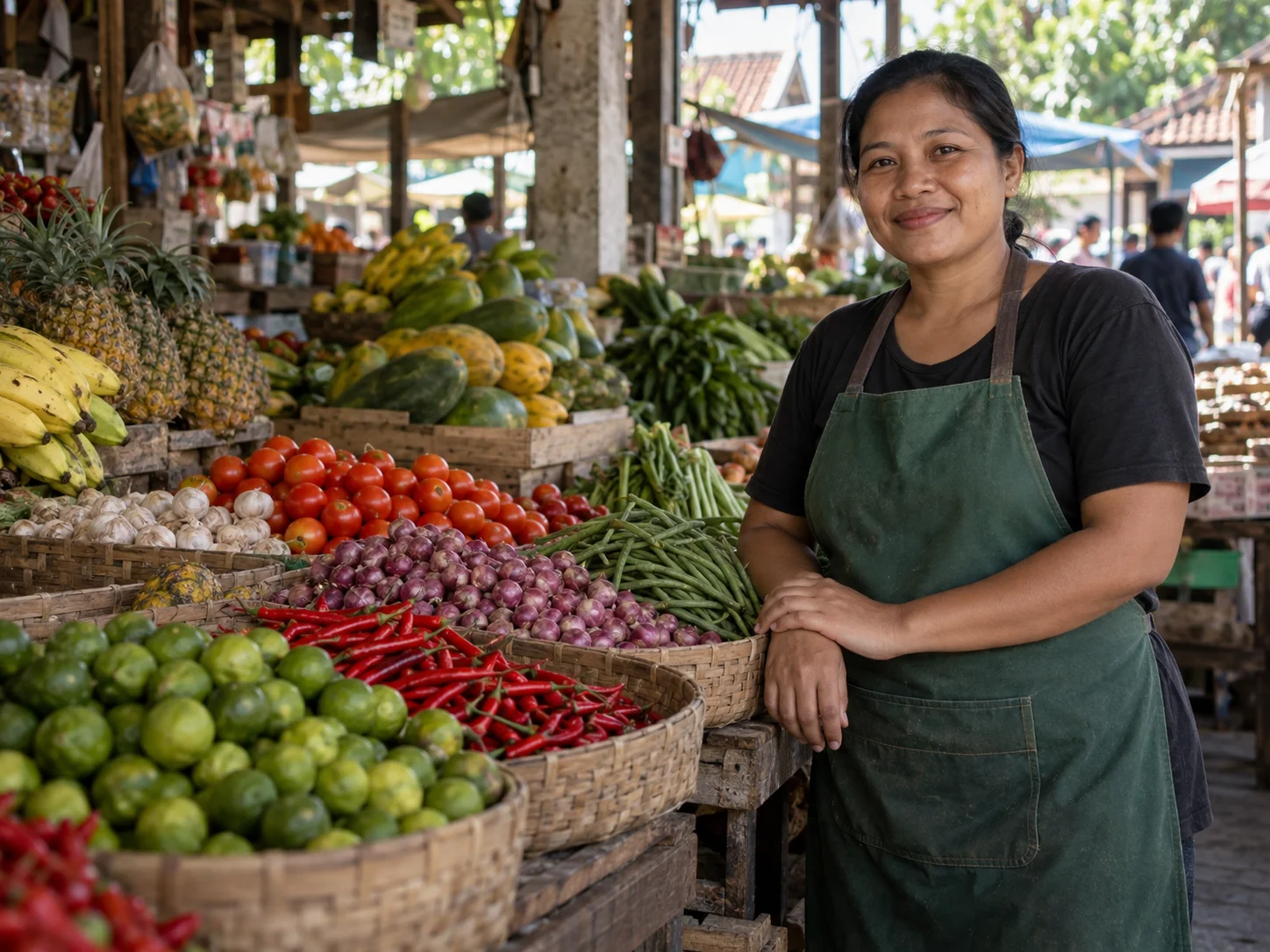
Grocery
Receiving, sales and stock

Supplier
Catalog, purchases and reports
Restaurant
Menus, tables and kitchen flow
Retail
Barcodes, variants and stock
Cafe
Modifiers and fast checkout
Supermarket
Many terminals, one catalog
Bakery
Daily products and best sellers
Barbershop
Customers and service sales
Grocery
Receiving, sales and stock
Supplier
Catalog, purchases and reports
Talk to our team
Other ways to get help
Pick the channel that matches your question.
Already a customer
Already using Bakasir? Use Support inside the Tenant Portal for account-specific issues.
Go to Support Center
Let's understand what your business needs.
Every business sells differently, so Bakasir starts from presets built for how you actually work.


Tell us your business type, number of outlets and the workflow you want to improve. The team can use that context to discuss fit, licensing or support.
Bakasir SupportPT. One Media Global
0
Business types with ready-made presets
0
POS styles for different counters

Common questions
Get answers to common questions here
Each outlet has its own billing. Check the selected plan's published price, currency, billing cycle and limits before subscribing. Taxes, payment-provider fees and optional modules should be confirmed separately.
Open Settings → Plan & Billing to review the current subscription, available plans and payment history. Confirm the new amount and billing period before paying; do not assume a prorated credit or refund.
Plugin subscriptions have a seven-day grace period before access deactivates. Tenant data is retained and becomes available again after renewal. Export essential operational data before changing subscriptions.
Keyboard-emulating scanners use the POS search field. Receipt printing uses the browser print dialog; select the correct paper width. A cash drawer needs a compatible configured local bridge. Hardware compatibility must be tested with your device.



Ready to run your counter on Bakasir?
Set up your store in minutes and invite your team when you are ready.
Set up your store