Bakasir Help Center
Search step-by-step guides and answers for the Bakasir cashier app: store setup, products and stock, cashier sessions, refunds, reports, online orders and billing.
- No suggestions. Try a shorter word.
Find what you need fast
Tutorials, live status and release notes in one click.
Step-by-step guides for every stage
From the first login to month-end reconciliation. Choose a topic to see the steps.
Set up a new store
4 steps- 1
Open Get started, choose a published plan and your business type, then create the owner account.
- 2
Verify the owner email. Pages remain readable without verification, but data-changing operations require it.
- 3
In System Settings, confirm language, currency, timezone and date/number formatting. These settings are authoritative for the tenant.
- 4
Review store details, tax rules, receipt settings and permissions before recording real sales.
Popular articles
Guides and reading by area of your business.
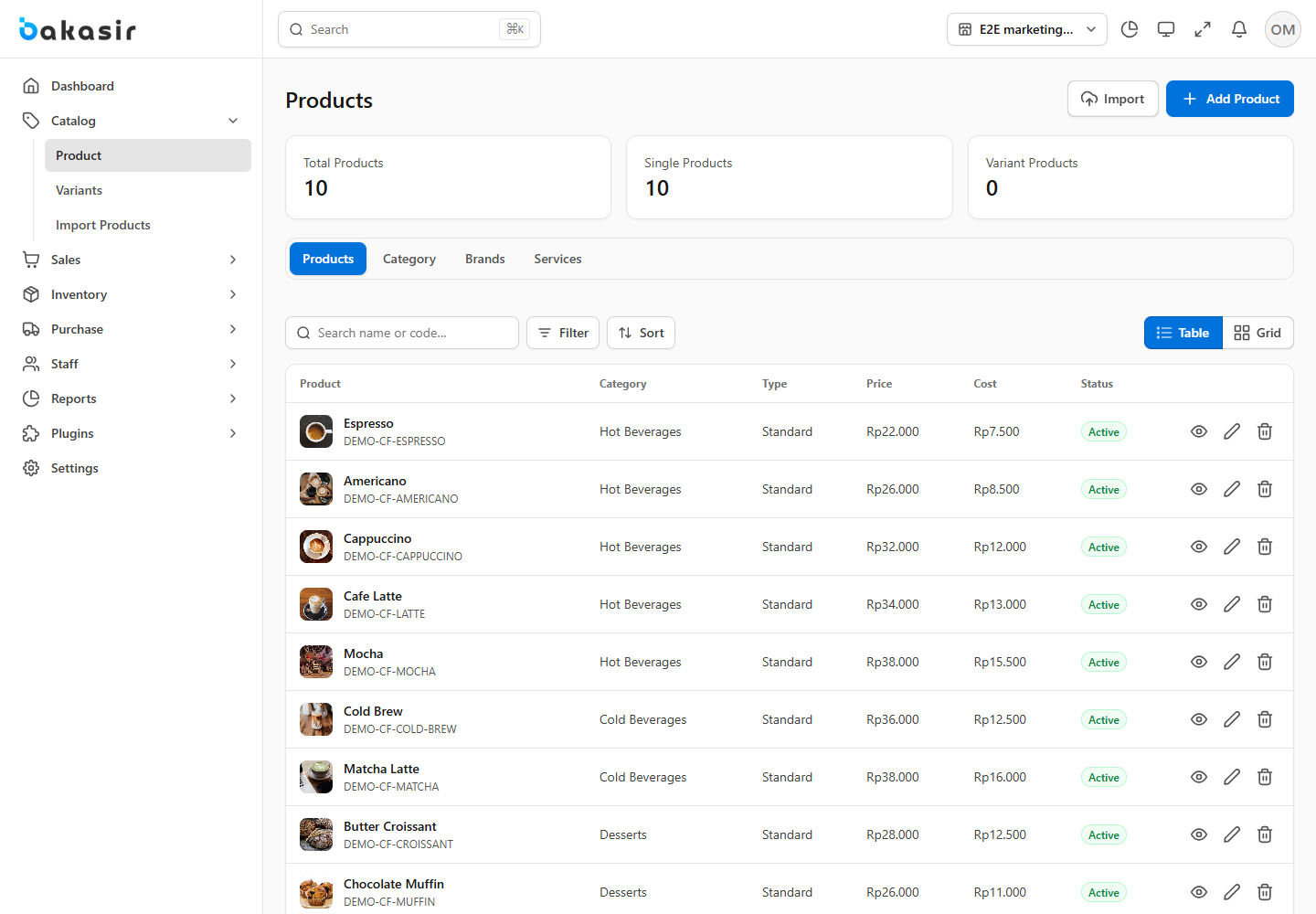
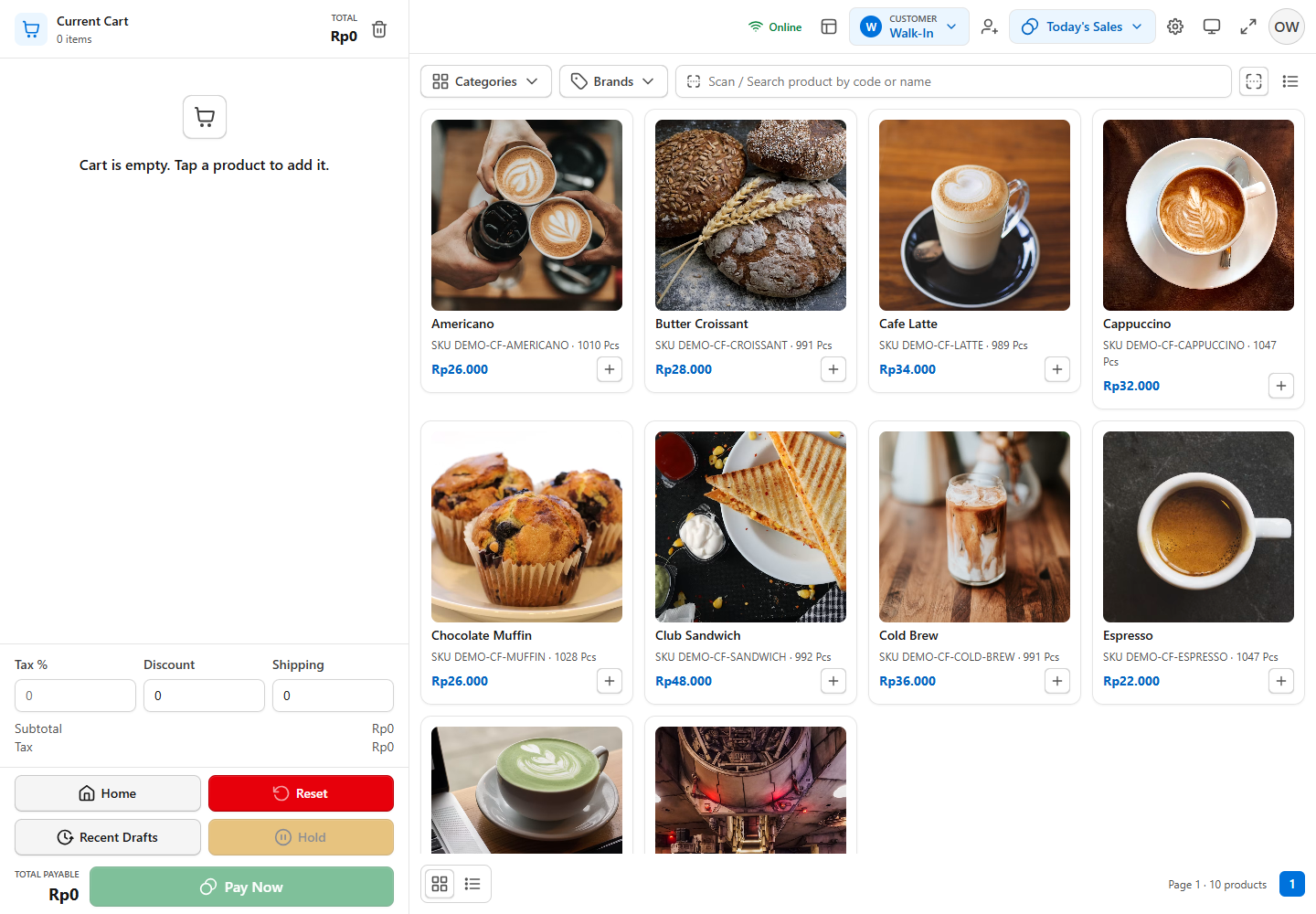
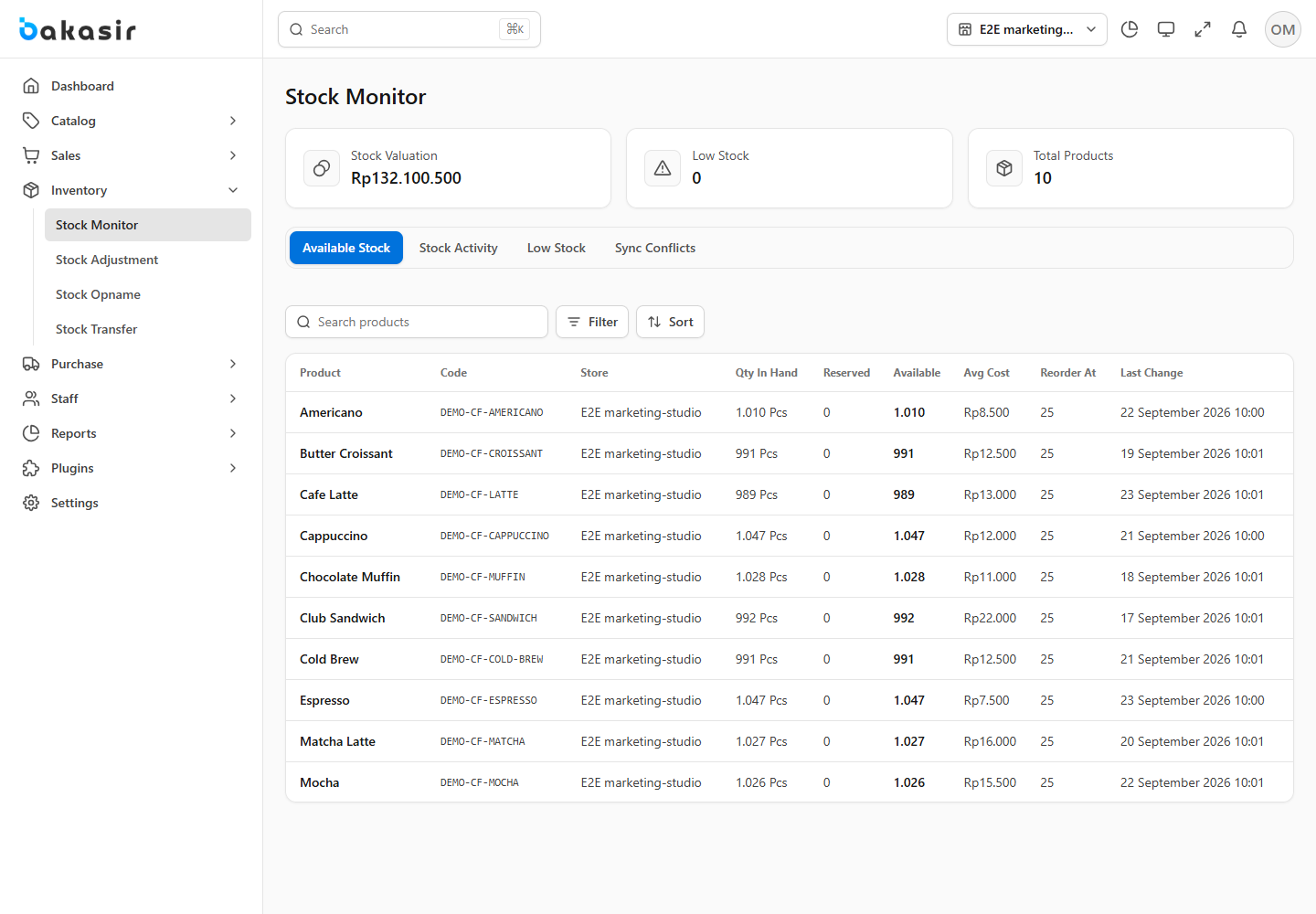


Common questions
14 matching topics
An unverified email, account permissions, a locked accounting period or an inactive entitlement can block operations. Read the displayed dialog; email verification must not turn valid pages into 404 responses.
Bakasir uses the timezone configured in Tenant System Settings. Compare the transaction timestamp and report date in that timezone.
The tenant needs the relevant active plugin and your account needs its permissions. Review the marketplace and ask the owner to check access.
Do not immediately charge or submit again. Check transaction/order history and the payment provider's result, then retry only when the previous outcome is known.
Each outlet has its own billing. Check the selected plan's published price, currency, billing cycle and limits before subscribing. Taxes, payment-provider fees and optional modules should be confirmed separately.
Open Settings → Plan & Billing to review the current subscription, available plans and payment history. Confirm the new amount and billing period before paying; do not assume a prorated credit or refund.
Plugin subscriptions have a seven-day grace period before access deactivates. Tenant data is retained and becomes available again after renewal. Export essential operational data before changing subscriptions.
An unverified owner email can block mutations while pages stay readable. Use the verification dialog to resend the email or check status. A permission restriction is different: ask the Owner to review your role.
Compare available stock with usable, unexpired lots at the selected outlet. Expired batches cannot be sold simply because total stock is positive. Correct receiving or stock records through the documented inventory workflow; do not enable overselling to hide a mismatch.
All business dates, reports and displayed times follow Settings → System → Timezone, not your browser clock. Check the selected outlet and date range before reconciling.
Keyboard-emulating scanners use the POS search field. Receipt printing uses the browser print dialog; select the correct paper width. A cash drawer needs a compatible configured local bridge. Hardware compatibility must be tested with your device.
No. A prepared POS terminal can queue supported sales and synchronize after reconnecting. Catalog availability depends on prior synchronization. Other Portal tasks and external payment gateways still need connectivity.
Record the page, time, visible message and steps to reproduce. Use Support for your account; never send passwords, recovery codes or full card details. Suspected vulnerabilities belong in the dedicated security report form.
Make a new backup, confirm the tenant and backup version, and review the destructive-operation warning. Restore changes business data. Do not close the page during the operation; use the offered undo window only after checking the result.
Talk to a person
Choose the channel that fits your question. Replies come by email, and response times are not published.
- Existing customers
Sign in for fast support
View and reply to your tickets, track progress, and chat with our support team in your Bakasir account.
- Plans and licensing
Contact us
Questions about plans or self-hosted licensing? We reply by email.
- Responsible disclosure
Security finding
For a security finding, use the dedicated vulnerability form.



Still need help?
Use Support inside the Tenant Portal for an account-specific ticket. Include the page, time and timezone, expected result, steps and a redacted screenshot. Never send passwords, PINs, tokens or payment card details.
Contact the Bakasir team