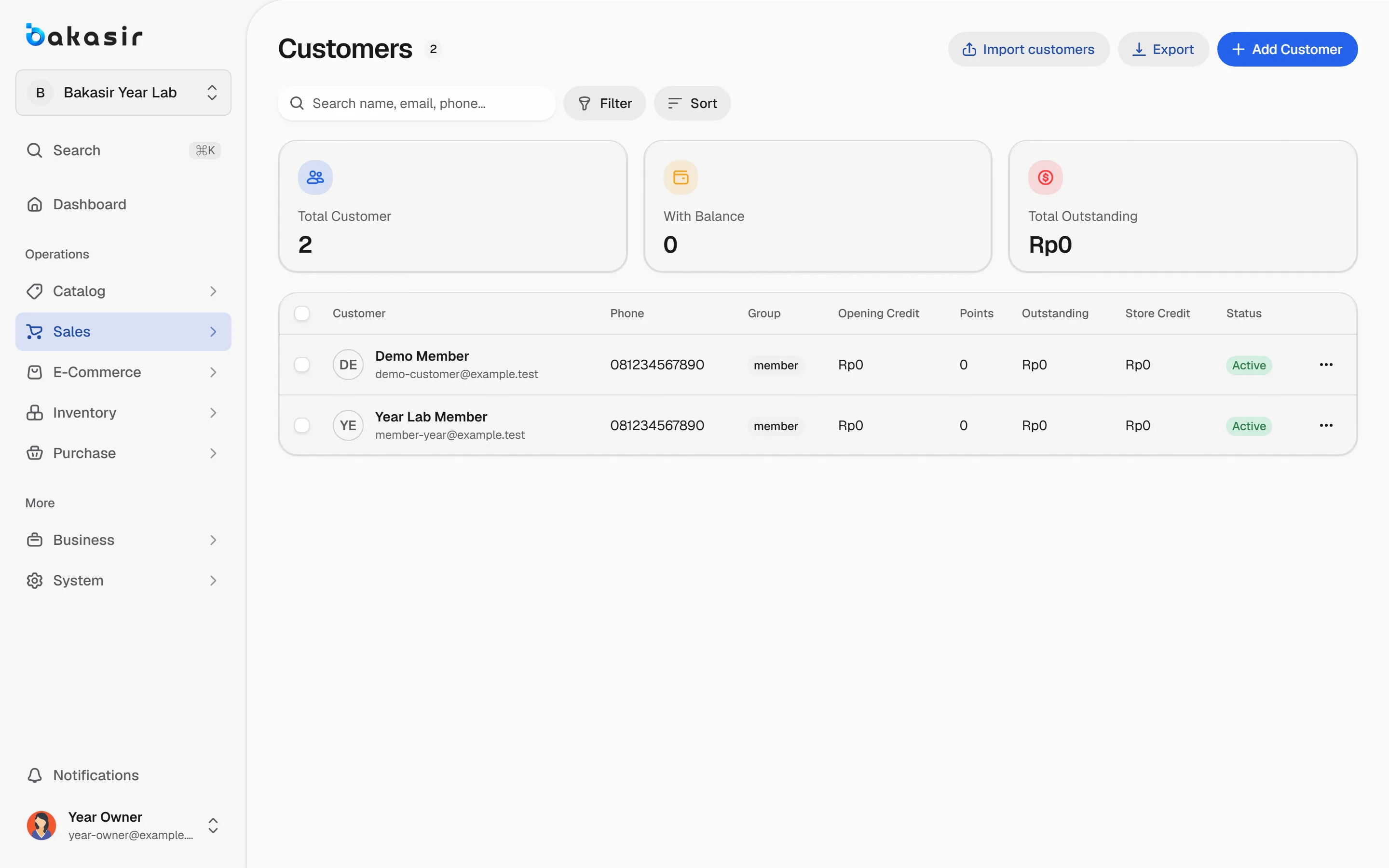
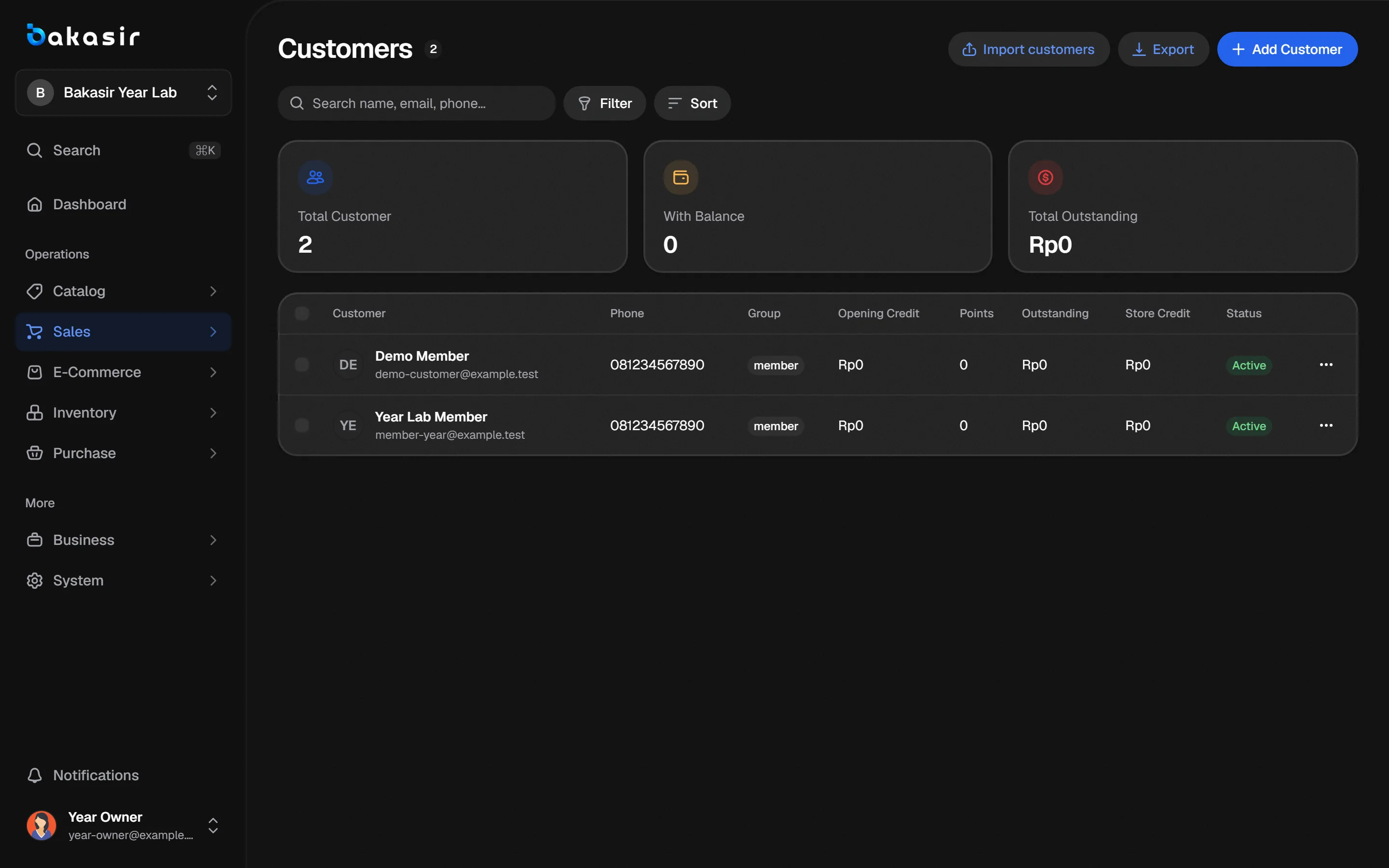
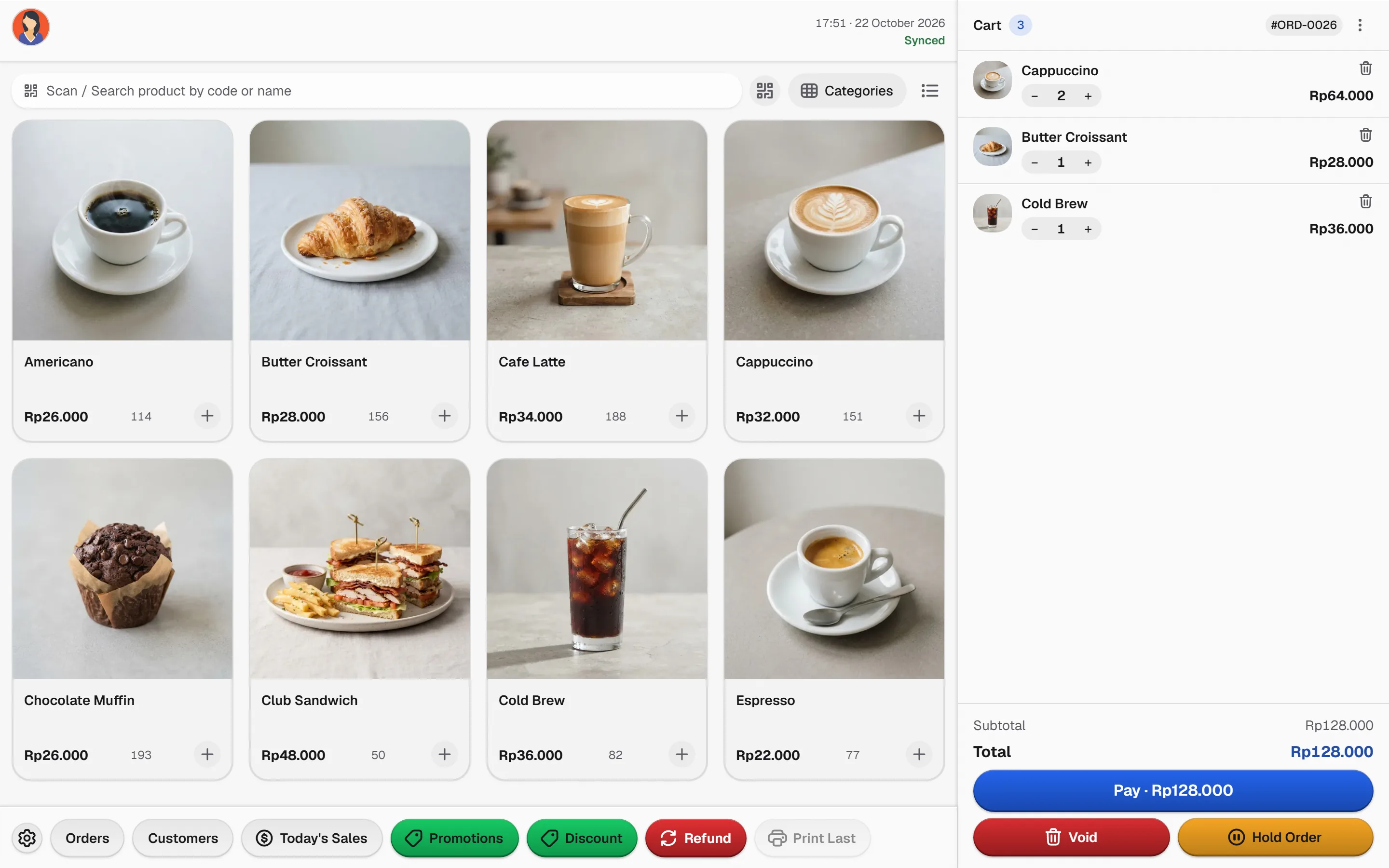
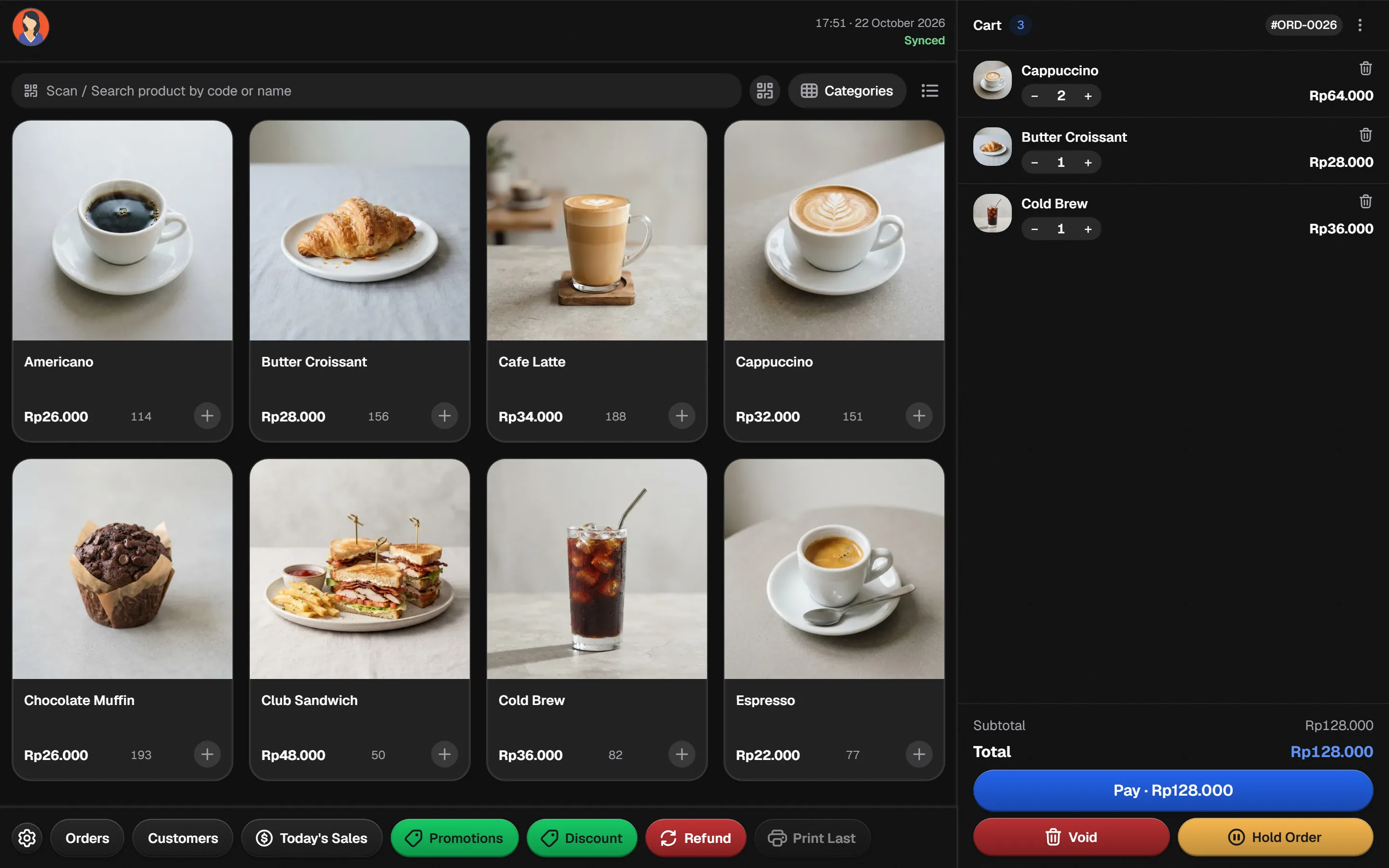
A visual product grid, drink modifiers and loyalty points keep the queue moving. Close each shift with the cash counted and the day's numbers ready.
Watch the order queue
Tickets move from New to Making to Ready. Tap a ticket to move it along.
New2
Making1
Ready1
Illustrative tickets. Real order status comes from your own sales.
A queue that never loses an order
Follow one drink from the counter to the daily summary.
- 1
Tap the menu
Photo tiles for every drink. Search by name, or scan a barcode for packaged beans.
- 2
Customise the drink
Choose size, milk and extras with modifiers, and add a note for the barista.
- 3
Collect points and pay
Link the member, apply the active promo, then take cash or QRIS.
- 4
Hand over and count
Print or share the receipt, and close the shift with the drawer counted.
Everything behind the bar
The capabilities this kind of business uses every day.
Visual menu grid
Coffee Shop POS style with product photos, categories and favorites within thumb reach.
Modifiers and variants
Sizes, milk types, syrups and notes stay consistent across every order.
Loyalty and promotions
Points per purchase and scheduled promos, with the active rule shown at checkout.
Shift and cash control
Each cashier owns a session with opening cash, so closing is a count, not a guess.
See it in the real Bakasir app
Today's Summary separates sales, tax, costs, expenses and payment methods for every shift.