Bakasir runs in the browser, so you choose the devices around it. See what each one does, how it connects and what to test before you buy.
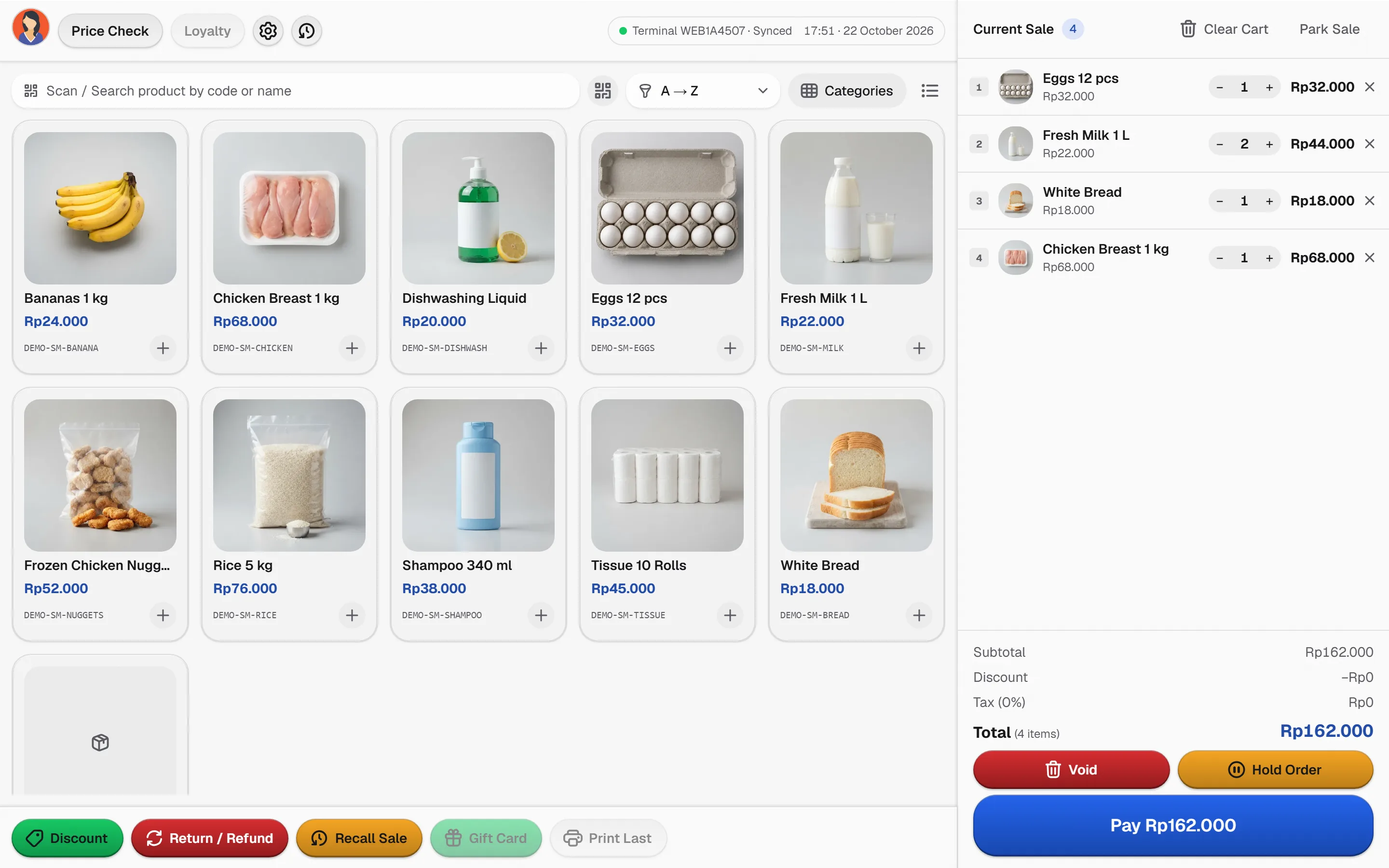
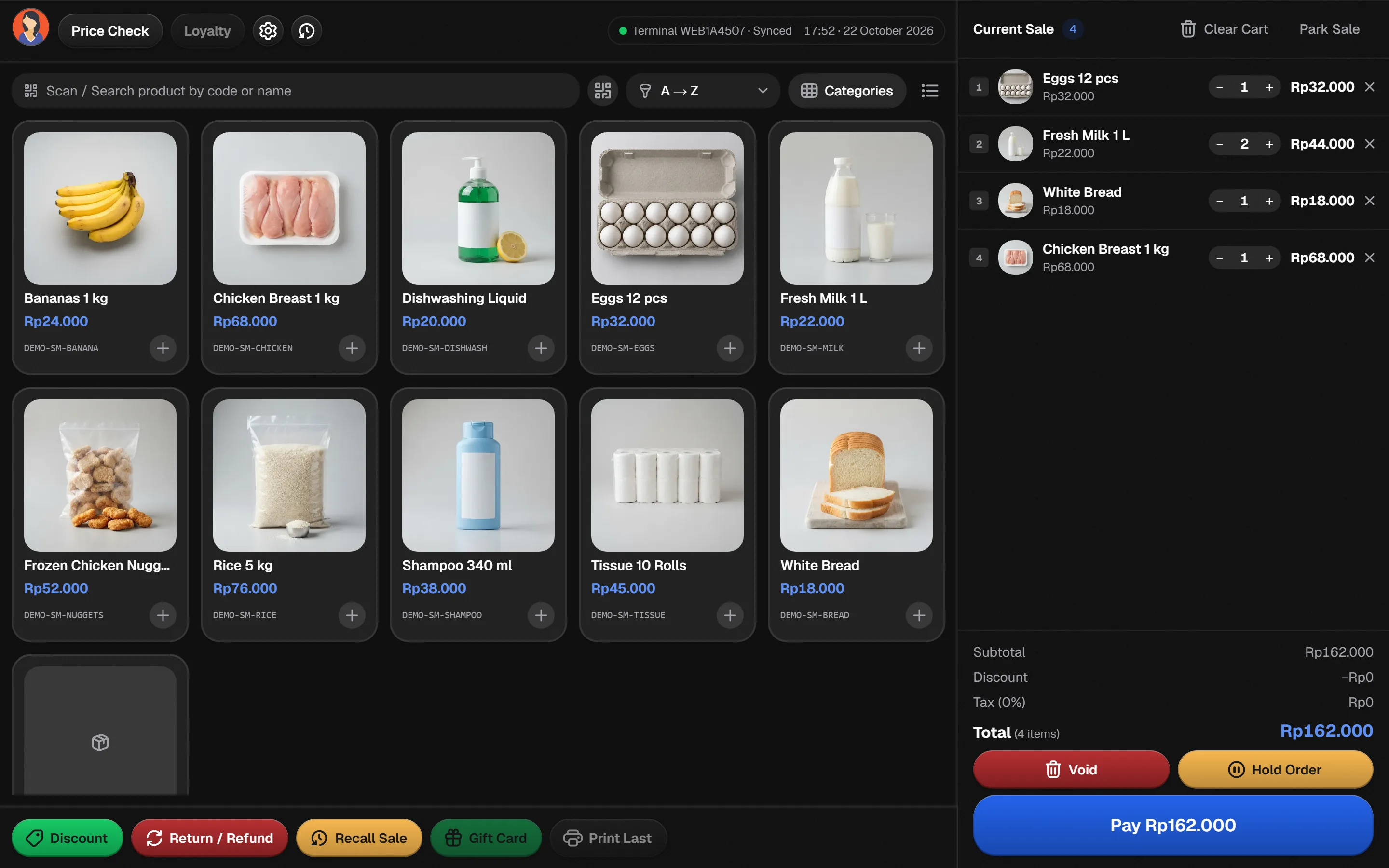
Five devices that make a counter
Choose by role. Specific models must be tested with your browser, system and receipt layout.
Receipt printer
Prints the Bakasir receipt through the printer your operating system already knows. Match paper width and margins in Receipt settings.
Barcode scanner
A keyboard-mode scanner types the code into the focused POS scan field, so there is no driver to install. Check the Enter suffix.
Cash drawer
Most drawers open from the receipt printer connection or a device utility. Confirm the opening signal on your exact model.
Tablet or terminal
Any touchscreen or computer with a current browser can run the POS. Check screen size, touch input and a stable network.
Barcode label printer
Print product labels with the Print Barcode plugin and its Windows program, on any printer your Windows system lists.
How each device usually connects
A starting point, not a guarantee. Always test the exact model before relying on it in service.
| Device | USB | LAN or Wi-Fi | Bluetooth | Maker driver | Windows helper |
|---|---|---|---|---|---|
| Receipt printer | Commonly works, still test it | Commonly works, still test it | Depends on the model, test first | Commonly works, still test it | Not applicable |
| Barcode scanner | Commonly works, still test it | Not applicable | Depends on the model, test first | Not applicable | Not applicable |
| Cash drawer | Depends on the model, test first | Not applicable | Not applicable | Depends on the model, test first | Not applicable |
| Tablet or terminal | Depends on the model, test first | Commonly works, still test it | Depends on the model, test first | Not applicable | Not applicable |
| Label printer | Commonly works, still test it | Depends on the model, test first | Not applicable | Commonly works, still test it | Commonly works, still test it |
- Commonly works, still test it
- Depends on the model, test first
- Not applicable
One browser POS at the center
Hover or focus a device to follow its connection back to the terminal.
Software first. Set up the counter your way.
Bakasir does not yet sell certified hardware bundles. We help you choose a testable device workflow without claiming a model, warranty or price that has not been published.
Hardware questions
No certified Bakasir device catalog or hardware price list is published. Contact the team before buying a device specifically for Bakasir.
Possibly. Test the exact model with your browser, operating system, barcode format and receipt layout before relying on it in service.
A prepared POS terminal can use the supported offline flow. Test recovery and synchronization on the real device and network before opening.


