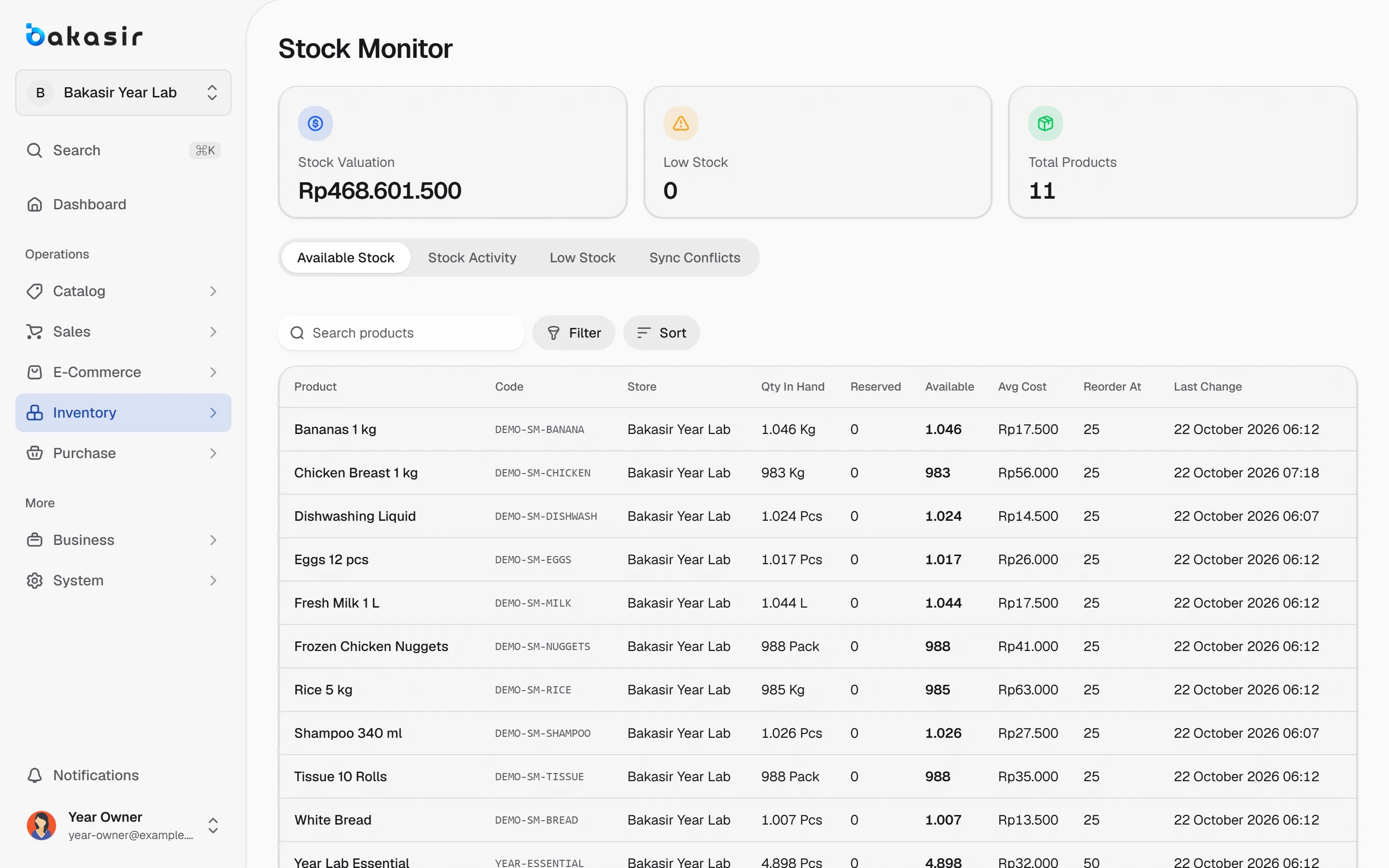
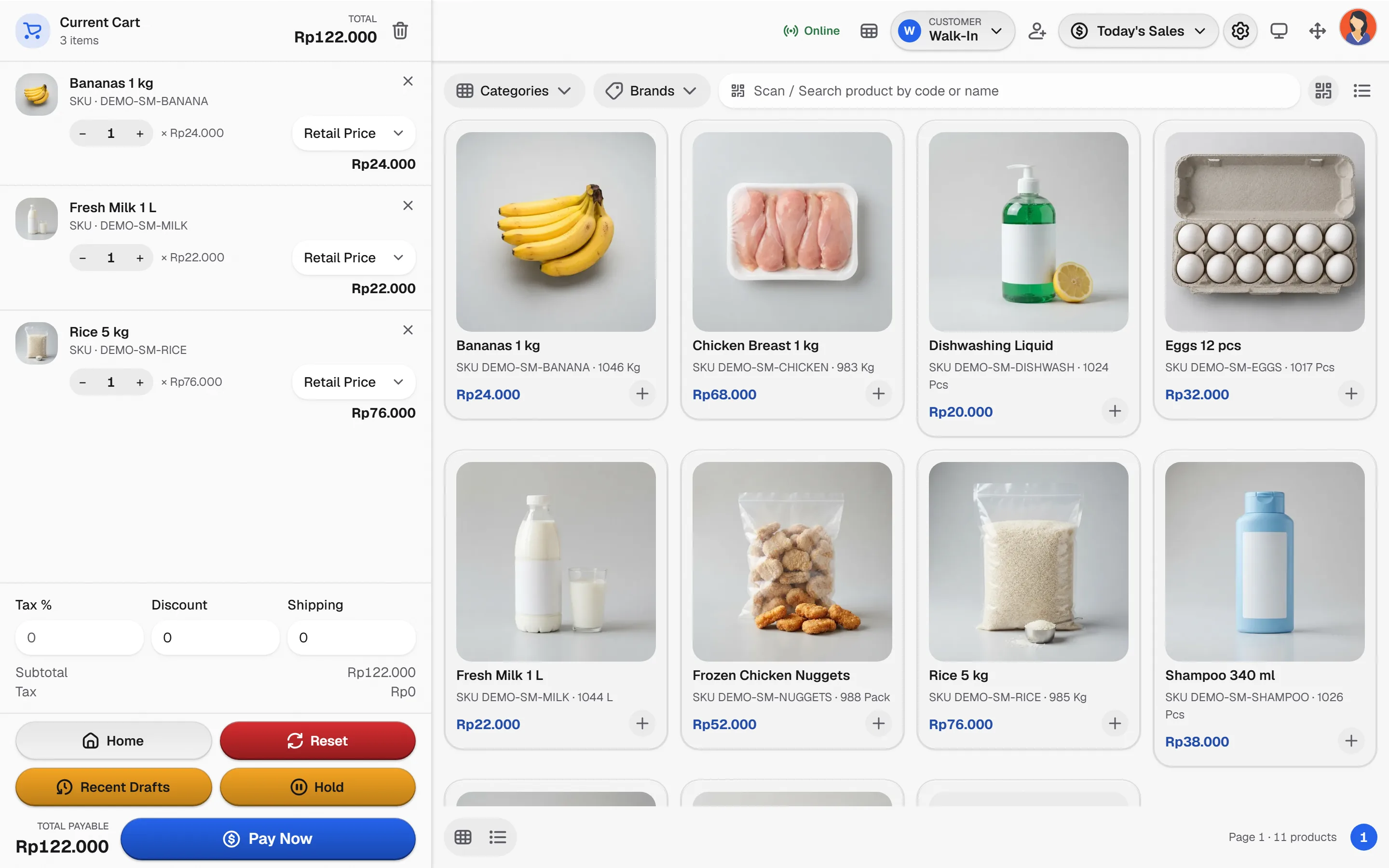
Sell clothing, gadgets, gifts and everyday goods with size and color variants, barcode scanning and stock that updates on every sale.
Build a basket
Tap products to add or remove them. Stocked items deduct on payment; services never do.
- T-shirt, size MRp 129.000
- Canvas tote bagRp 89.000
TotalRp 218.000
Illustrative prices. Nothing here is saved.
From the shelf to the receipt
A retail day in four steps, all reading the same stock.
- 1
Prepare the catalog
Add products with categories, brands, units and variants such as size and color.
- 2
Scan or search
Scan the barcode, or search by name when the label is missing.
- 3
Apply price rules
Promotions and quantity pricing apply automatically; manual discounts need the right permission.
- 4
Pay and replenish
Take split payments, print the receipt and watch low-stock items before they run out.
Controls that keep a shop honest
The capabilities this kind of business uses every day.
Variants with real stock
Each size and color carries its own quantity, so the count matches the shelf.
Barcode checkout
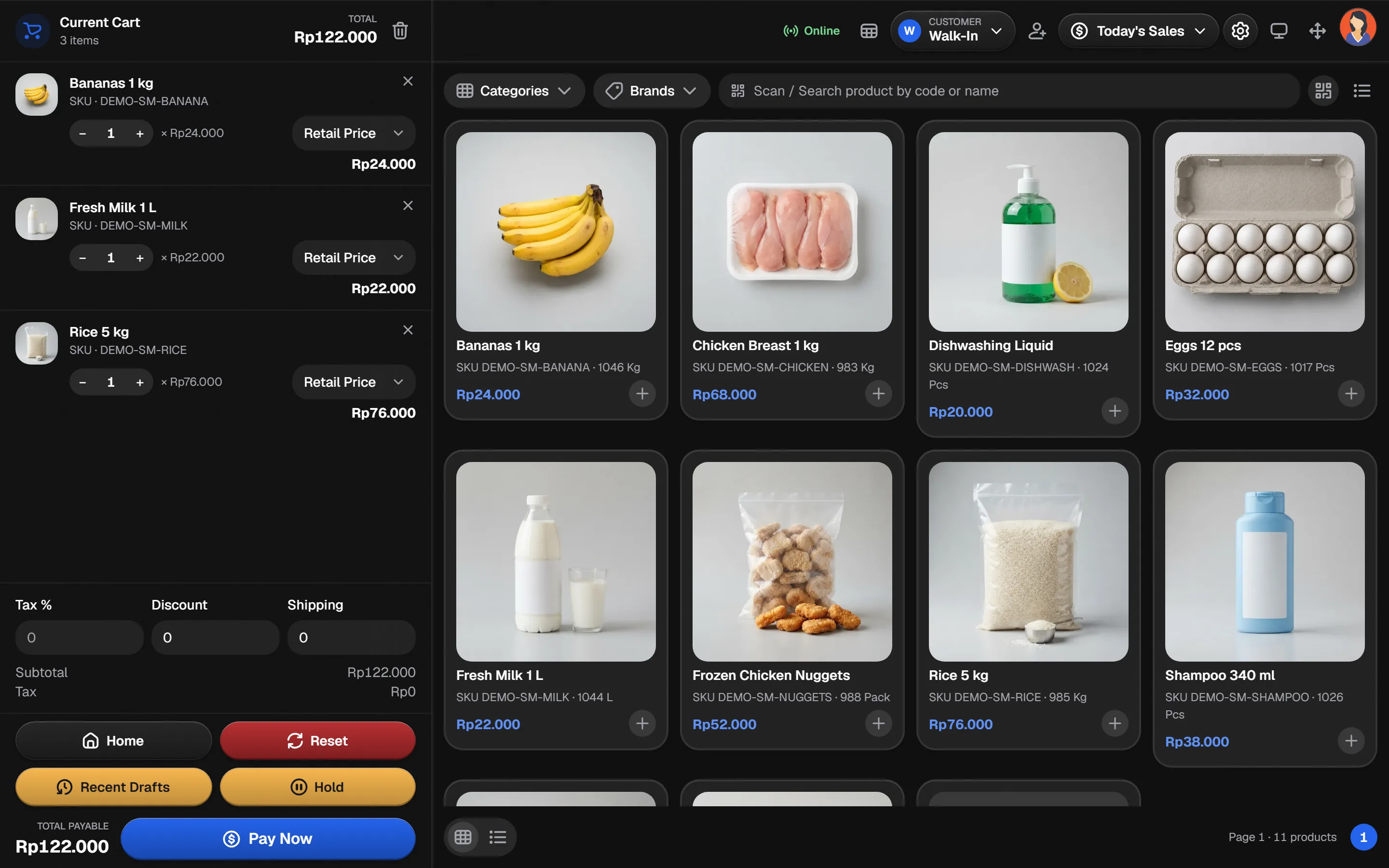
Keyboard-mode scanners enter codes straight into the POS scan field.
Promotions and pricing tiers
Percentage, nominal and quantity-based rules with a clear priority at checkout.
Purchases and stock counts
Record purchases, transfers and counts so every movement stays traceable.
See it in the real Bakasir app
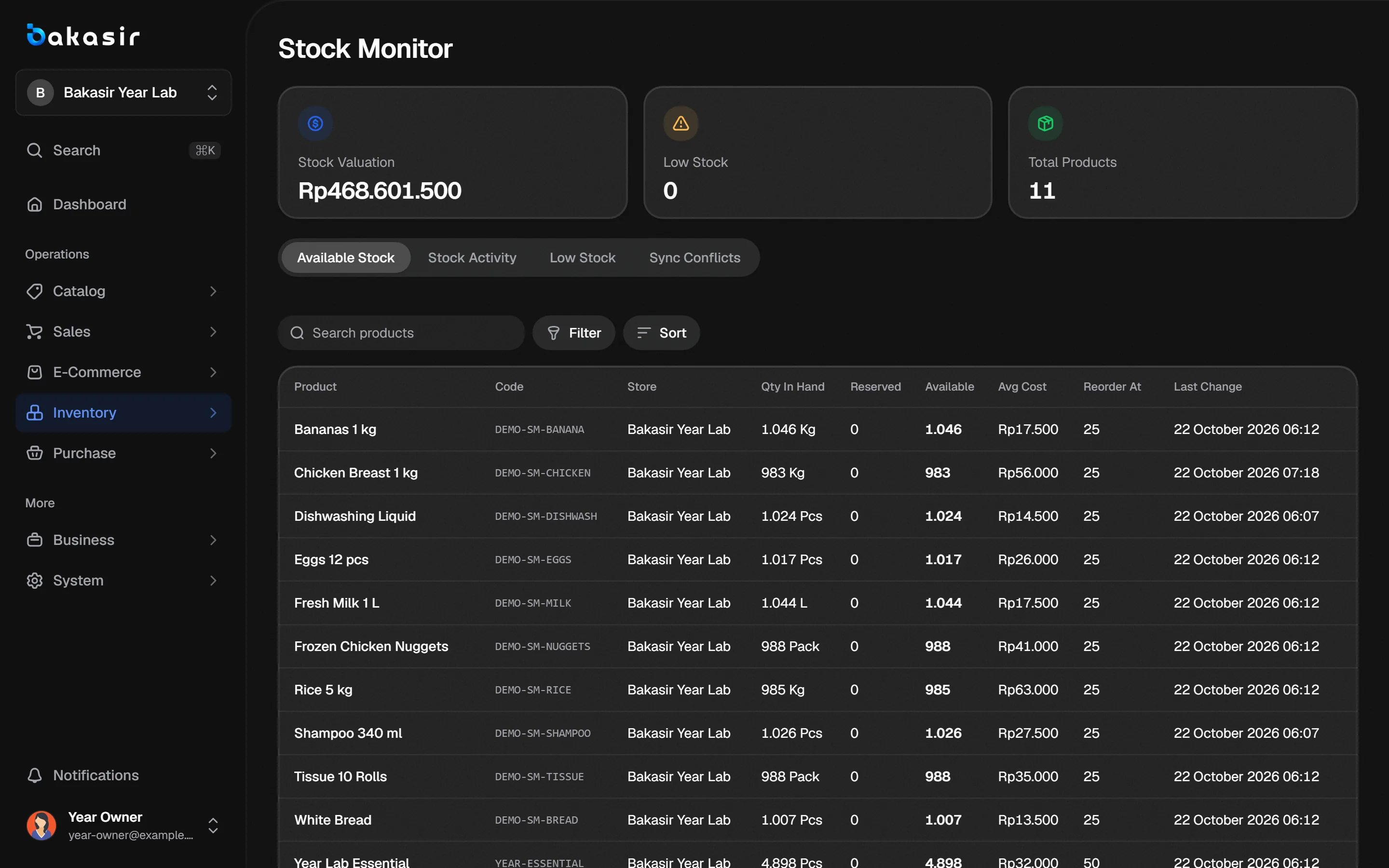
Inventory shows quantity per product and variant, low-stock alerts and a ledger entry for every movement.