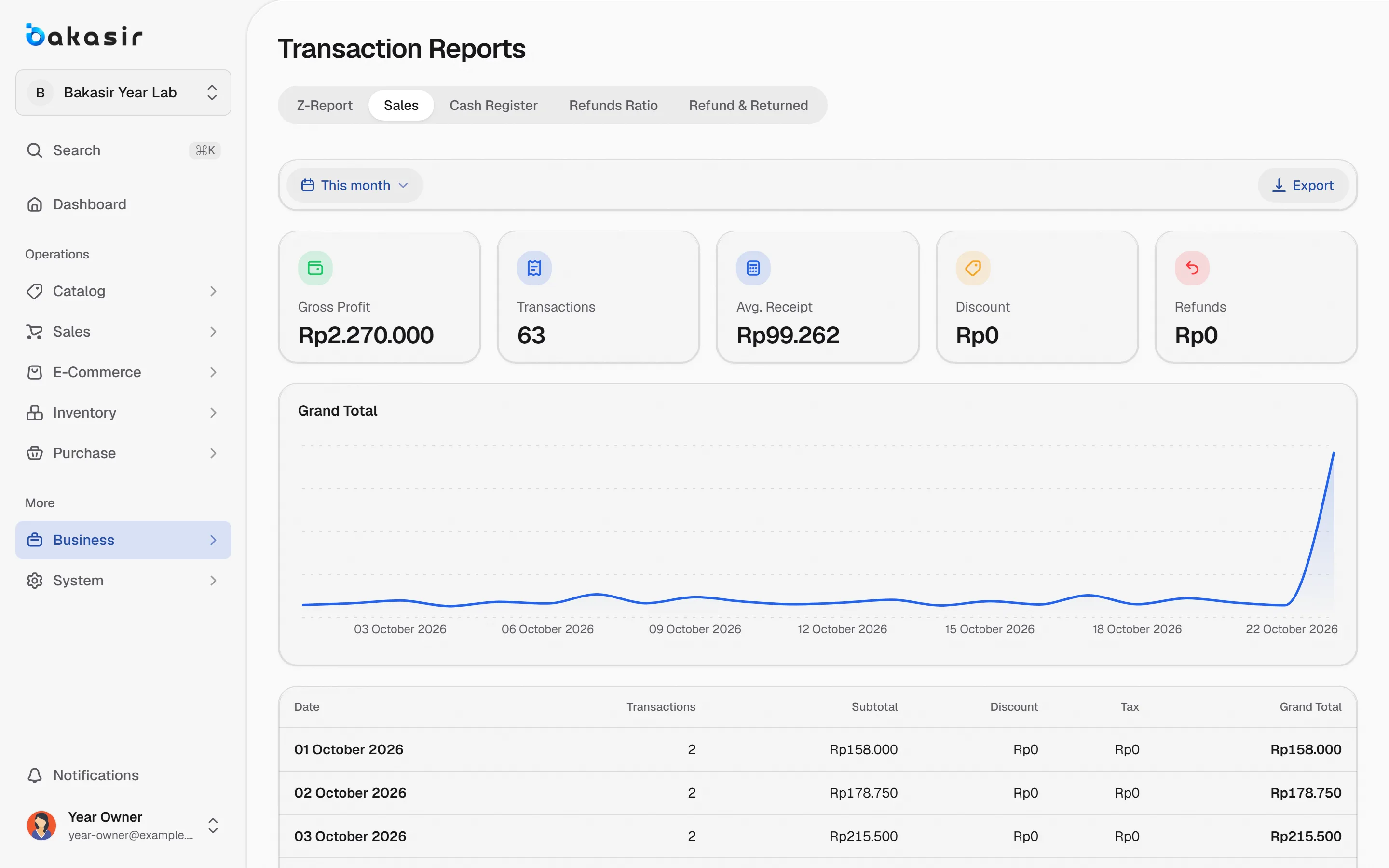
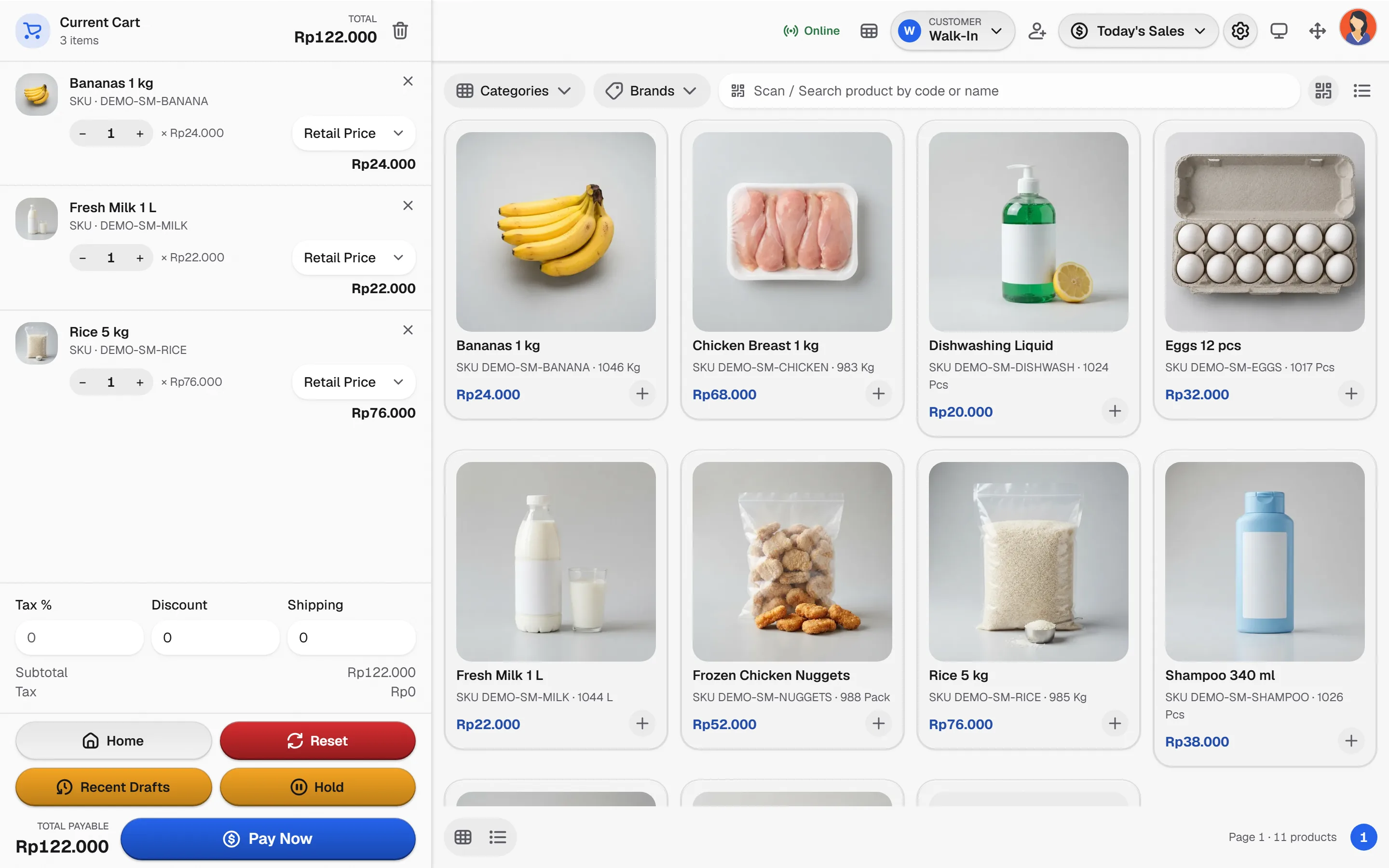
Price by quantity, connect every purchase to a sale and track what customers still owe, with units and variants kept consistent.
From purchase order to payment
The supply loop, kept in one set of records.
- 1
Fix units and variants
Set pack sizes and variants once so purchases and sales speak the same unit.
- 2
Buy from suppliers
Record purchases and received stock; item cost follows your costing setting.
- 3
Price by quantity
Tiered prices apply when the cart reaches each quantity, ahead of the base price.
- 4
Invoice and follow up
Issue invoices, record payments and review what is still due per customer.
Wholesale, without the ERP weight
The capabilities this kind of business uses every day.
Quantity pricing
Tier ladders by quantity, with manual prices and promotions kept visible.
Purchasing to stock
Purchases feed the stock ledger and the cost of goods sold.
Payments and balances
Review what was supplied and what remains due, with traceable corrections.
Clear boundaries
Bills of materials, production scheduling and ERP integrations are not included.
Slide the quantity
Drag to see which price tier applies and how the line total changes.
Unit price: Rp 16.500Line total: Rp 396.000
Illustrative prices. Set your own tiers in Quantity Pricing.
See it in the real Bakasir app
Reports show sales, purchases and stock movement for each outlet, with every correction traceable.