Run dine-in, takeaway and delivery from one browser POS. Attach orders to tables, send them to the kitchen and split the bill by item or by amount.
From table map to closing, in one flow
Every step writes to the same sale record, so the floor, the kitchen and the report never disagree.
- 1
Open the table map
Pick a free table, choose Dine-In, Take Away or Delivery and attach the order to the table.
- 2
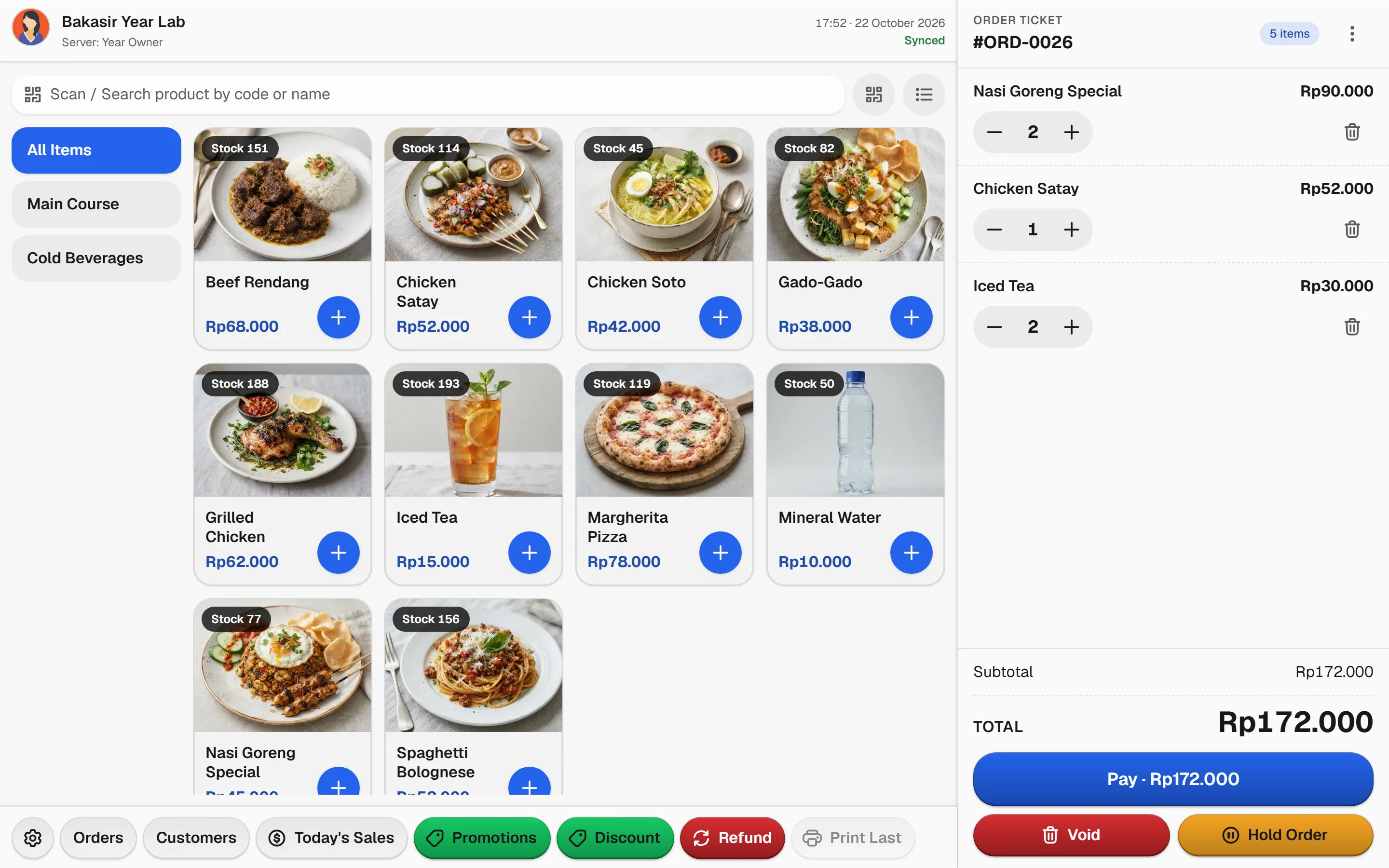
Add items and modifiers
Tap menu items, choose sizes and add-ons, and leave notes for the kitchen.
- 3
Send to the kitchen
Send or update the order ticket while the cart stays open on the table. Test kitchen printing on your own device.
- 4
Split and settle
Split the bill by item or by amount, accept cash, QRIS or bank transfer, then close the table.
Built for the dining floor
The capabilities this kind of business uses every day.
Table management
A table map with Available, Occupied, Reserved and Billed states, plus merge and move table.
Order types and modifiers
Dine-in, takeaway and delivery with add-ons, sizes, flavors and notes to the kitchen.
Split bill, many payments
Split per item or per amount and mix cash, QRIS and bank transfer on one bill.
Sales and cost reports
Daily sales, tax, payment methods and food costs per outlet in the business timezone.
Try the table map
Tap a table to change its status, then send the order to the kitchen.
Table 2
Occupied
Tap a table to cycle Available, Occupied, Reserved and Billed.
See it in the real Bakasir app
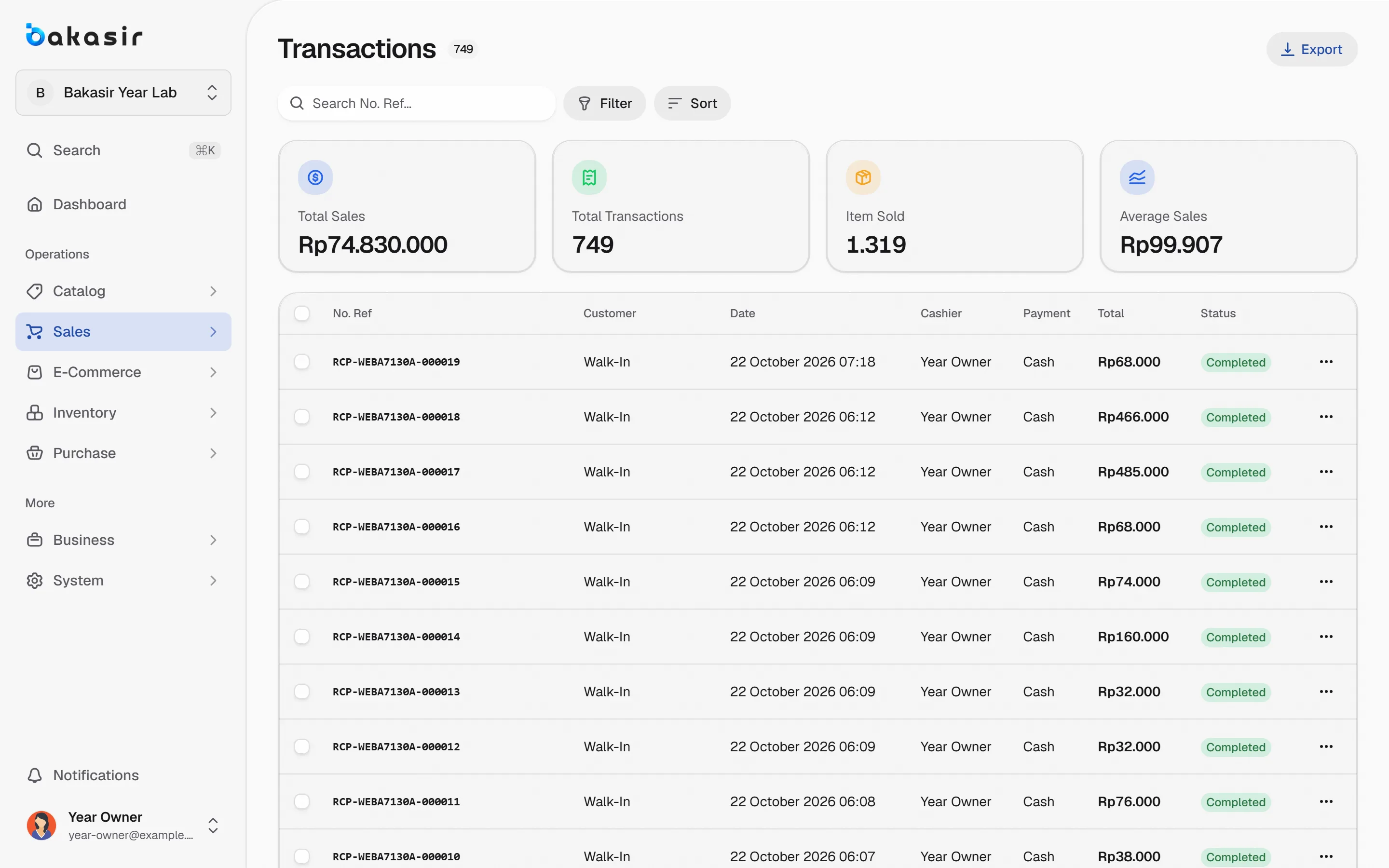
Completed sales appear in Transactions with their payment method, ready for review, reprint and reporting.