Install the Bakasir POS from your browser on Windows, macOS or Linux. It opens in its own window, prints receipts through your system printer and queues sales offline.
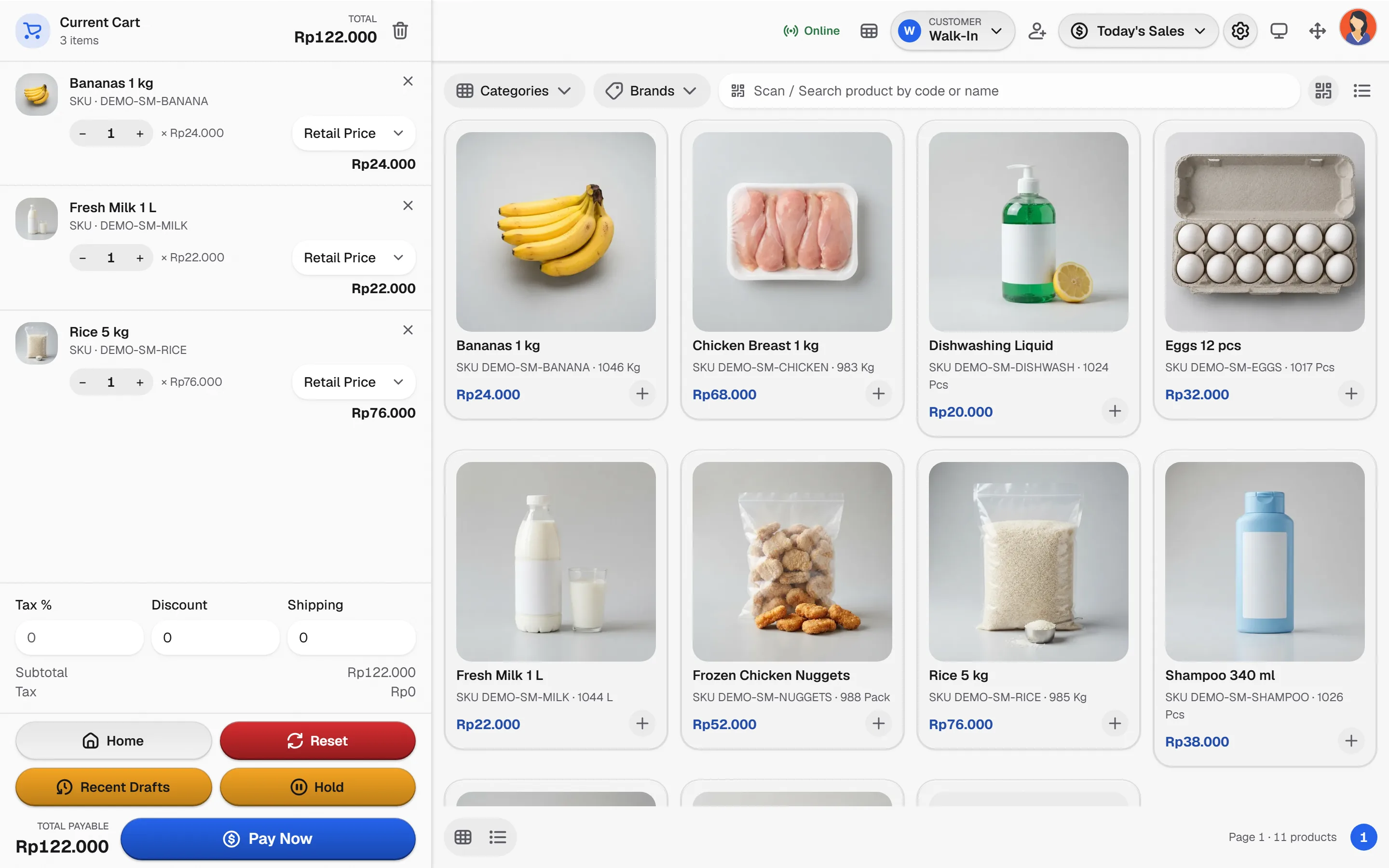
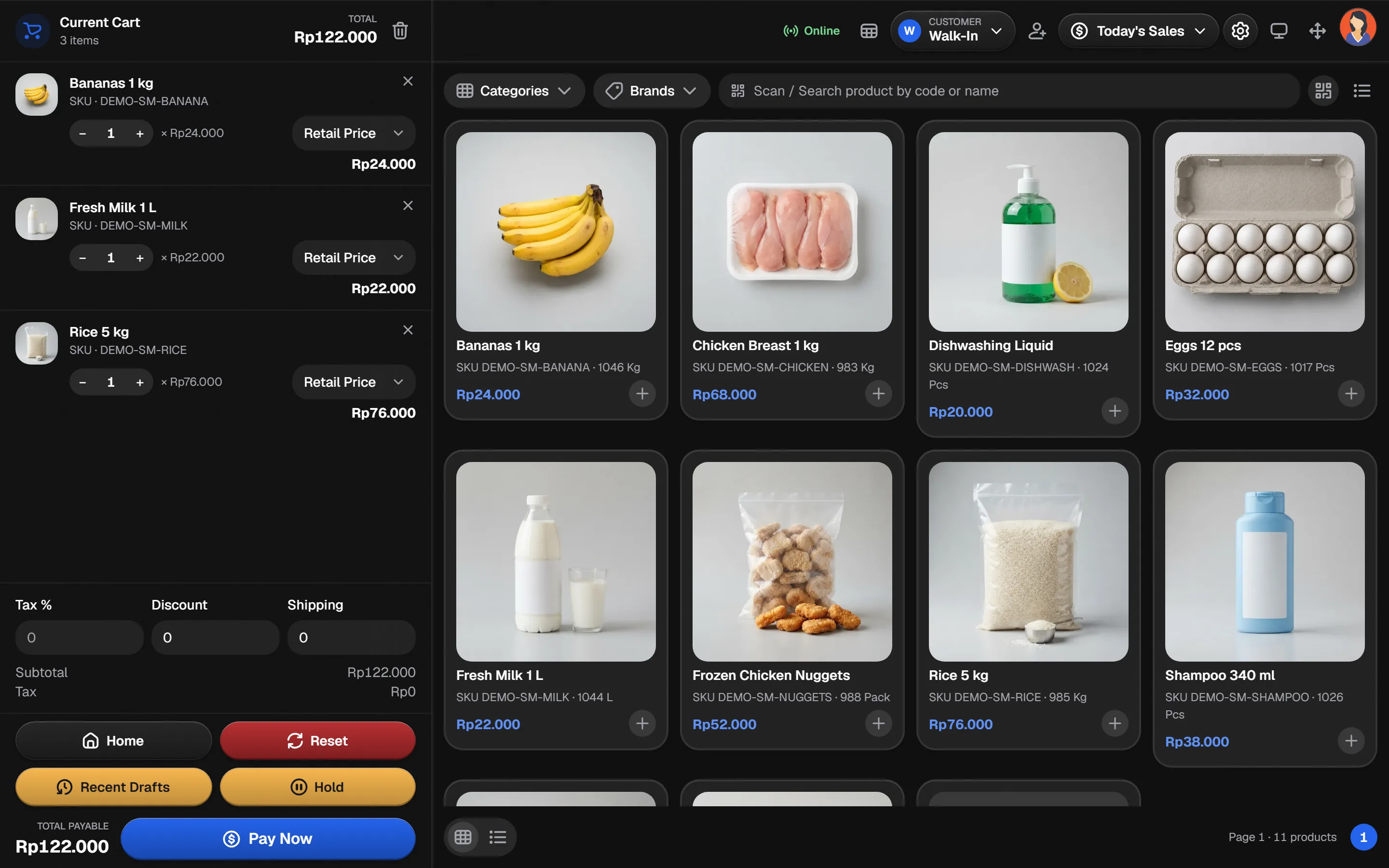
Install the cashier app on your own computer
No third-party installer. Pick your system and follow the steps; the app updates itself whenever you open it online.
How to install
Microsoft Edge or Google Chrome
- 1Open the Bakasir Portal in Edge or Chrome and sign in.
- 2Choose Install app from the address bar or the browser menu.
- 3Pin the Bakasir POS window to the taskbar for one-click start.
- 4Open Settings, then POS, and set the receipt printer and cash drawer options.
Windows helper for barcode labels
The Print Barcode plugin has its own Windows program, paired to your tenant with a one-time code. Download it from the plugin page inside the Portal, never from an unofficial mirror.
Sales are saved on the device first, then synced
A prepared terminal keeps taking orders without a connection. Switch the connection off and watch the queue fill, then switch it on to see it clear.
Online: the queue is sent to the Bakasir server and reports update.
What you get on the desktop
The same cashier features as the browser, in a window of their own.
- Installs from the browserNo installer file to trust, and updates arrive when you open the app online.
- Offline sale queueSales made offline are kept on the device and synced when the connection returns.
- Receipts on your printerPrint through the printer the operating system already knows, at the paper width you set.
- Keyboard-mode scannersScan barcodes straight into the POS search field with a USB or Bluetooth scanner.
- Cashier sessionsOpening cash, one active cashier per terminal and a counted close.
- Manager PINDiscounts and voids that need approval ask for a Manager or Owner PIN.
- Multi-outletSwitch stores the account is allowed to use without signing in again.
- Light and dark themesFollow the system theme so the counter stays easy to read all day.
Desktop app questions
The cashier app is installed from the browser. A native POS installer is not published, so do not run files that claim to be Bakasir from other sources.
A prepared terminal can queue sales offline and sync later. Open and test it on the real device and network before service.
Use the Print Barcode plugin and its Windows program, paired from the plugin page in the Portal.


