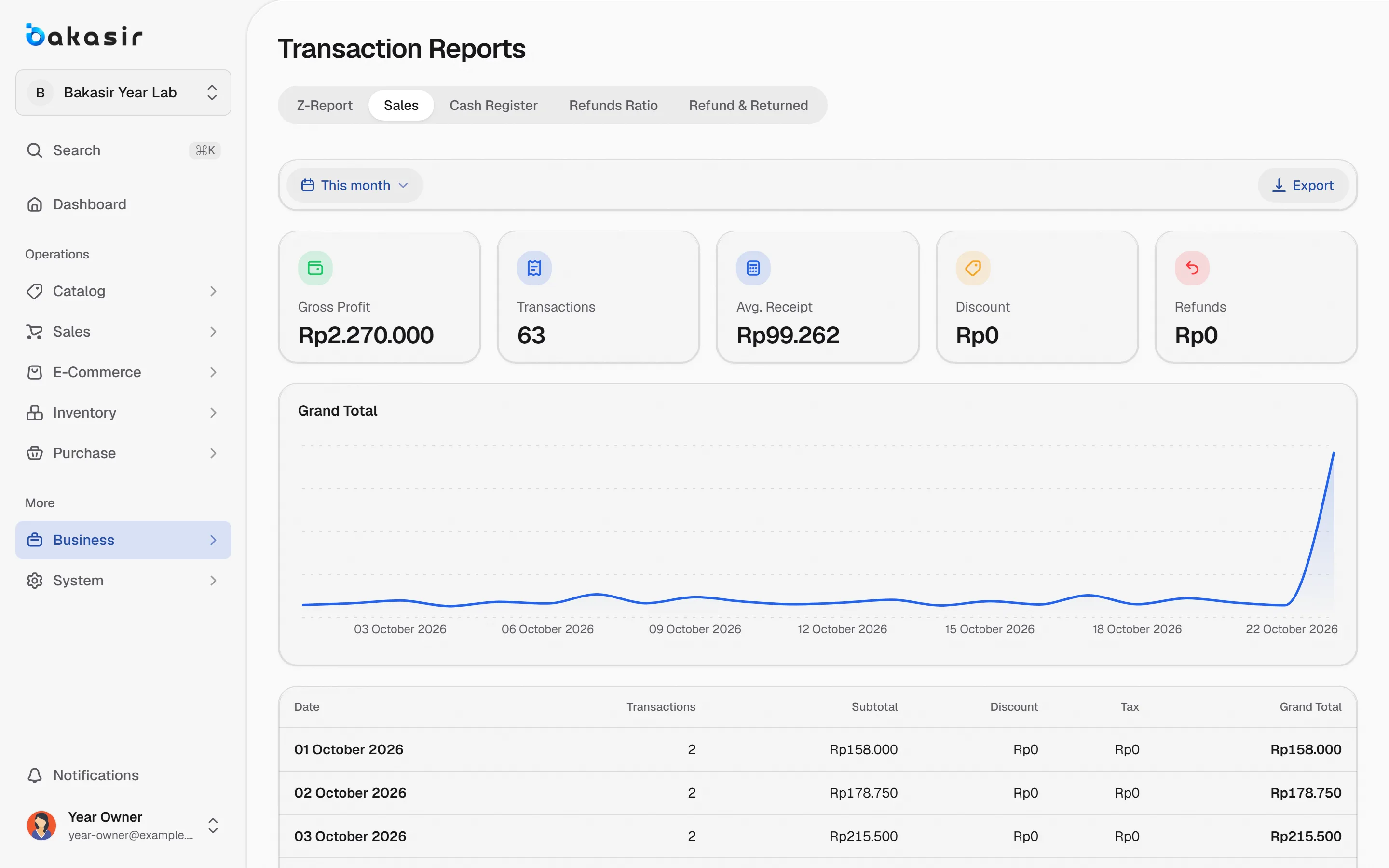
A dense, barcode-first checkout for busy lanes, with purchasing, stock counts and cash reconciliation that close with numbers you can trust.
A lane from scan to reconciliation
Four stages that repeat every shift.
- 1
Scan at the lane
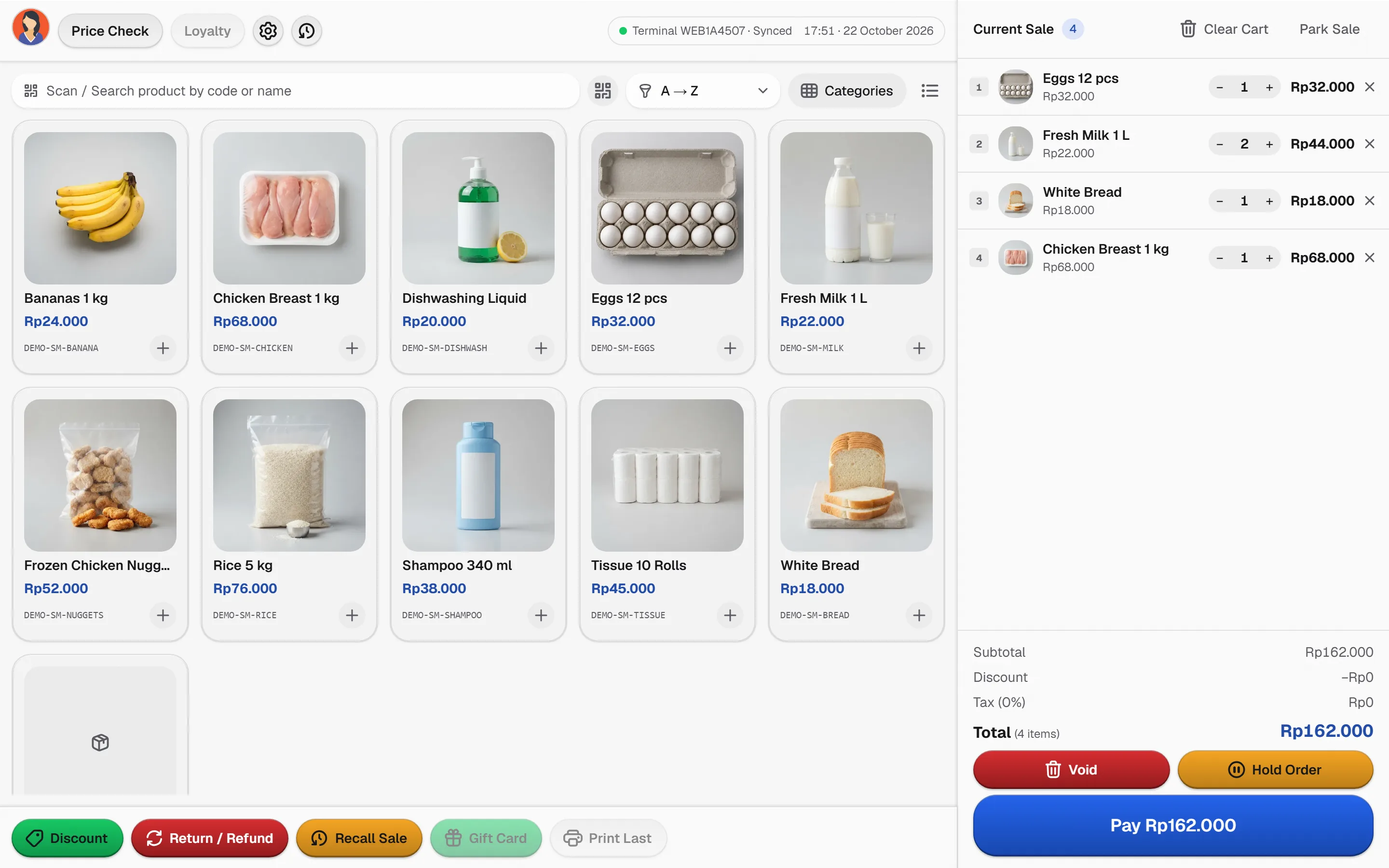
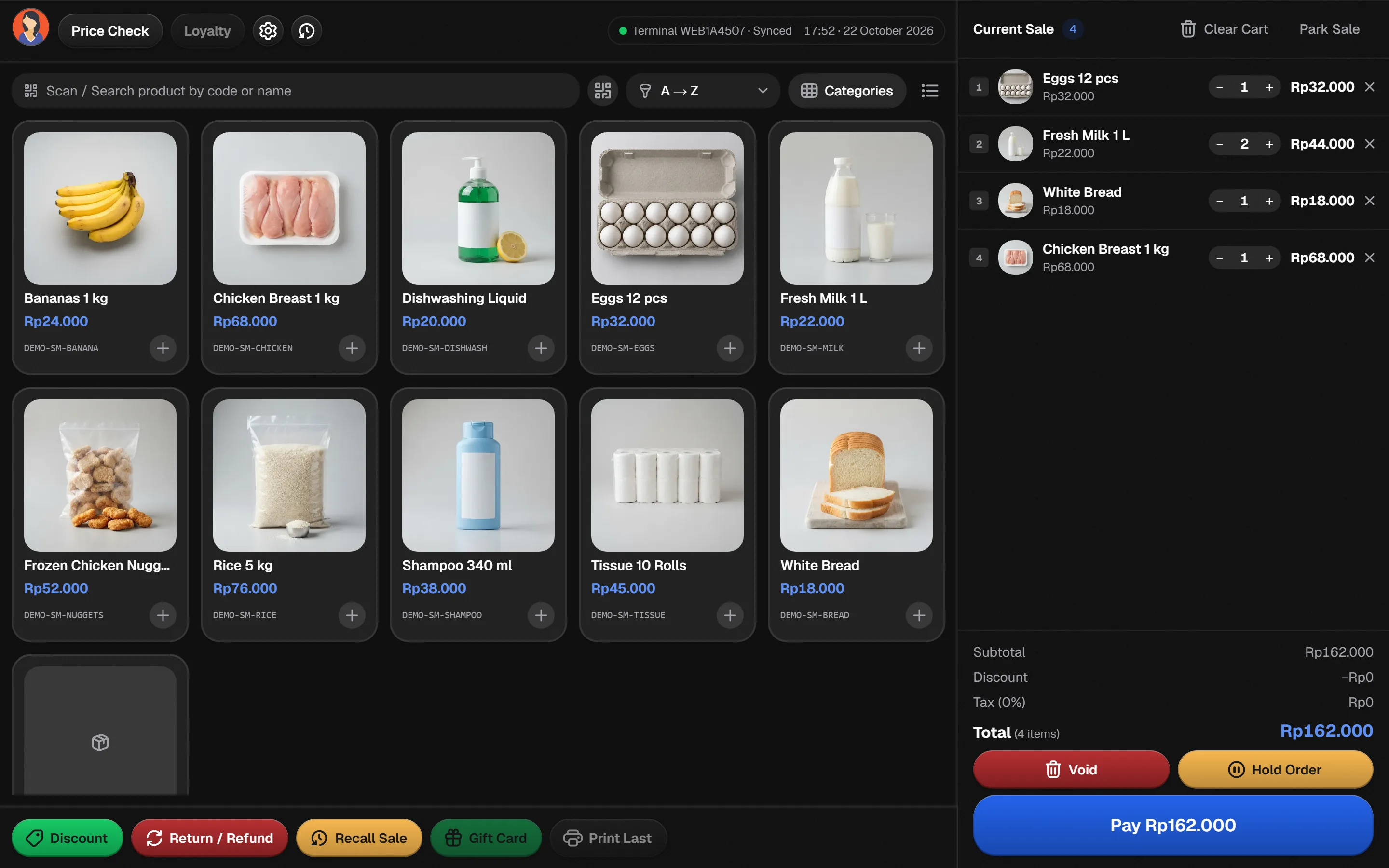
Barcode search adds items instantly, and the Supermarket POS layout keeps the cart dense and readable.
- 2
Price rules apply themselves
Quantity tiers and promotions resolve on the server, so every lane quotes the same price.
- 3
Pay your way
Split tenders across cash, QRIS and transfer; change is calculated against the drawer.
- 4
Replenish and reconcile
Receive purchases, adjust stock after counts and close each cashier session with the drawer counted.
Built for volume
The capabilities this kind of business uses every day.
Barcode-first layout
Supermarket POS style with search, categories and a dense cart for high-volume lanes.
Quantity pricing
Tiered prices for multi-packs and bulk buys, resolved by the server.
Purchasing cycle
Supplier purchases, received stock, adjustments and counts feed one inventory ledger.
Reconcilable close
Compare sales, payment methods, returns and stock per outlet in the System timezone.
Scan a basket
Watch each scan add a line to the bill and draw down the shelf stock.
- Jasmine rice 5 kgStock 17
- Cooking oil 2 LStock 25
- Instant noodles 5-packStock 40
- Fresh milk 1 LStock 12
- Jasmine rice 5 kgRp 72.000
TotalRp 72.000
Illustrative prices and stock. Your own catalog drives the real checkout.
See it in the real Bakasir app
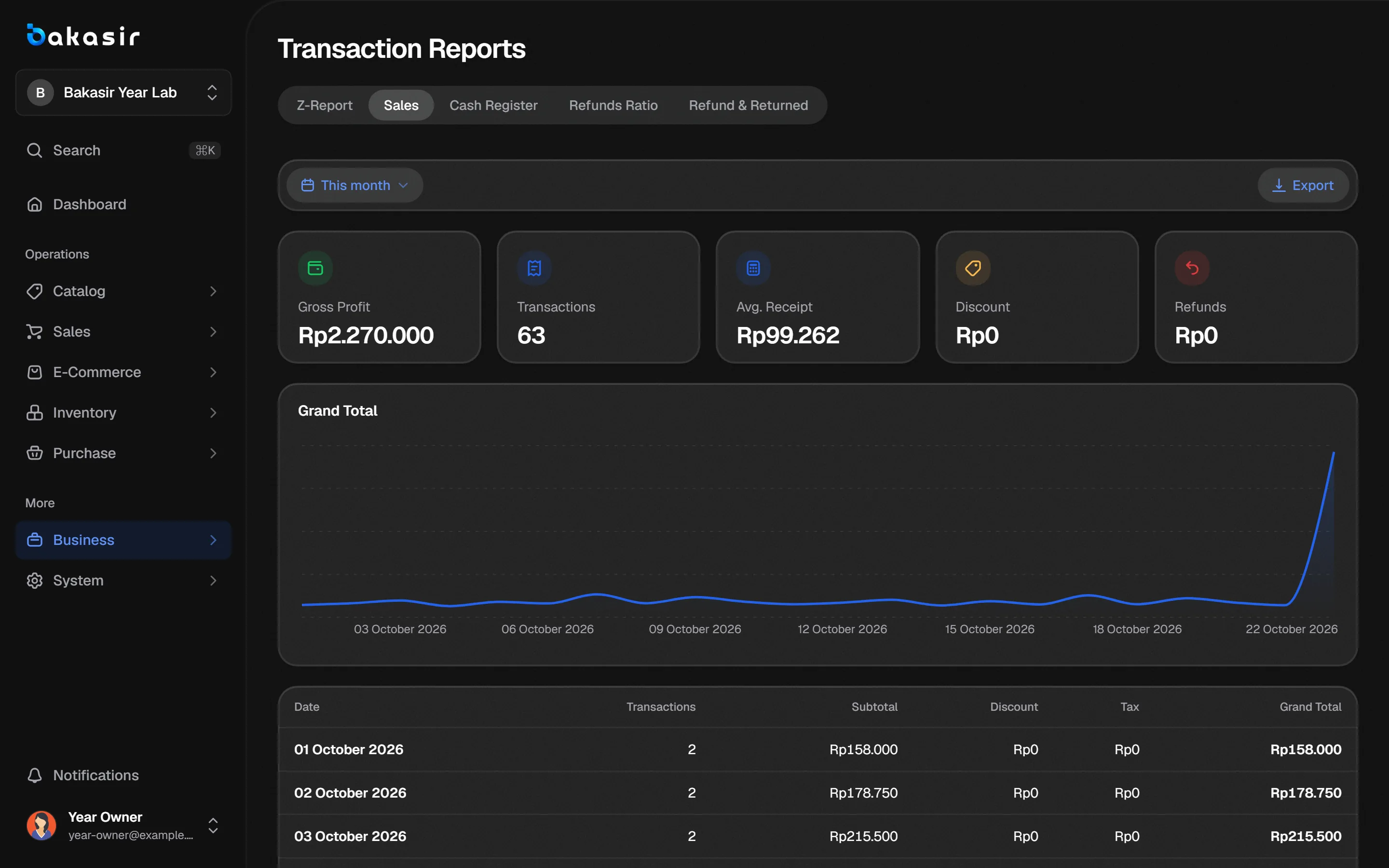
Reports break sales down by payment method, product and cashier, so closing matches the drawer.