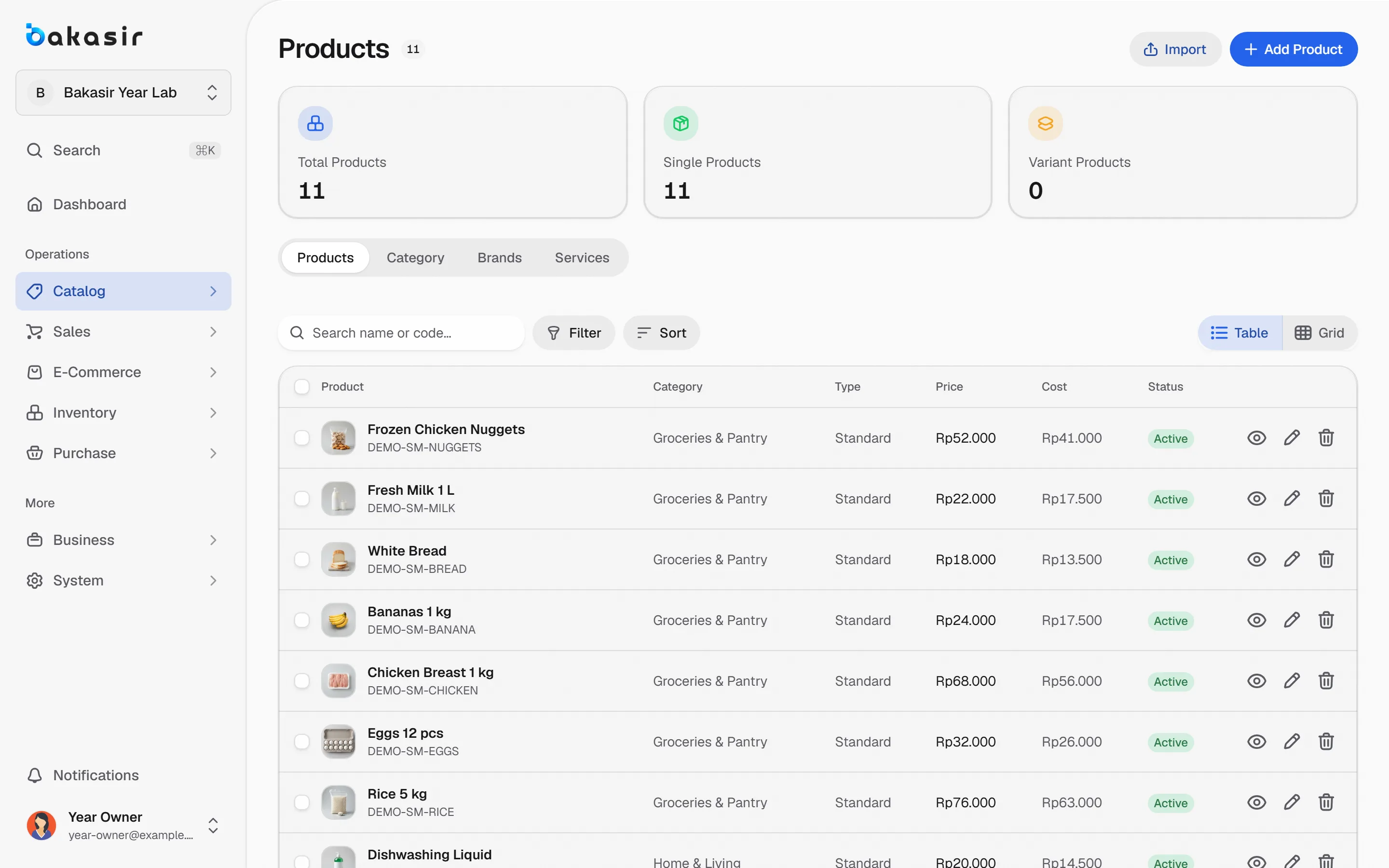
Start from the concept closest to yours, then tune the POS style, receipts and permissions to the way your team really works.
Compare the concepts
Switch between concepts to see the checkout path each one starts from.
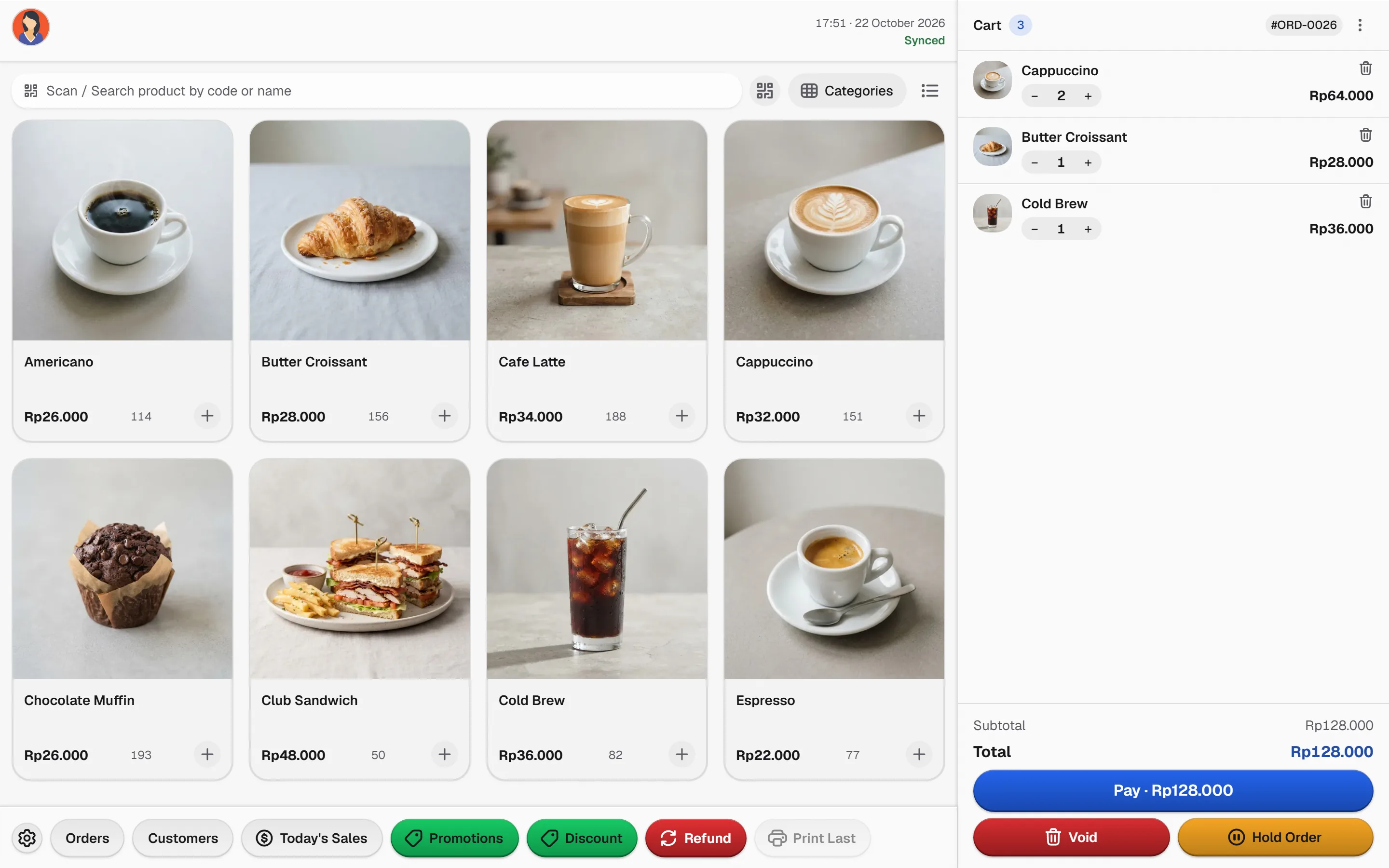
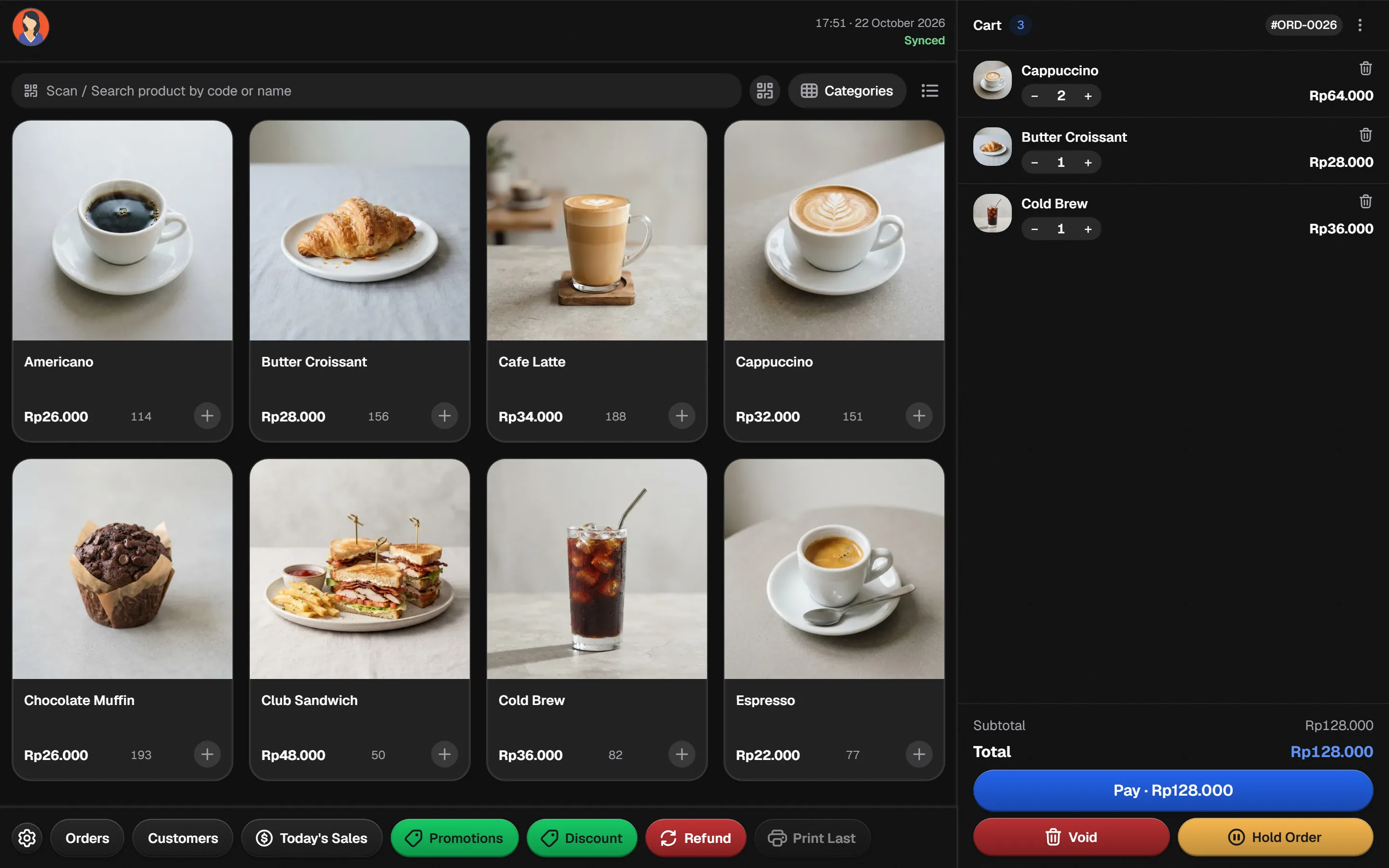
A four-column grid with photos, quick modifiers and held orders keeps a busy counter moving.
- Grid
- Modifiers
- Hold
- Pay
Illustrative flow. Confirm specialist requirements on your own hardware.
From idea to a working counter
Four decisions turn a concept into a configured POS.
- 1
Pick the closest concept
Cafe and bar, quick service or service shop each start from a matching POS style.
- 2
Shape the catalog
Organise the menu or services, with images and modifiers where they help.
- 3
Tune receipts and roles
Print only what the customer needs and give staff only what their role requires.
- 4
Review and refine
Use the daily summary and reports to adjust the menu and prices.
One platform, three concepts
The capabilities this kind of business uses every day.
Cafe and bar
A four-column product grid, order holds and a full-height cart.
Quick-service restaurant
A menu catalog with order type, tables and kitchen notes where relevant.
Service-led shop
Billable services alongside stock items, with customer history.
Honest scope
A recipe or ingredient-production engine is not implied by a menu catalog.
See it in the real Bakasir app
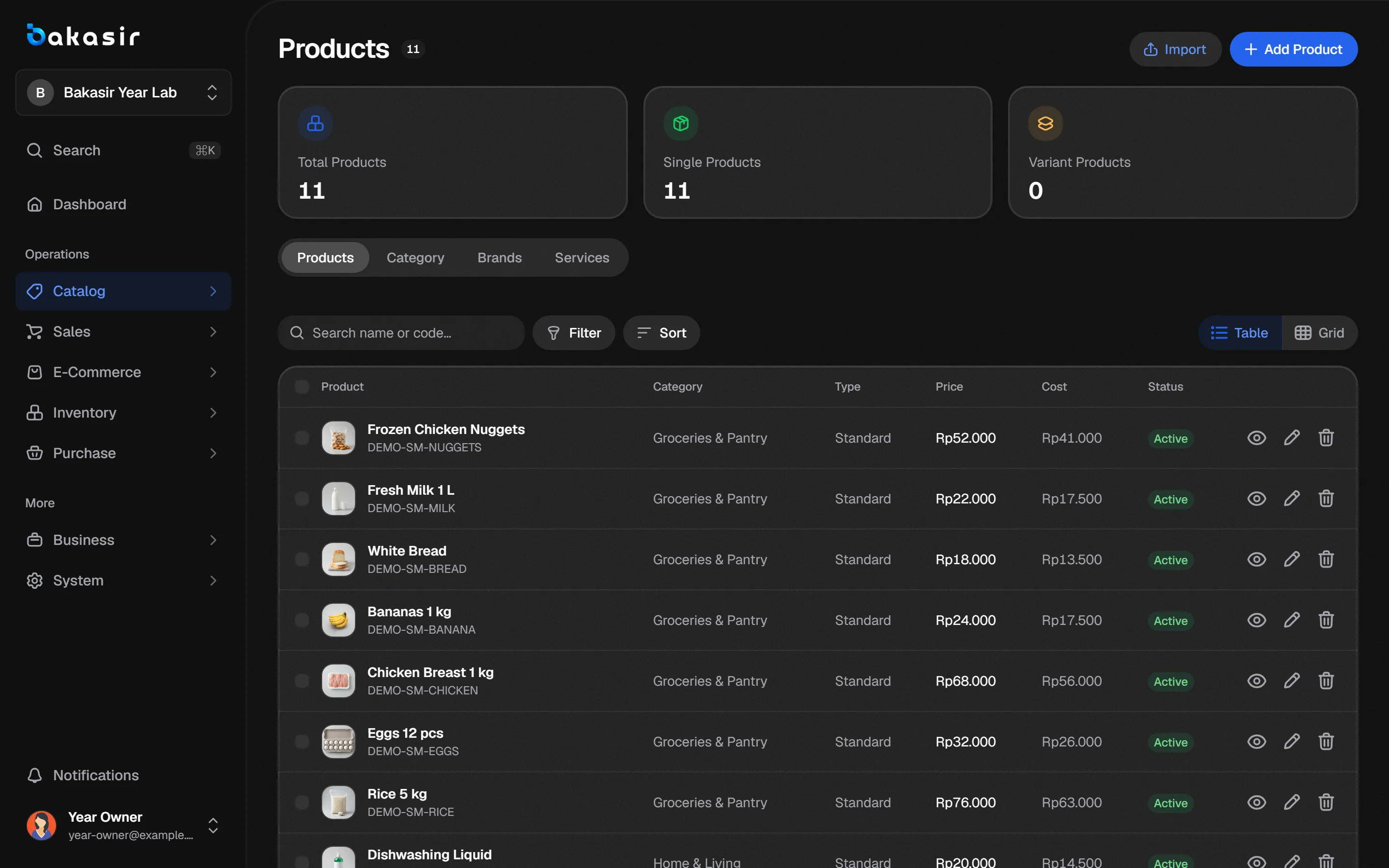
Product, category and modifier setup lives in one catalog that every POS style reads from.