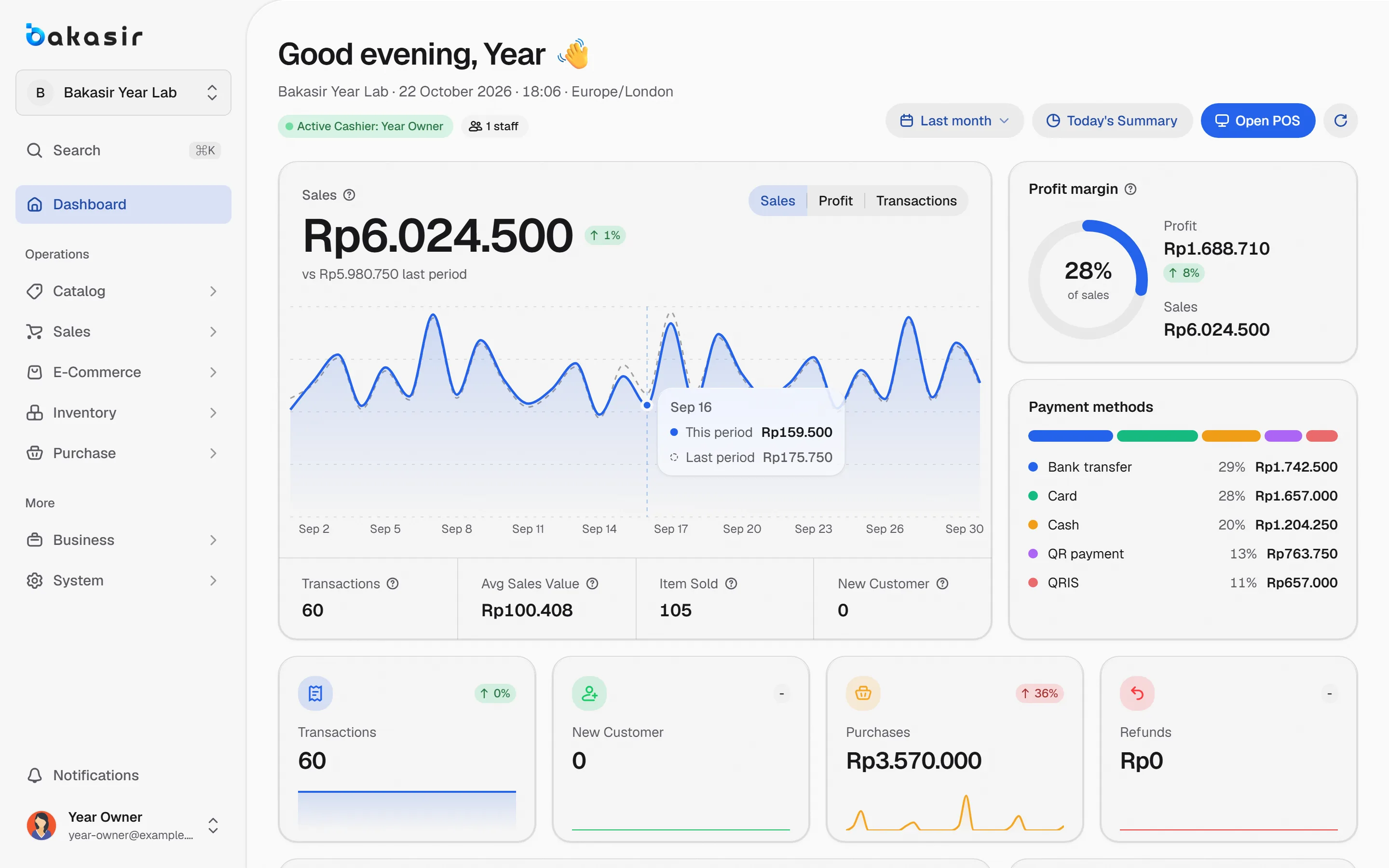
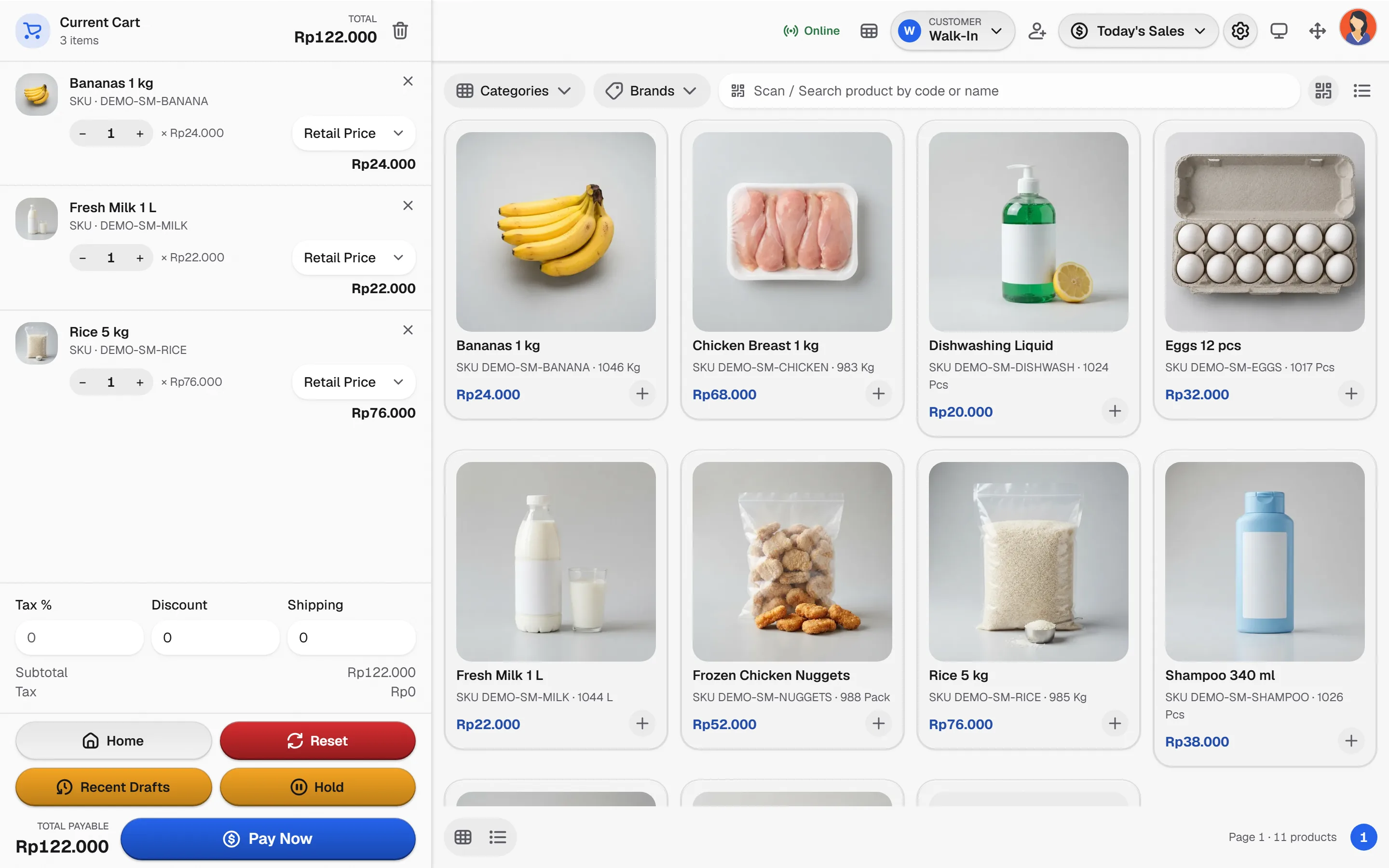
Set up your real products, count the opening stock and begin selling the same day. Add staff, outlets and plugins only when you need them.
Open for business in four steps
No consultants, no long setup. Just the minimum that makes the numbers true.
- 1
Pick a preset
Choose your business type and Bakasir prepares categories, units and the POS style.
- 2
Add what you sell
Create your own products or services, or import demo data you can reset later.
- 3
Count the opening stock
Enter starting quantities so reports begin from the truth.
- 4
Sell and read the numbers
Record sales and expenses, then read profit and sales together.
Small today, ready to grow
The capabilities this kind of business uses every day.
Business presets
Guided onboarding for restaurants, coffee, retail, supermarket, pharmacy and services.
Cash and QRIS
Record every payment method and reconcile the drawer at closing.
Expenses and profit
Profit excludes tax, and turnover is not the cash left in the drawer.
Grow without replacing the core
Add outlets, staff and plugins later. Extra outlets are billed separately.
Your first-day checklist
Tick each step to watch your setup fill up.
Tick steps as you go. Nothing is saved on this page.
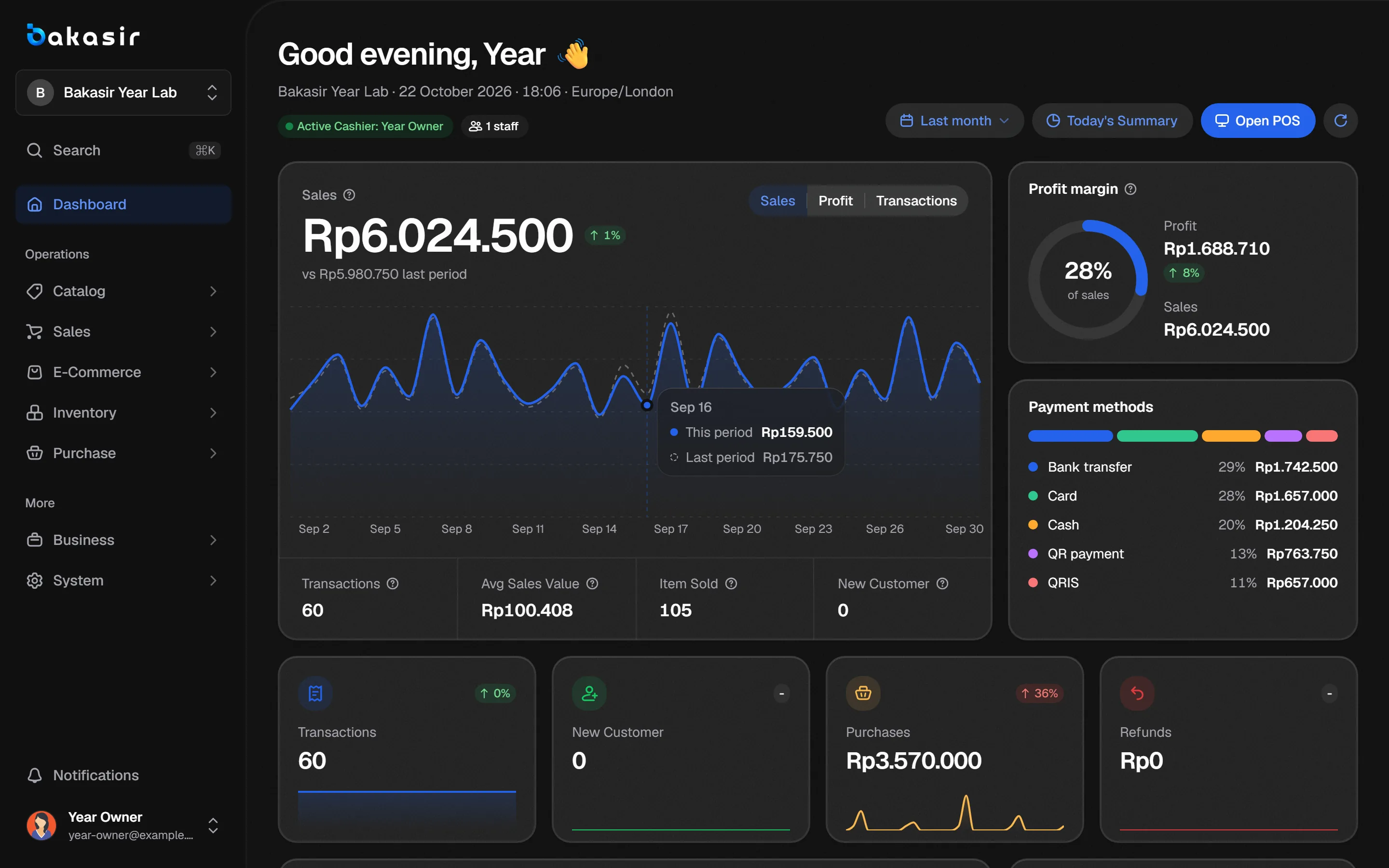
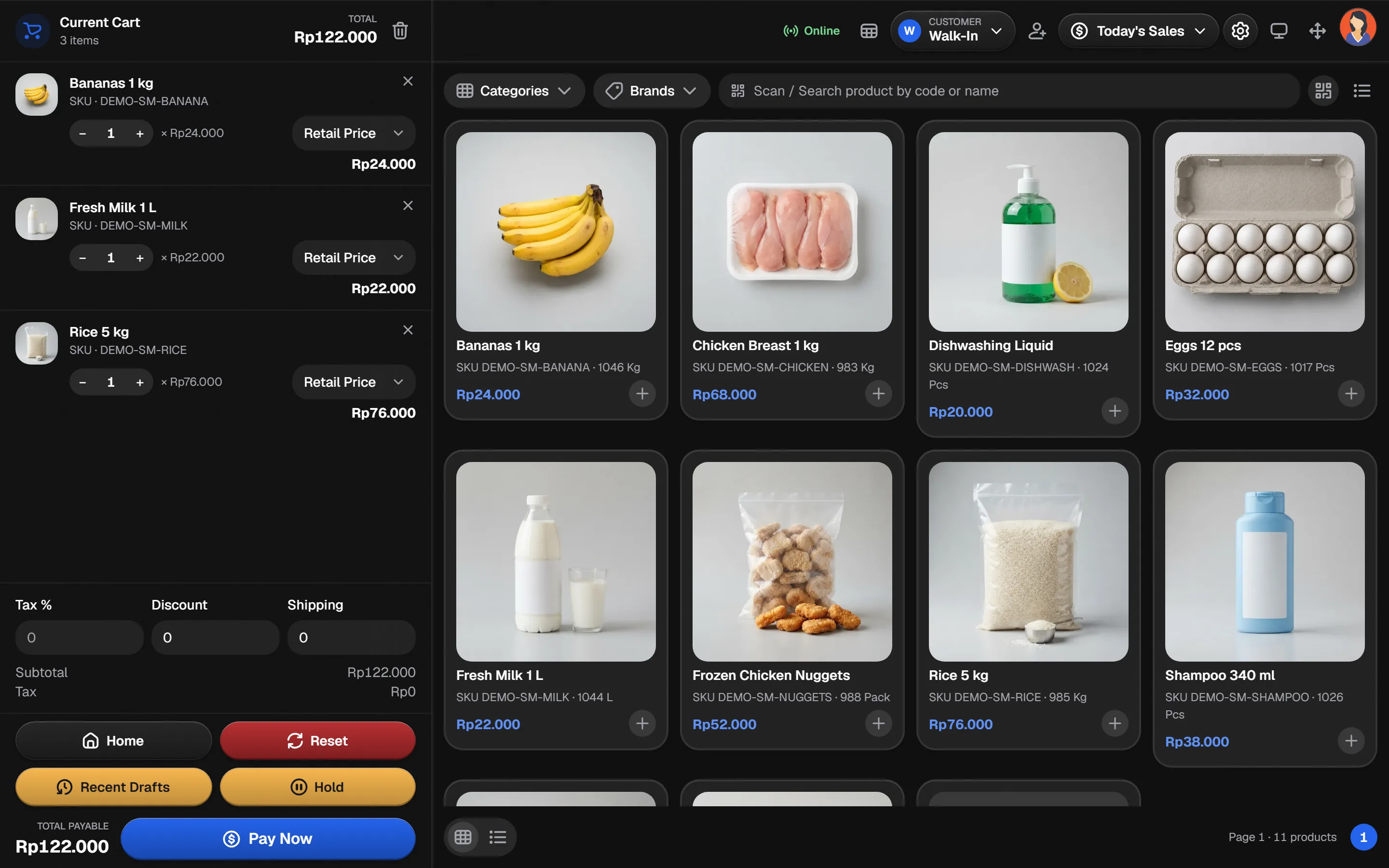
See it in the real Bakasir app
The dashboard shows today's sales and profit as soon as the first sale is recorded.