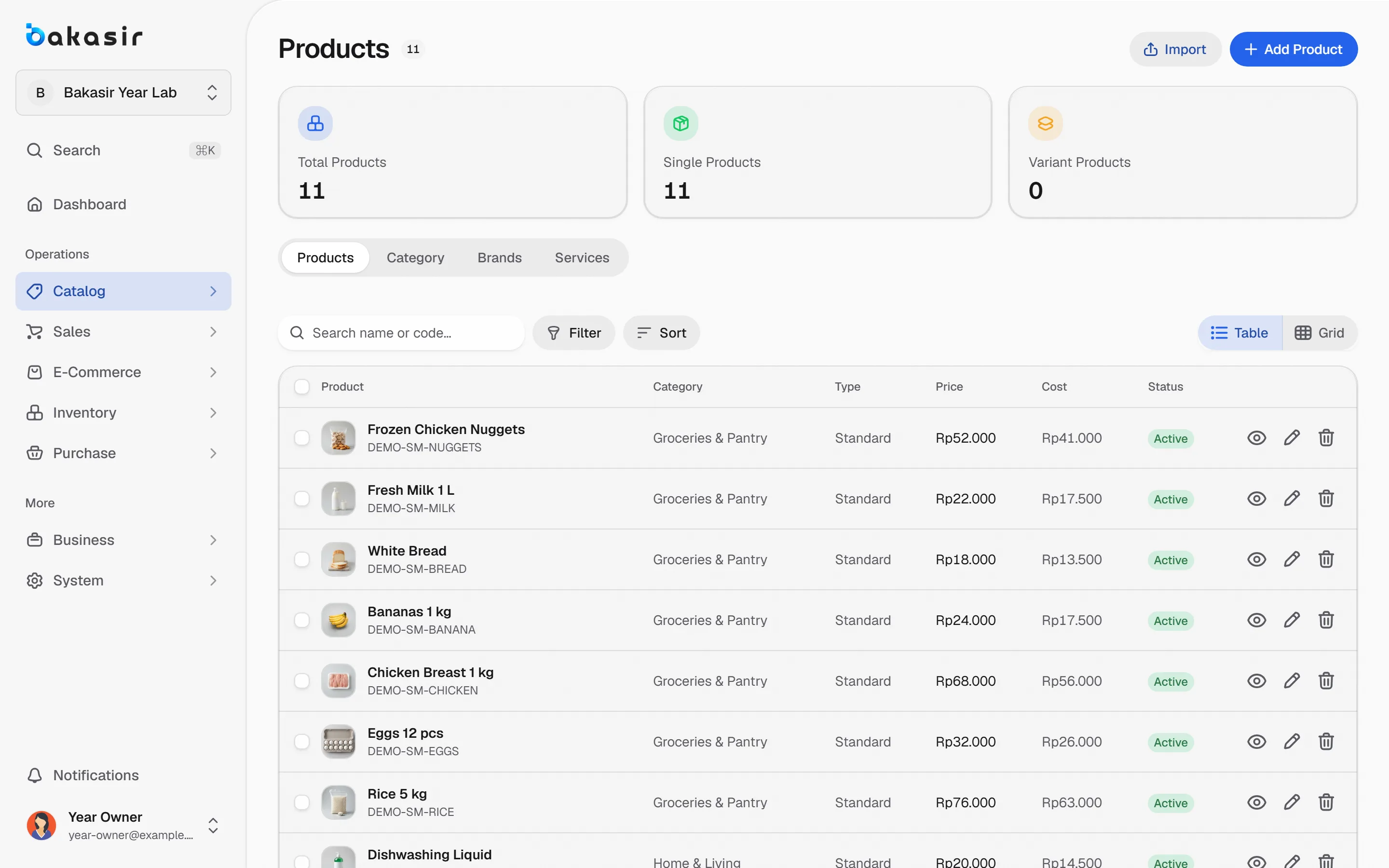
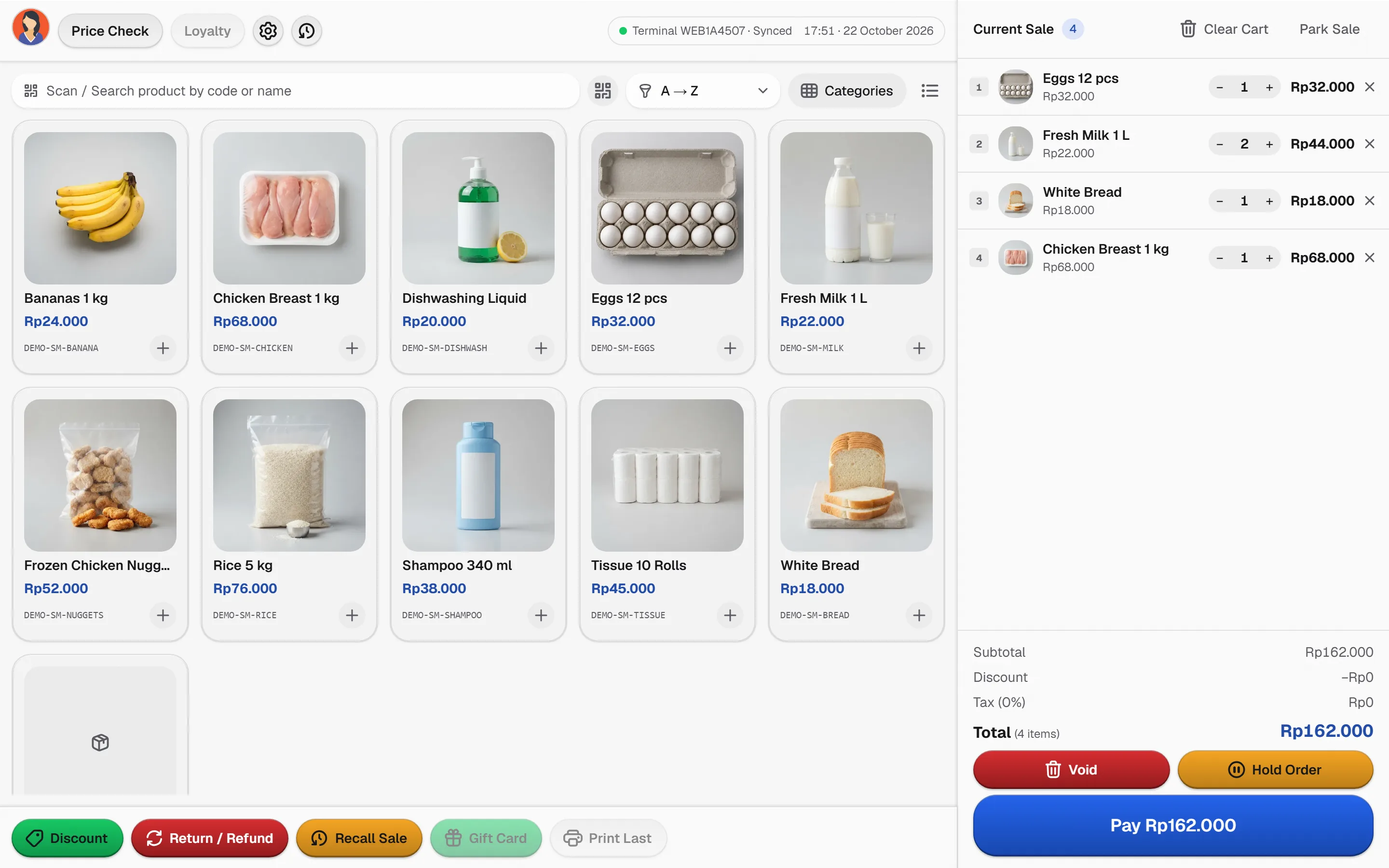
Start with a searchable catalog of everyday items, scan or tap at the counter and see what is running low before the shelf is empty.
Scan and watch the shelf
Each scan adds a line and lowers the stock bar, so low items stand out at once.
- Mineral water 600 mlStock 29
- Coffee sachetStock 60
- Sliced breadStock 9
- Eggs, 10 packStock 14
- Mineral water 600 mlRp 4.000
TotalRp 4.000
Illustrative prices and stock. Your own catalog drives the real checkout.
The corner store loop
Small shops win on fast checkout and never running out of the basics.
- 1
List the essentials
Add daily items with category, unit, price and a product photo so the counter is easy to read.
- 2
Scan or tap at the counter
Scan a barcode, or tap the product grid or list when the label is damaged.
- 3
Watch what runs low
Low-stock reports and alerts show what to reorder before the shelf is empty.
- 4
Restock and open online
Record supplier purchases, then enable E-Commerce when you can fulfil online orders.
Small shop, full control
The capabilities this kind of business uses every day.
Searchable catalog
Categories, units and images keep a few hundred items easy to find.
Grid or list checkout
Switch product views at the counter and scan whenever a barcode is available.
Low-stock reporting
See which items need reordering, with every correction traceable in the stock ledger.
Online orders, same stock
E-Commerce orders share the catalog and stock, and appear in Transactions as online orders.
See it in the real Bakasir app
Online orders are marked separately and count as revenue only when the order is completed.