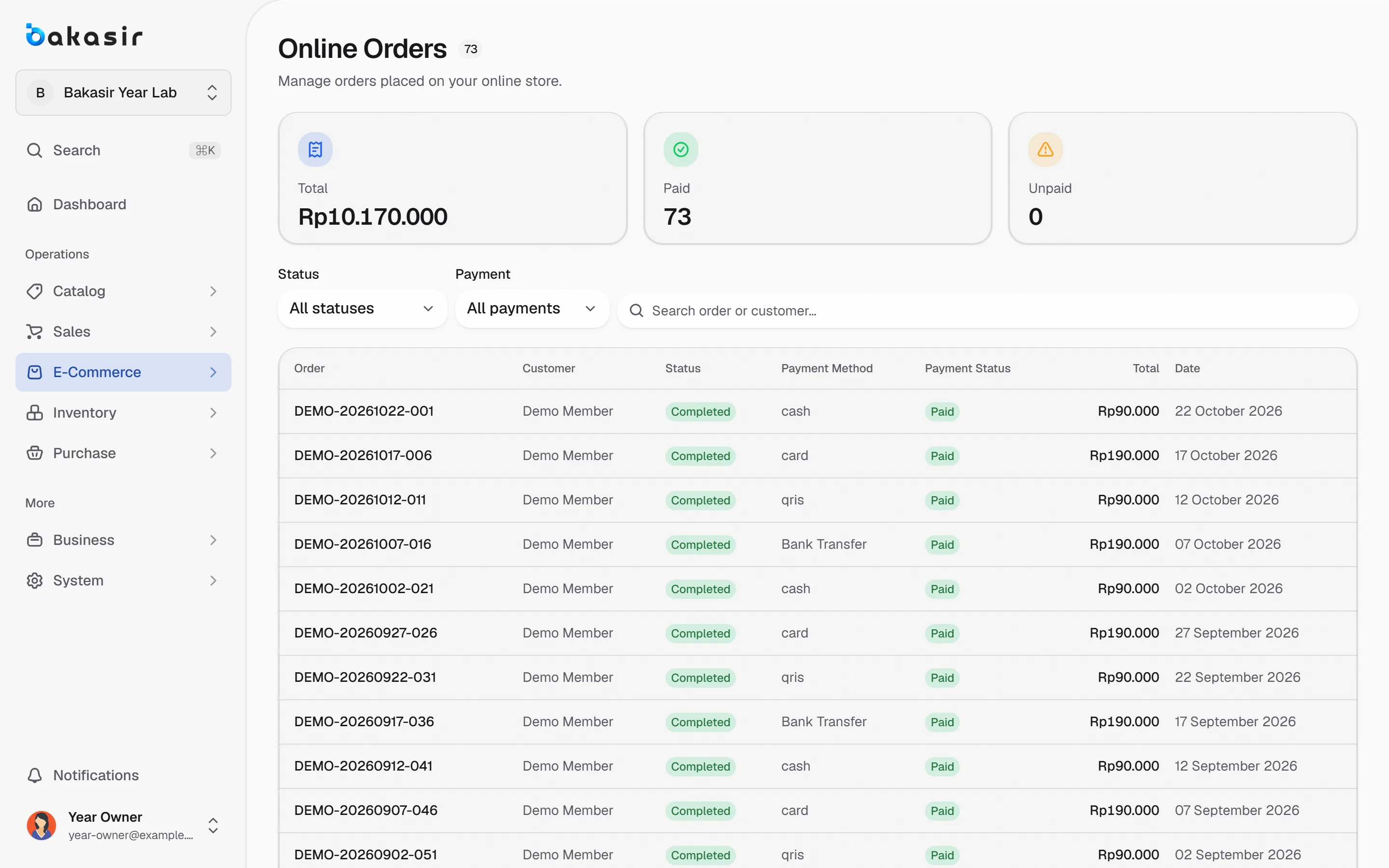
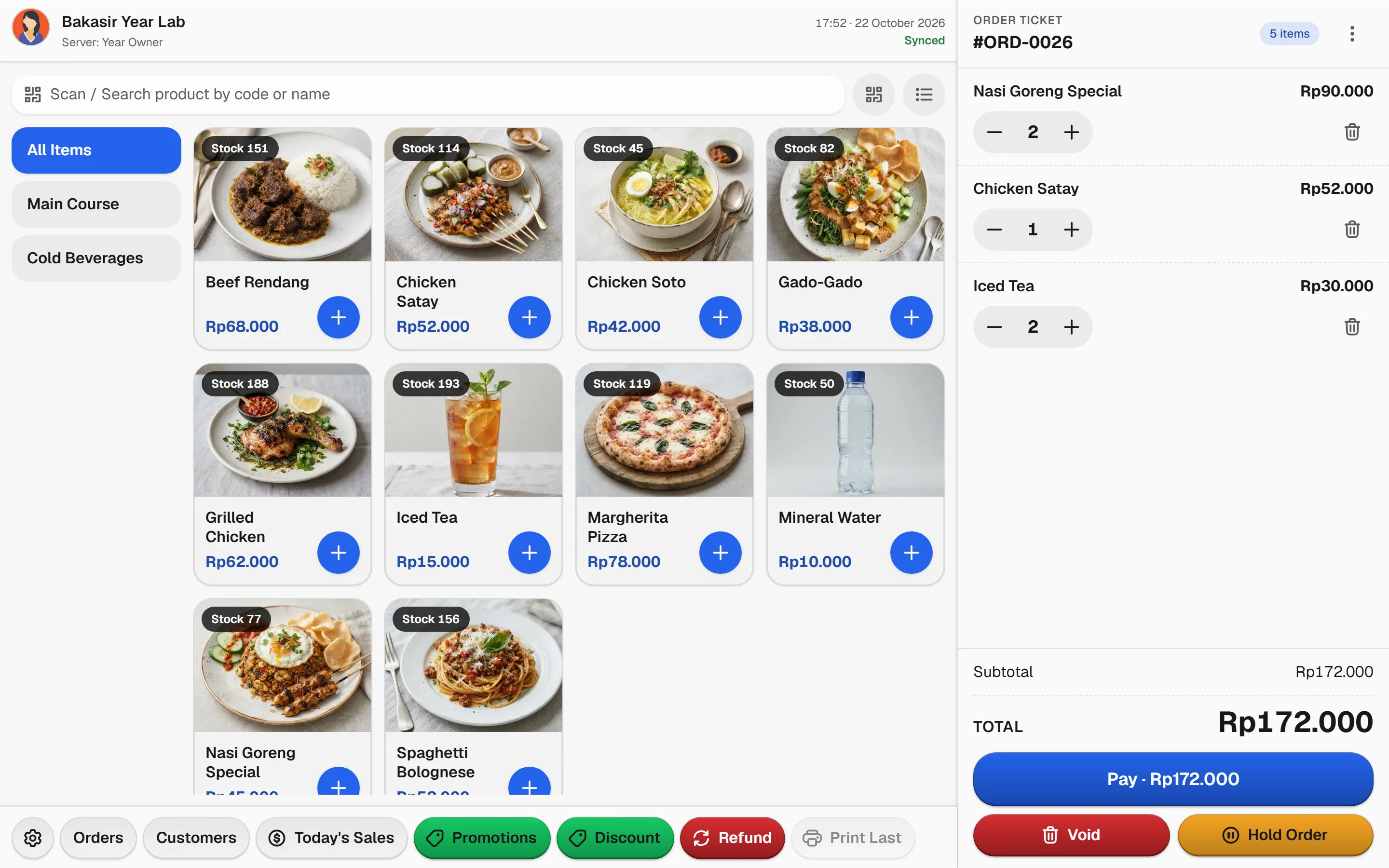
Pick the service model that fits how customers order. Bakasir keeps counter sales, table orders and online orders in the same sales records.
Three ways to serve, one record
Whatever the channel, the order ends in the same transaction history.
- 1
Choose the model
Select counter, dine-in or online for each outlet in POS settings.
- 2
Take the order
Counter: search and pay. Table: attach to a table. Online: customers order from your store.
- 3
Prepare and fulfil
Hold drafts, send kitchen tickets or fulfil online orders with clear states.
- 4
Settle and report
Every channel lands in Transactions and reports. Online revenue is recognised when the order completes.
Pick the model, keep the books straight
The capabilities this kind of business uses every day.
Counter service
Product search, quick customer selection and a short checkout. Held orders are drafts, not sales.
Table service
Enable dine-in, tables and kitchen tickets for restaurant operations.
Online fulfilment
E-Commerce orders share stock and show an Online Order badge in Transactions.
Separate states
Order, payment and fulfilment states stay distinct, so nothing is counted twice.
Switch the service model
See how the checkout path changes between counter, table and online.
A short path: search or scan, pick the customer, pay. Held orders stay drafts until they are paid.
- Scan
- Customer
- Pay
- Receipt
Illustrative flow. Confirm specialist requirements on your own hardware.
See it in the real Bakasir app
Online orders carry their own badge in Transactions and share the same stock as the counter.