Skip to content
Downloads

Bakasir apps for every counter

Official cashier apps for Windows computers and Android phones or tablets. Both connect to your Business Portal, keep selling offline and are included in every Bakasir plan.

Bakasir Desktop

Windows 10 (1809) or 11, 64 bit

Native cashier app for Windows counters with printers, scanners, cash drawers and a customer display.
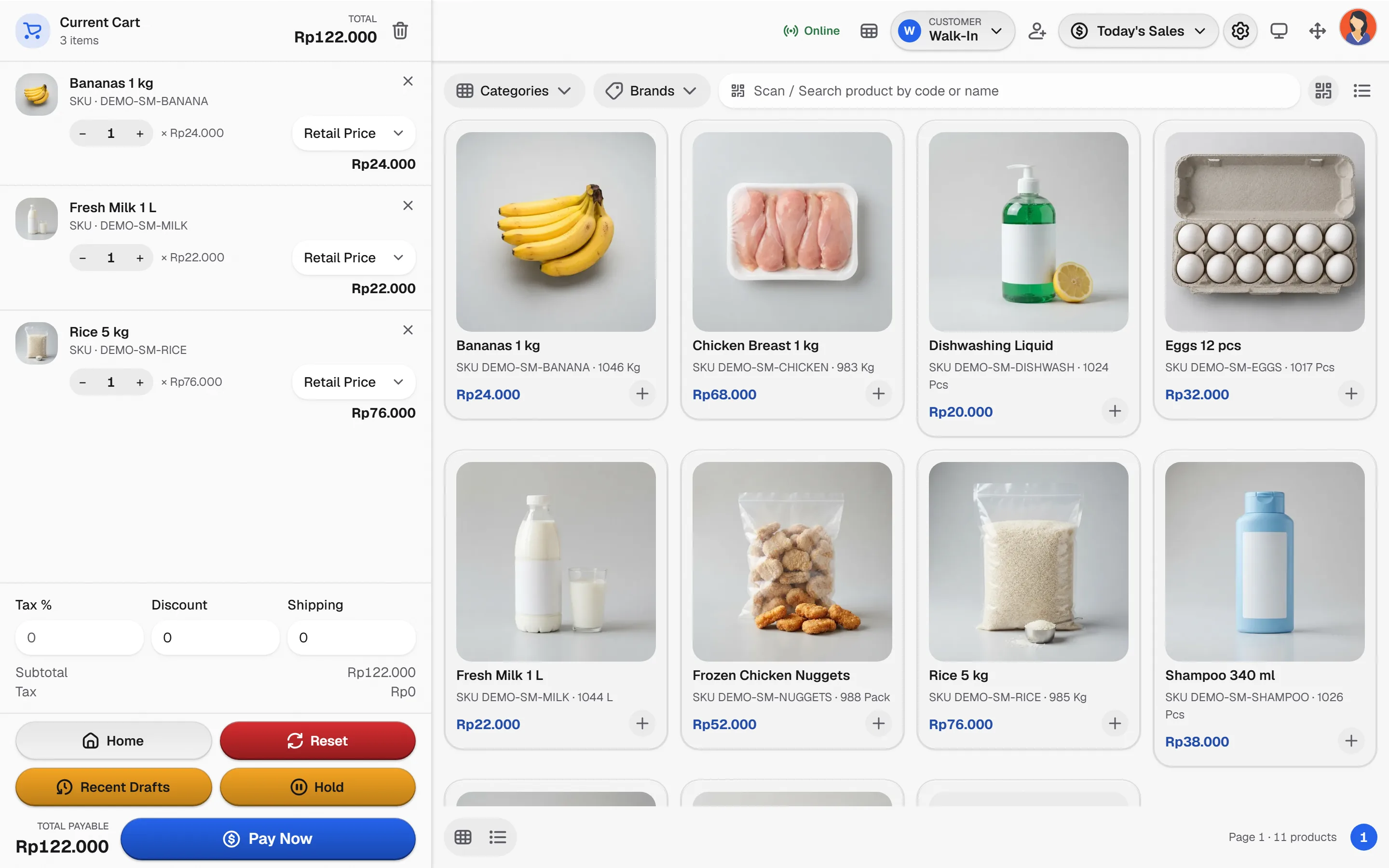
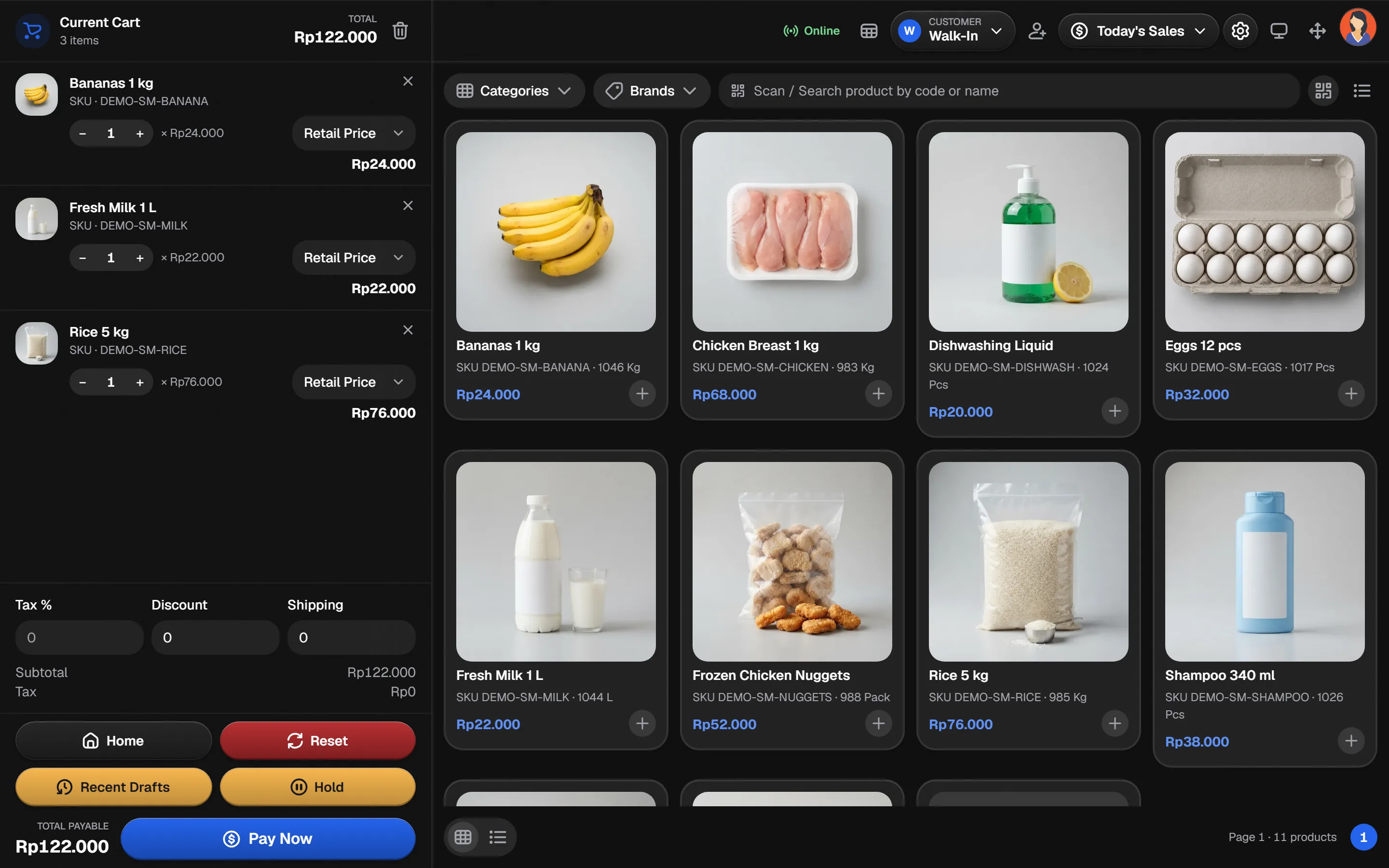
Bakasir Desktop checkout screen on Windows
Version
0.6.9
Released
October 28, 2026
File size
-
File
Setup.exe installer

Not published yet. This download is being prepared. Use the Web POS in your browser in the meantime.

Windows may show a SmartScreen notice the first time. Click More info, then Run anyway.
Bakasir for Android

Android 10 or newer

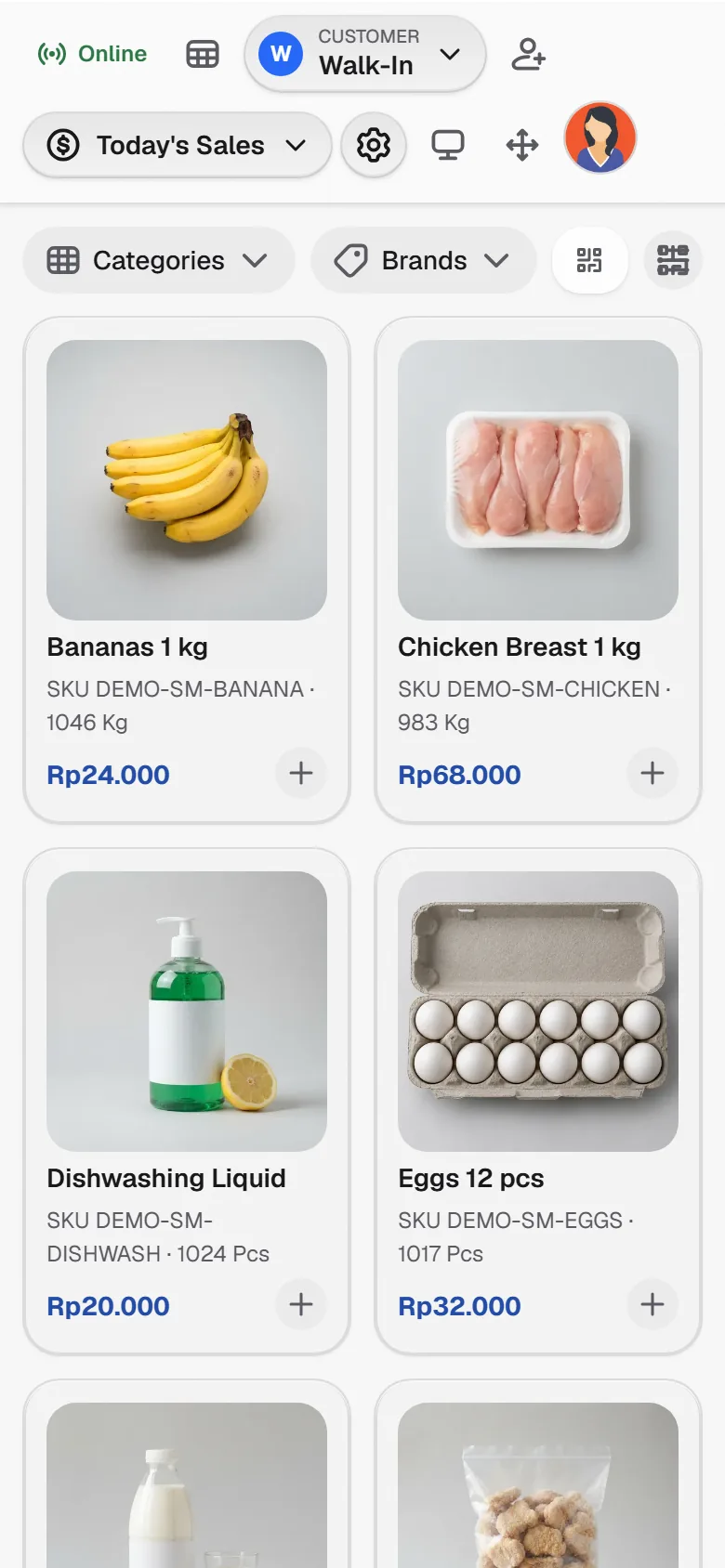
Cashier app for Android phones and tablets, and a pocket dashboard for business owners.

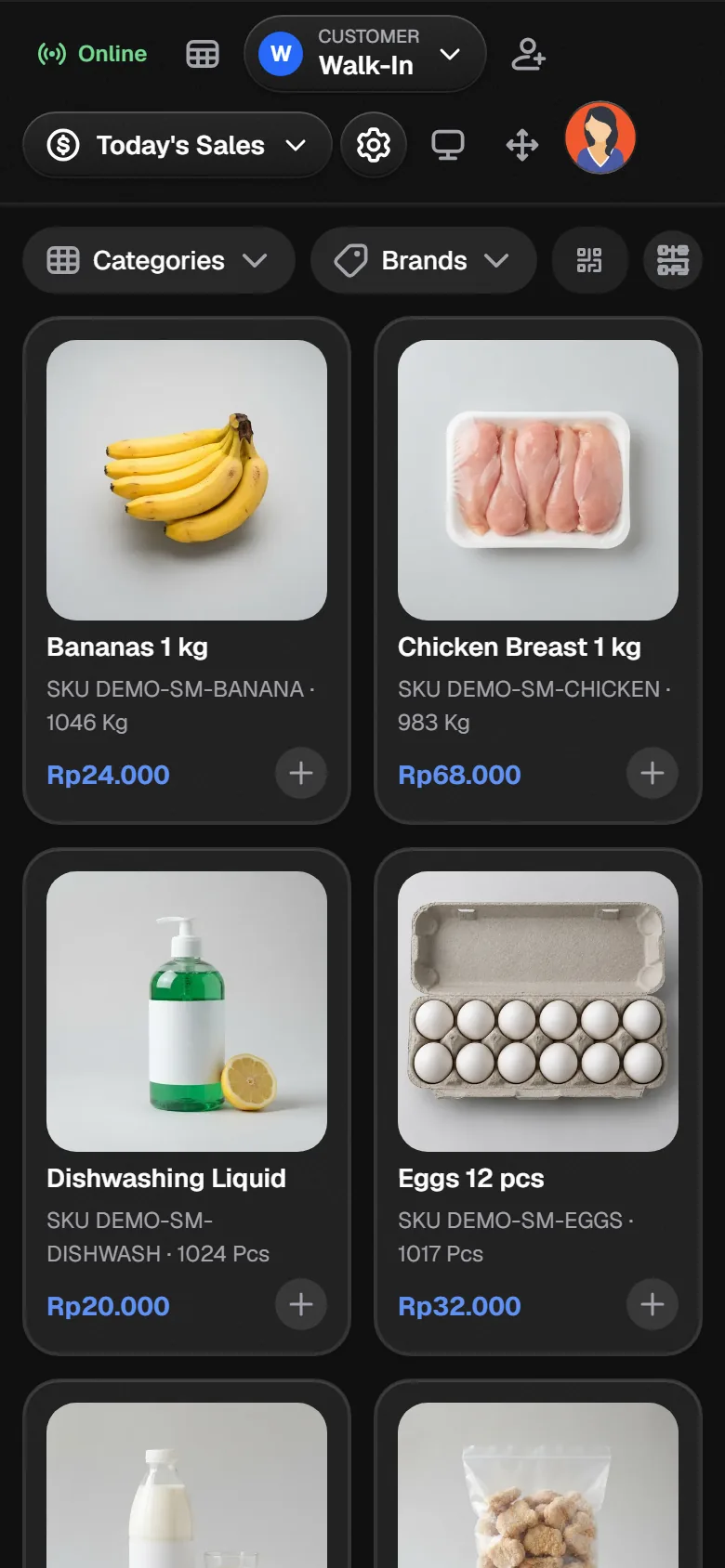
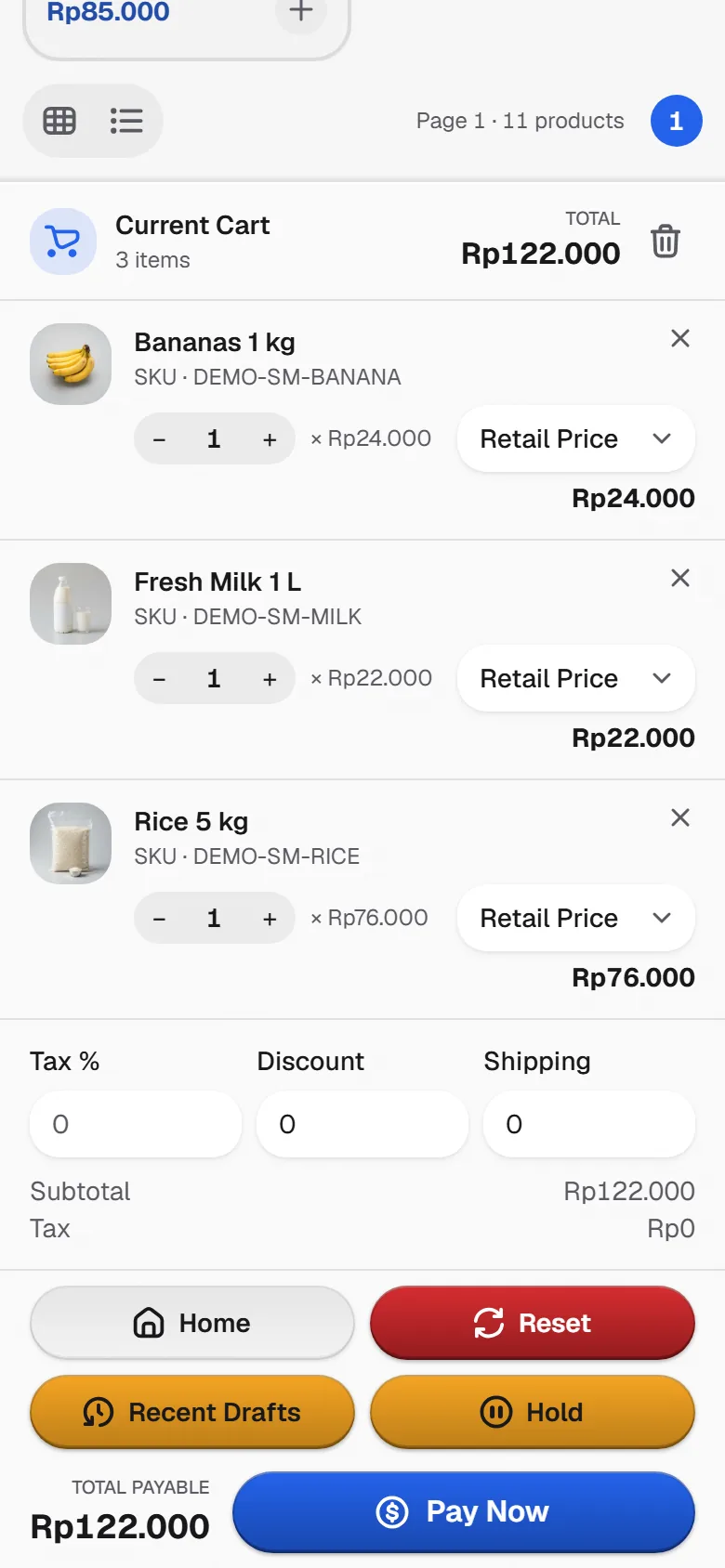
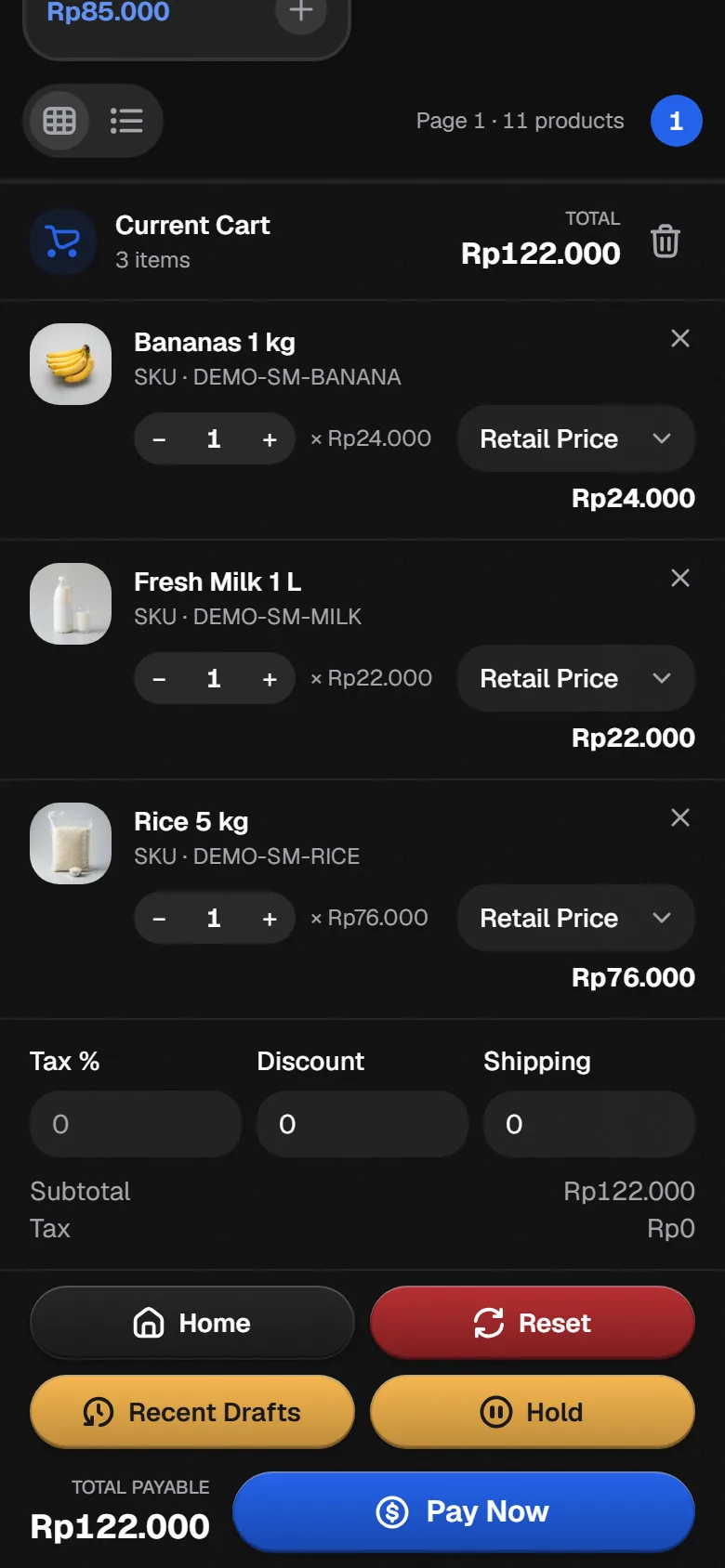
Bakasir checkout screen on an Android phone
Version
-
Released
-
File size
-
File
APK file

Not published yet. This download is being prepared. Use the Web POS in your browser in the meantime.

The first time, Android asks you to allow installs from your browser. Allow it, then tap Install.

Download only from Bakasir

Official files are served from bakasir.com and media.bakasir.com only. Never install a Bakasir app sent through chat or a file sharing site.

Windows

Bakasir Desktop for Windows

A full cashier for the counter computer: fast keyboard and scanner selling, real hardware support and updates that install themselves.

What you get

  • Five POS layoutsGeneral, coffee shop, supermarket, pharmacy and restaurant layouts follow your business type.
  • Keeps selling offlineSales are stored on the computer when the internet drops and sync when it returns.
  • Receipts and cash drawerESC/POS printers over USB, serial or network, 58 and 80 mm paper, drawer kick on cash payments.
  • Scanners, scales and displaysBarcode scanners, serial scales, pole displays and a customer display on a second monitor.
  • Restaurant and kitchenFloor plan with table orders, kitchen tickets and a kitchen display screen.
  • Shift and cash controlOpen and close the register, cash in and out, and X and Z reports printed on paper.
  • PIN and badge sign inEach cashier signs in with a PIN or RFID badge, and discounts, voids and refunds ask for a Manager.
  • Owner dashboardOwners see the dashboard, analytics and reports on the same computer.
  • Updates itselfNew versions download in the background and install on the next restart.

System requirements

  • Windows 10 version 1809 or newer, or Windows 11, 64 bit
  • 4 GB RAM and about 300 MB of free disk space
  • Nothing else to install: the .NET runtime is included
  • Installs for the current Windows user, no administrator rights needed
  • Internet for activation and sync, selling continues offline

Install in four steps

  1. 1Run the installerOpen the downloaded Setup file. Bakasir installs, adds a shortcut and opens by itself.
  2. 2Create a pairing codeIn the Business Portal open Settings, Business and click Pair device on a terminal.
  3. 3Activate the computerChoose Checkout terminal or Kitchen display and enter the 8 character code, or sign in as Owner or Manager.
  4. 4Start sellingCashiers pick their name, enter their PIN and open the register with the starting cash.
Android

Bakasir for Android phones and tablets

Sell from a tablet at the counter or a phone on the floor, print over Bluetooth and check the business from anywhere.

What you get

  • Phone and tablet layoutsTablets show the cart beside the products, phones use a product grid with a floating cart.
  • Five POS modesGeneral, coffee shop, supermarket, pharmacy and restaurant modes follow your business type.
  • Works offlineSales are queued on the device and sent when the connection returns.
  • Bluetooth and USB printersESC/POS receipt printers and cash drawers over Bluetooth or USB.
  • Camera and scannerScan barcodes with the camera or with a connected scanner.
  • Customer displayShow the order and the total on a second screen connected to the tablet.
  • Shift and salesClock in, open and close the register, reprint, refund and void sales.
  • Owner appOn a personal phone the Owner sees sales, analytics and reports.
  • Indonesian and EnglishChoose the language and a light or dark appearance on each device.

System requirements

  • Android 10 or newer, phone or tablet
  • 3 GB RAM recommended and about 150 MB of free storage
  • Camera for barcode scanning (optional)
  • Bluetooth or USB OTG for receipt printers (optional)
  • Internet for pairing and sync, selling continues offline

Install in four steps

  1. 1Download the appOpen this page on the device and tap Download APK, or install it from Google Play when listed.
  2. 2Allow the installAndroid asks to allow installs from your browser. Allow it, then tap Install and Open.
  3. 3Pair the deviceChoose Cashier terminal and scan the QR code or enter the code from Settings, Business, Pair device in the Portal.
  4. 4Start sellingCashiers pick their name and enter their PIN. Owners can sign in on a personal phone for the dashboard.

Download questions

  • Yes. Both apps are included in every Bakasir plan. You need a Bakasir account and a terminal in the Business Portal to activate them.

  • Yes. The apps, the Web POS and the Business Portal share the same data, so each counter can use what suits it. The Owner chooses the cashier channels in Settings, POS.

  • The Windows app checks for updates by itself and installs them on the next restart. On Android, download the new APK from this page and install it over the old one. Your pairing and settings stay.

  • The installer is new to SmartScreen, so Windows asks you to confirm. Click More info, then Run anyway. Only run installers downloaded from bakasir.com.

  • Not yet. On Apple devices, use the Web POS in the browser. It works on any modern device.

  • The Bakasir docs at docs.bakasir.com have tutorials and videos for installing, pairing and selling with both apps.

Bakasir

Let’s get to work.

Choose your business type and prepare your first store.

Set up your store