Restaurant, coffee shop, retail, supermarket or service business: pick yours and see the workflow, the features and the real POS screen built for it.
Hover a business type to preview its POS
Each guide covers the workflow, the key features and an interactive try-out.
Food and beverage
Retail
Services and supply
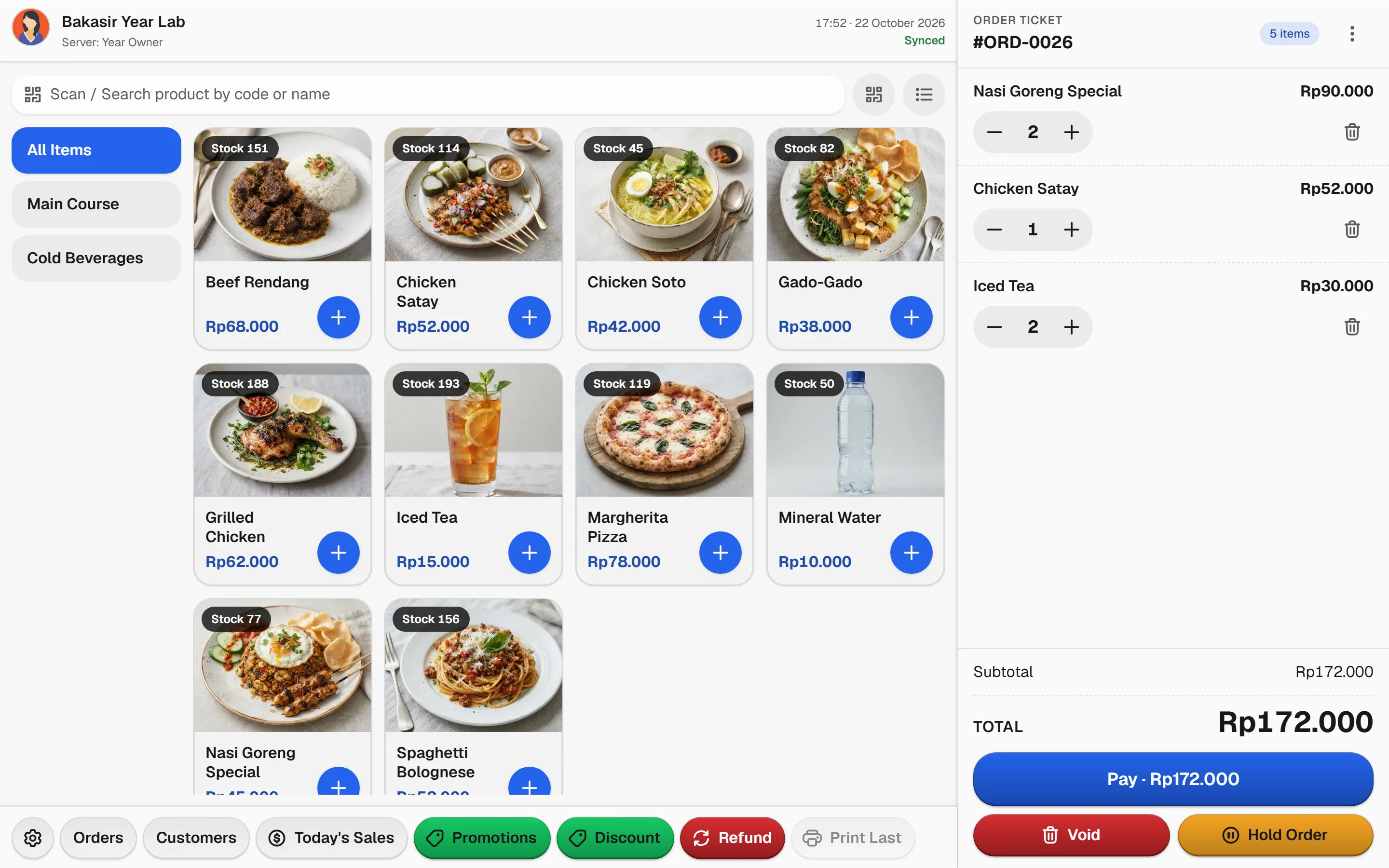
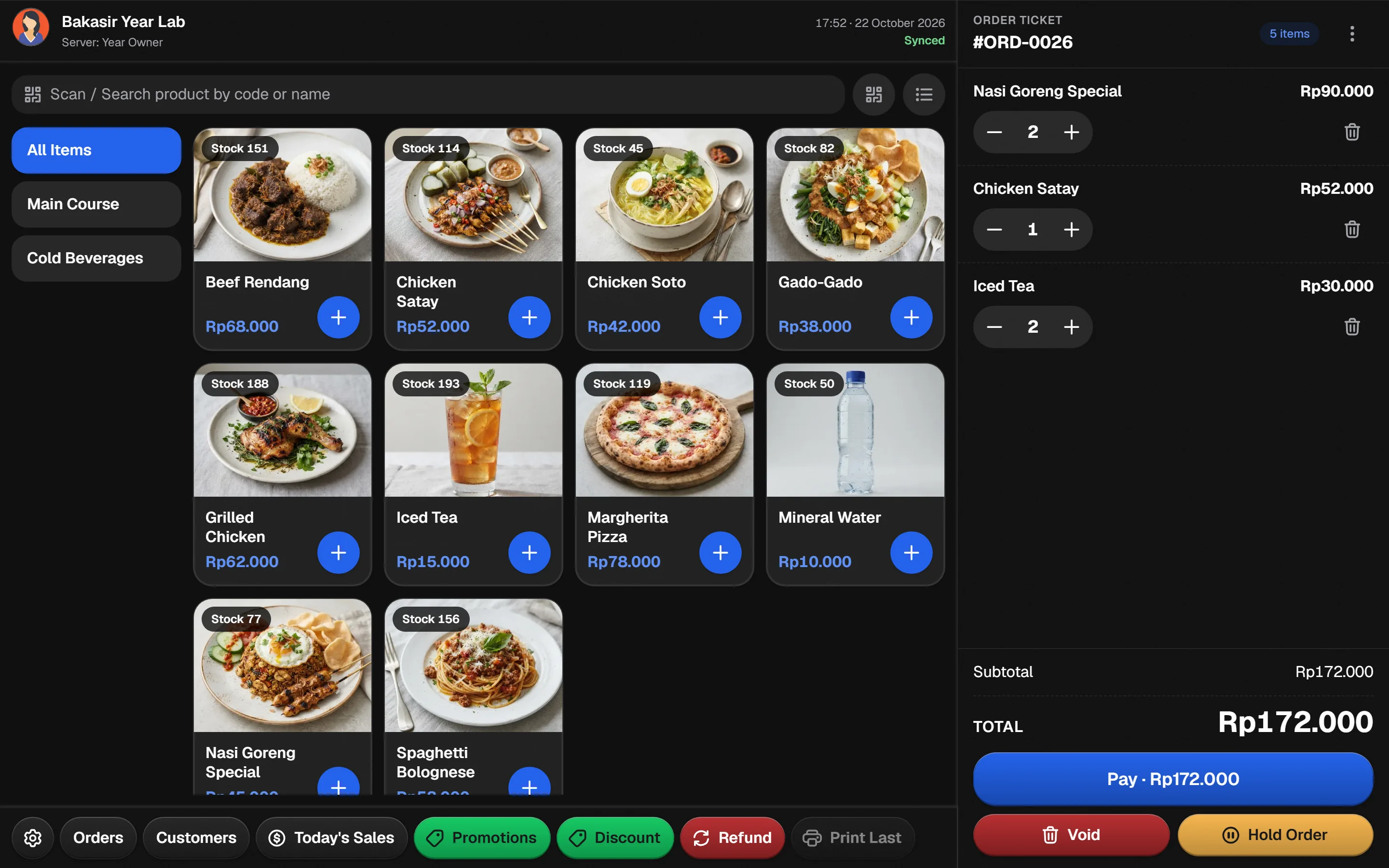
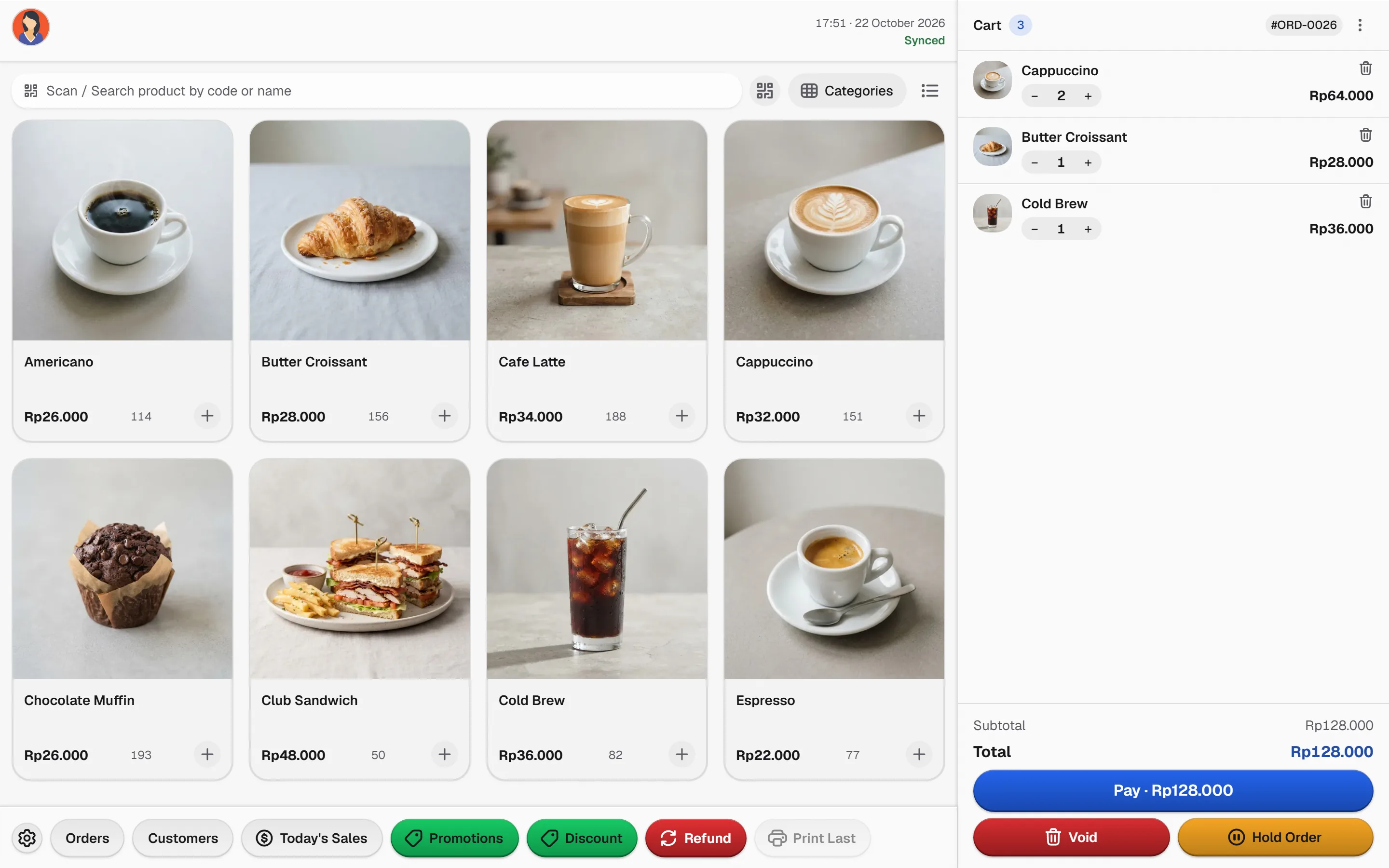
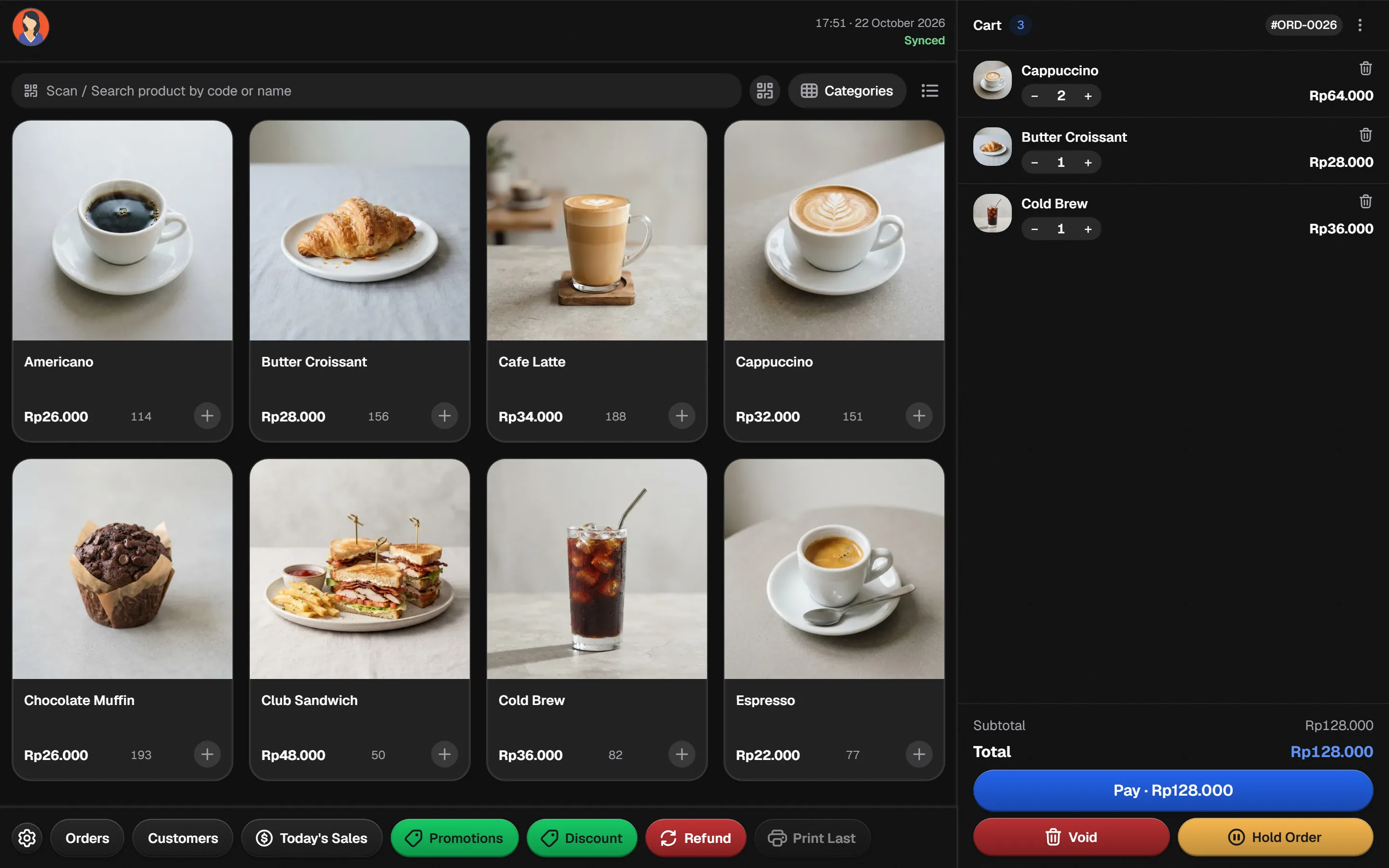
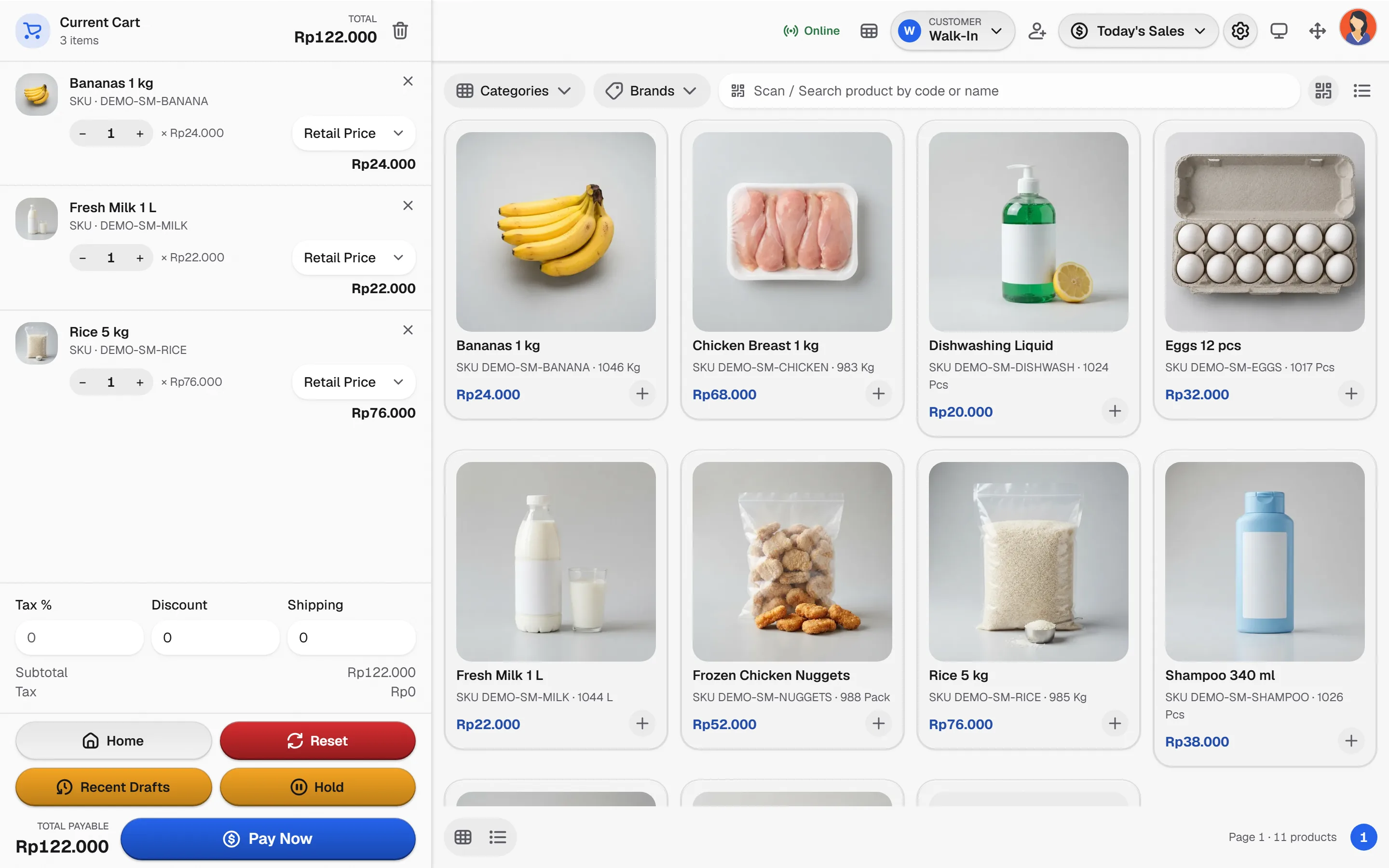
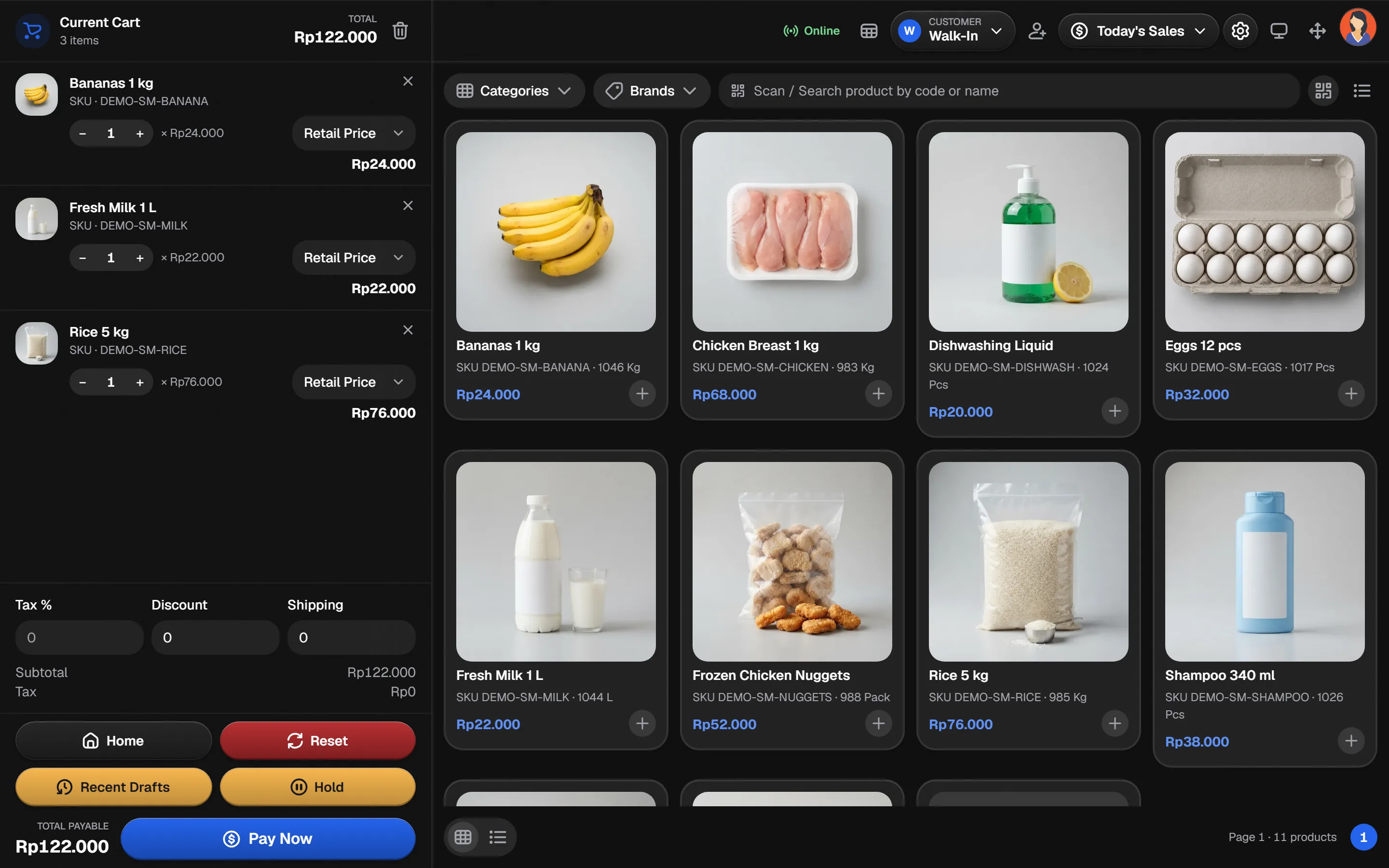
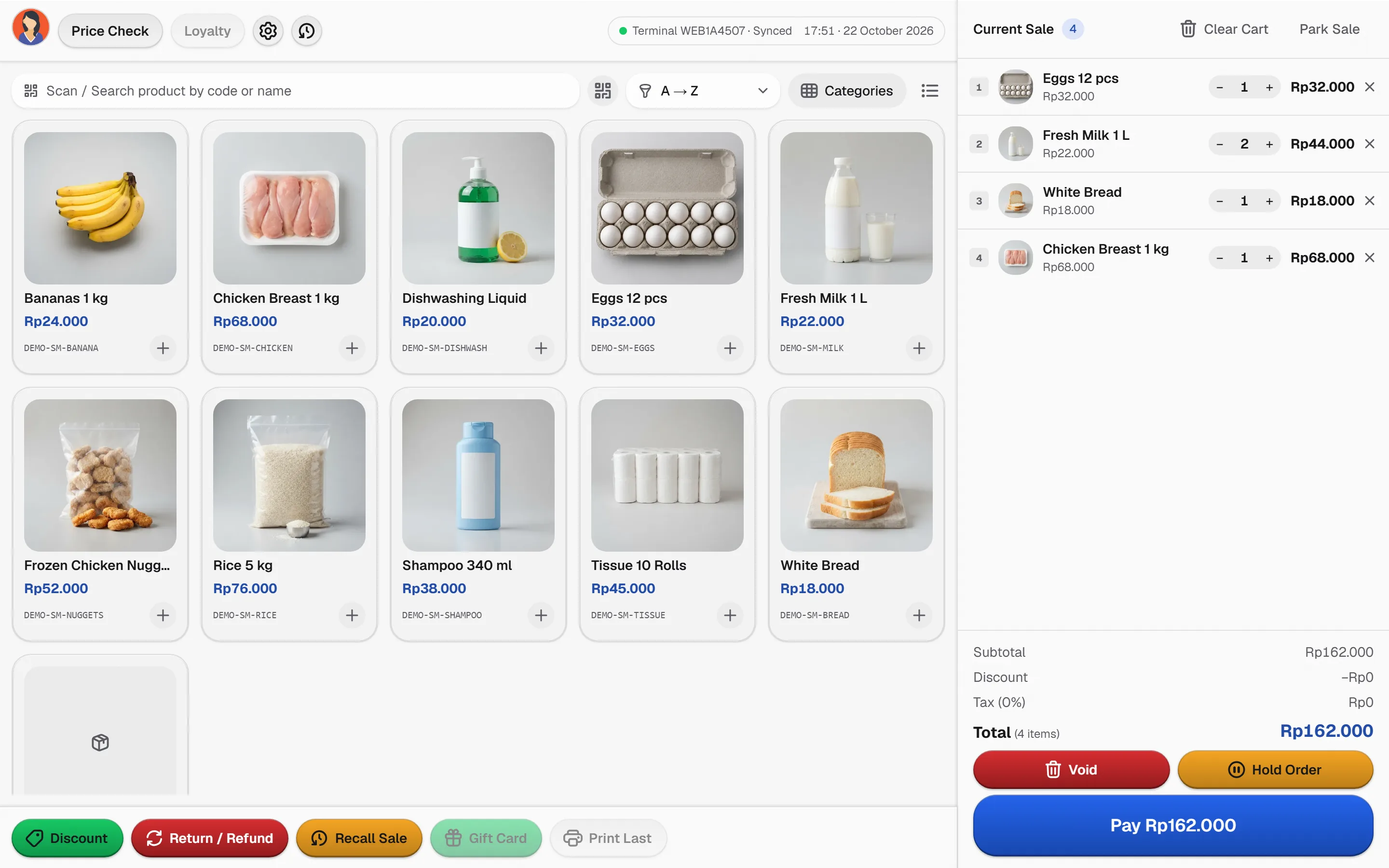
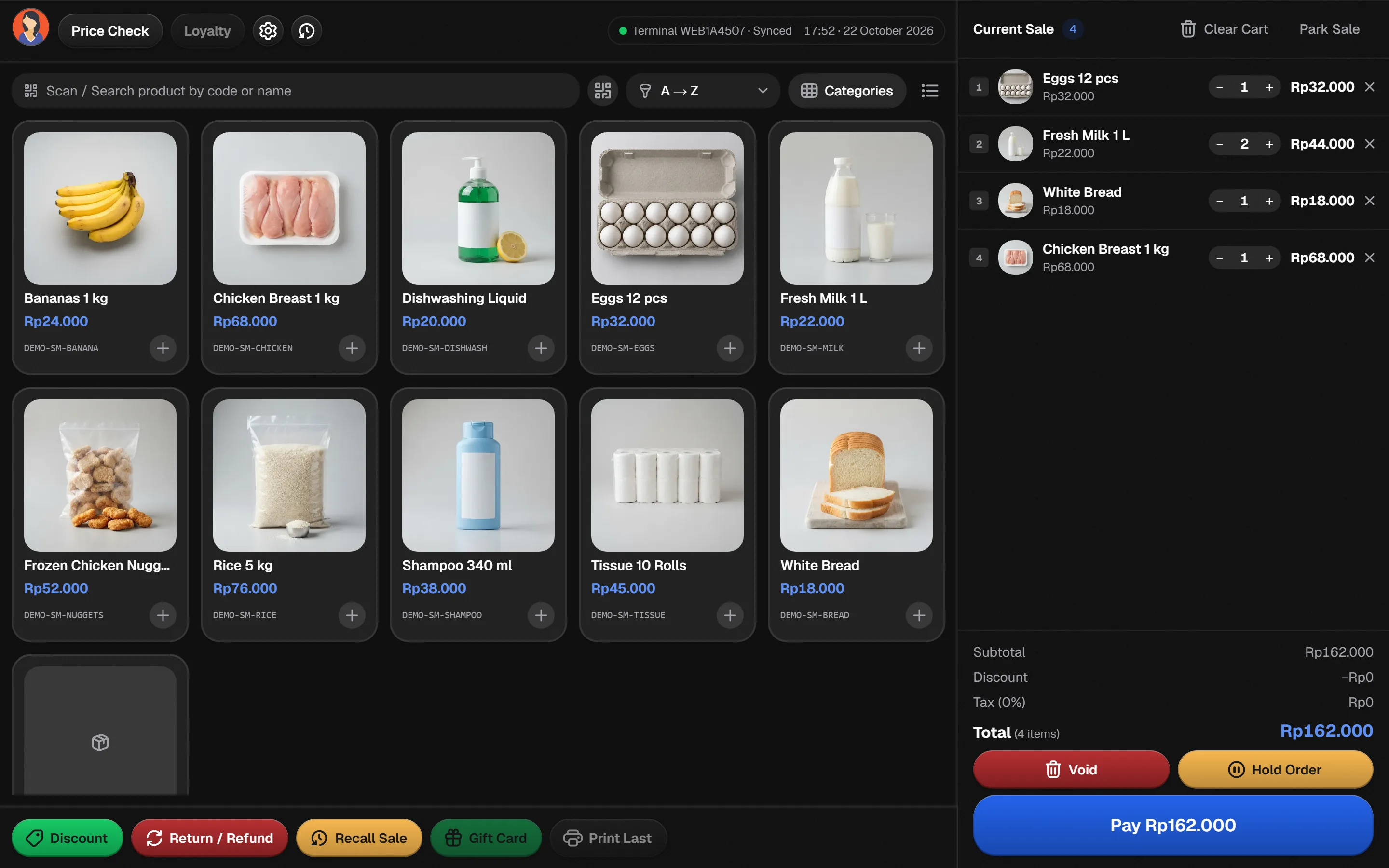
Bakasir POS view for RestaurantsOpen the guide
One foundation under every business type
The same tested core powers each guide. You choose the preset, not a different product.
Browser POS with offline queue
Sell from any modern browser; a prepared terminal queues sales offline and syncs later.
Multi-outlet stock
Variants, purchases, transfers and stock counts share one inventory ledger.
Real-time reports
Daily summary, sales, profit and payment methods in your business timezone.
Cash and QRIS payments
Split tenders, cashier sessions with opening cash and a counted close.
Plugins when you grow
Accounting, HRM, E-Commerce, loyalty and promotions on the same data.
Choosing a POS for your business
Restaurants use the Restaurant POS style, which adds order types, table management and kitchen tickets when enabled in settings.
No. Every type runs on the same Bakasir core. You choose the preset and POS style that match your workflow and add plugins when you need them.
Bakasir includes a Pharmacy POS style for pharmacy businesses. Ask the team to confirm the workflows you need.


