Choosing a POS app for your small business feels a lot like buying a vehicle: everything looks great in the brochure, but the differences only show up after daily use. A wrong pick means a slow checkout, stock that never matches, and data that is hard to move. This article gives you a practical checklist so you can compare every option on the same terms.
Start from your business needs, not a feature list
Before you open any pricing page, write down four things:
- Type of business. A grocery needs fast barcode scanning. A cafe needs menu options and kitchen tickets. A pharmacy needs batches and expiry dates.
- Number of outlets. One shop and three branches have different needs for stock, reports and cost.
- Number of cashiers and devices. One tablet, one Windows PC, or several Android phones?
- Internet reliability. If your signal drops often, offline selling is a requirement, not an extra.
This short list will filter out many apps before you spend time trialling each one.
A 10-question checklist for judging a POS app
Use the table below as a scoring sheet. The right-hand column shows how to verify each point in Bakasir, so you can ask the same question of any other app.
| Question | Why it matters | How to check it in Bakasir |
|---|---|---|
| Does it run on devices I already own? | Avoids new hardware costs | Web POS in the browser, a Desktop app for Windows 10 or 11, and an Android app |
| Does it keep working without internet? | A queue cannot stop | Offline sales are stored on the device and sent when the connection returns |
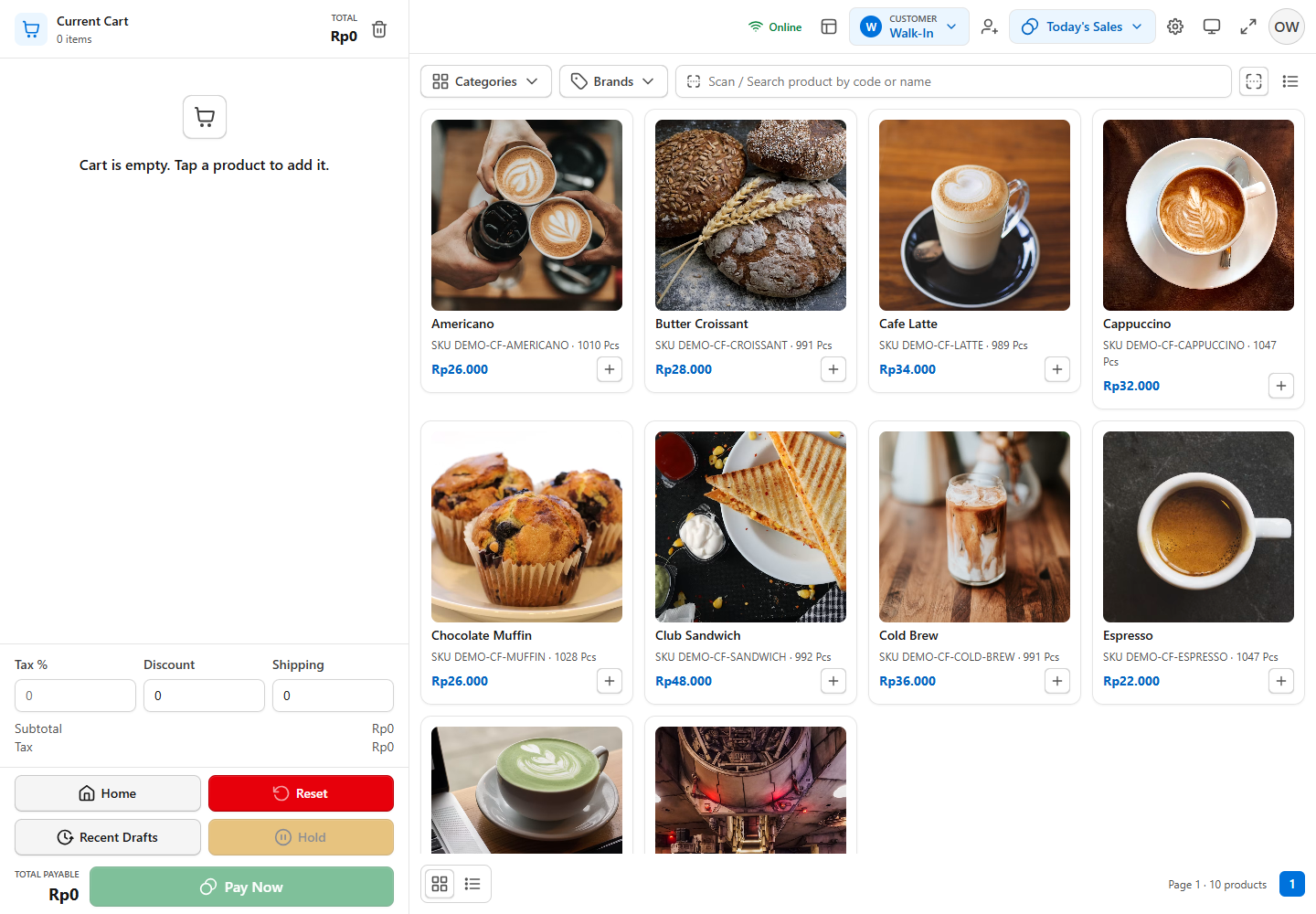
| Does the checkout screen match my business? | New cashiers learn faster | Five layouts: General, Coffee, Restaurant, Supermarket and Pharmacy |
| Does stock update automatically? | Accurate stock without double entry | Sales, purchases and returns update stock per outlet |
| Are there controls for cashiers? | Prevents careless discounts and refunds | Manual discounts, refunds and voids by Staff need a Manager or Owner approval PIN |
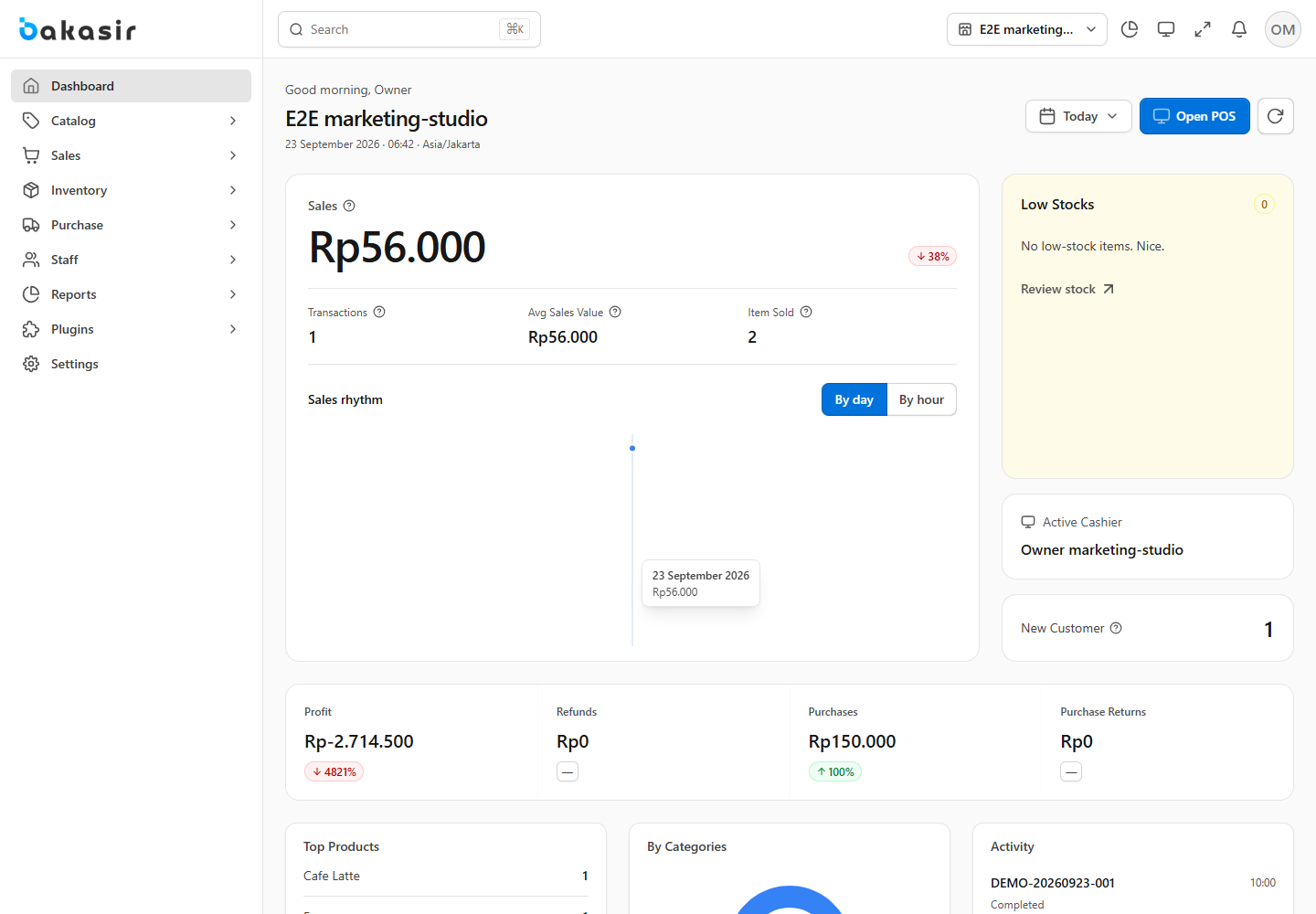
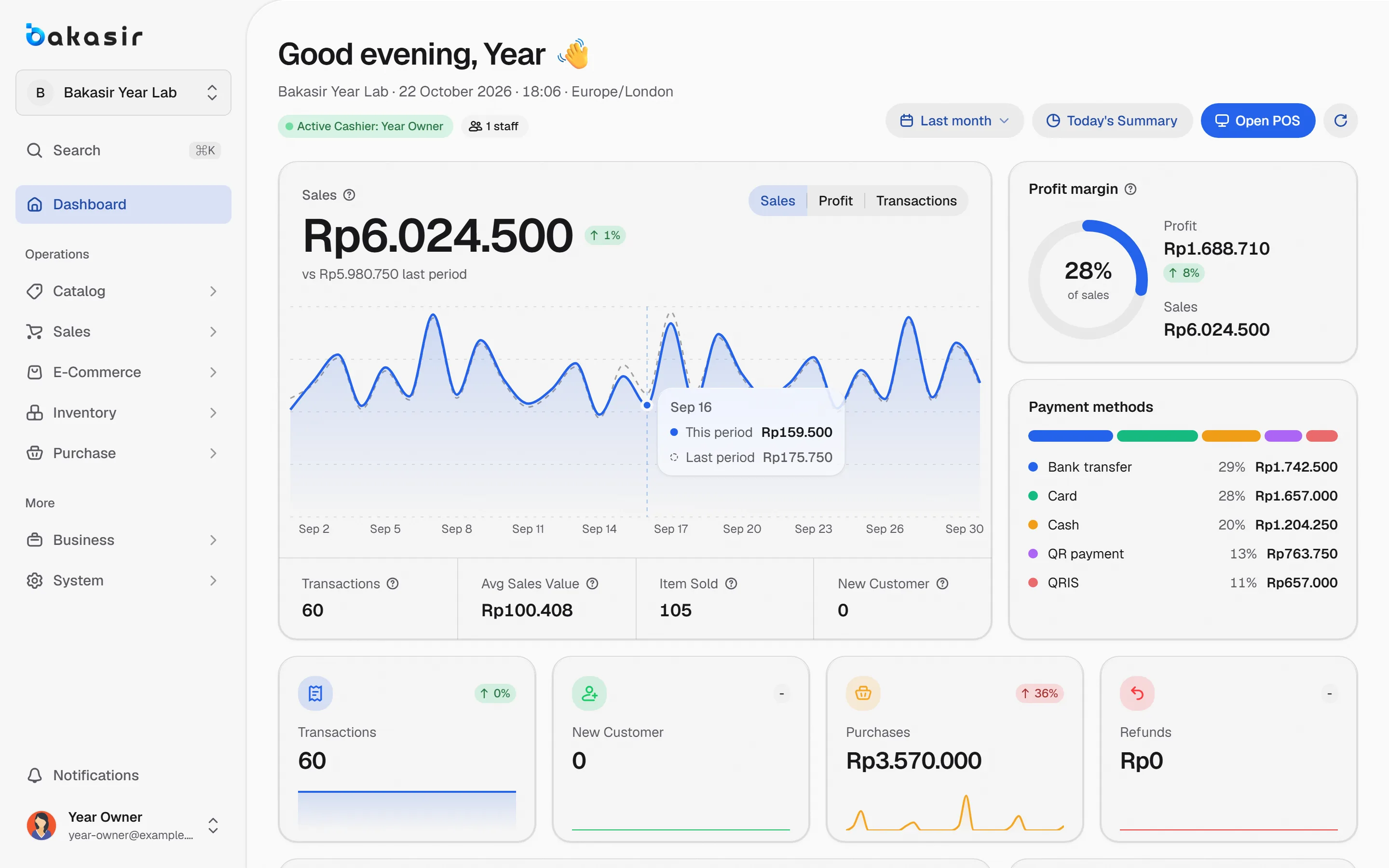
| Can I read the reports without an accountant? | Daily decisions need fast numbers | Dashboard, Z report, profit and loss, and export to PDF, Excel or CSV |
| Can it grow to many outlets? | Avoids switching apps later | Stock per outlet, stock transfers and per-outlet reports |
| Can data go in and out? | You are not locked in | CSV import, a migration engine for other POS apps, and report exports |
| Is the cost clear up to its limits? | Avoids surprise bills | Limits for outlets, terminals, staff, products and transactions are listed on the pricing page |
| Is there help in my language? | Small problems should not cost a day | Documentation and video tutorials in Bahasa Indonesia and English |
Count the real cost, not only the monthly price
The plan price is only one part of what a POS app costs. Also check the items people often miss:
- Usage limits. How many transactions per month, products, staff and terminals are included?
- Add-ons. Extra terminals, extra staff, or modules such as accounting and an online store are often sold separately.
- Per-outlet pricing. Some apps charge per outlet, so the bill grows when you open a branch.
- Payment fees. Payment gateways have their own fees, separate from the app subscription.
As an example of being upfront, Bakasir bills per outlet per month on four plans. Free costs Rp0, Mulai is Rp99,000 and Tumbuh is Rp299,000; Enterprise starts at Rp799,000 with a minimum of five outlets through the sales team. Annual billing equals 10 times the monthly price. An extra terminal is Rp49,000 per month and an extra staff seat is Rp15,000 per month. Prices and limits can change, so check the pricing page for current numbers.
Test with a real working day before you subscribe
A short demo is not enough. Before paying, run one full working day with real scenarios:
- Enter 20 to 30 of your best-selling products with prices and opening stock.
- Ring up a cash sale, a non-cash sale and one refund.
- Close the register and compare the cash in the drawer with the report.
- Unplug the internet for a few minutes and see whether sales keep going.
- Ask your cashier to try it without help.
In Bakasir, a new account starts on the Tumbuh plan free for 14 days with no card. If you do not subscribe after that, the account drops to the Free plan, is not suspended, and your data stays. That lets you test the full feature set first.
Make sure your data is not locked in
A POS app will hold your products, customers and sales history for years. Ask two questions: can your old data come in, and can your data come out if you ever want to leave?
- In: import products by CSV, or move data from your old app with the migration engine. See the guide on switching POS apps without losing data.
- Out: reports and product lists can be exported to PDF, Excel or CSV, and Backup & Restore is available in the Portal.
Red flags to watch for
- Pricing is hidden and you must contact sales just to see a number.
- There is no offline mode at all.
- All cashiers share one login, so anyone can void a sale without a trace.
- Your data cannot be exported.
- Claims that sound too perfect, such as "fits every business with no setup".
Next steps
Take the checklist above and trial two or three apps with the same scenario. To see what a no-cost plan really includes, read what you really get from a free POS app. For hands-on guides, start with creating a Bakasir account and your first sale.
Ready to try it yourself? The Free plan has no time limit and needs no credit card.
Keep reading
Free POS App: What You Really Get, and Where the Limits Are
How to Switch POS Apps Without Losing Your Data
Offline POS: How to Keep Selling When the Internet Goes Down
Frequently asked questions
Does a small business with one cashier need a paid POS app?
Not necessarily. If you handle only a few hundred transactions a month, a free plan with clear limits is often enough. Upgrading makes sense when you need higher limits, more staff, dynamic QRIS or add-on modules.
How long should I trial a POS app?
One to two weeks of real working hours. That is enough to cover daily sales, closing the register, a stock purchase and a first weekly report.
Do I need special hardware like a cash register machine?
Not necessarily. Browser, Windows or Android apps can run on a computer, laptop or tablet you already have. Receipt printers, cash drawers and barcode scanners can be added later as needed.