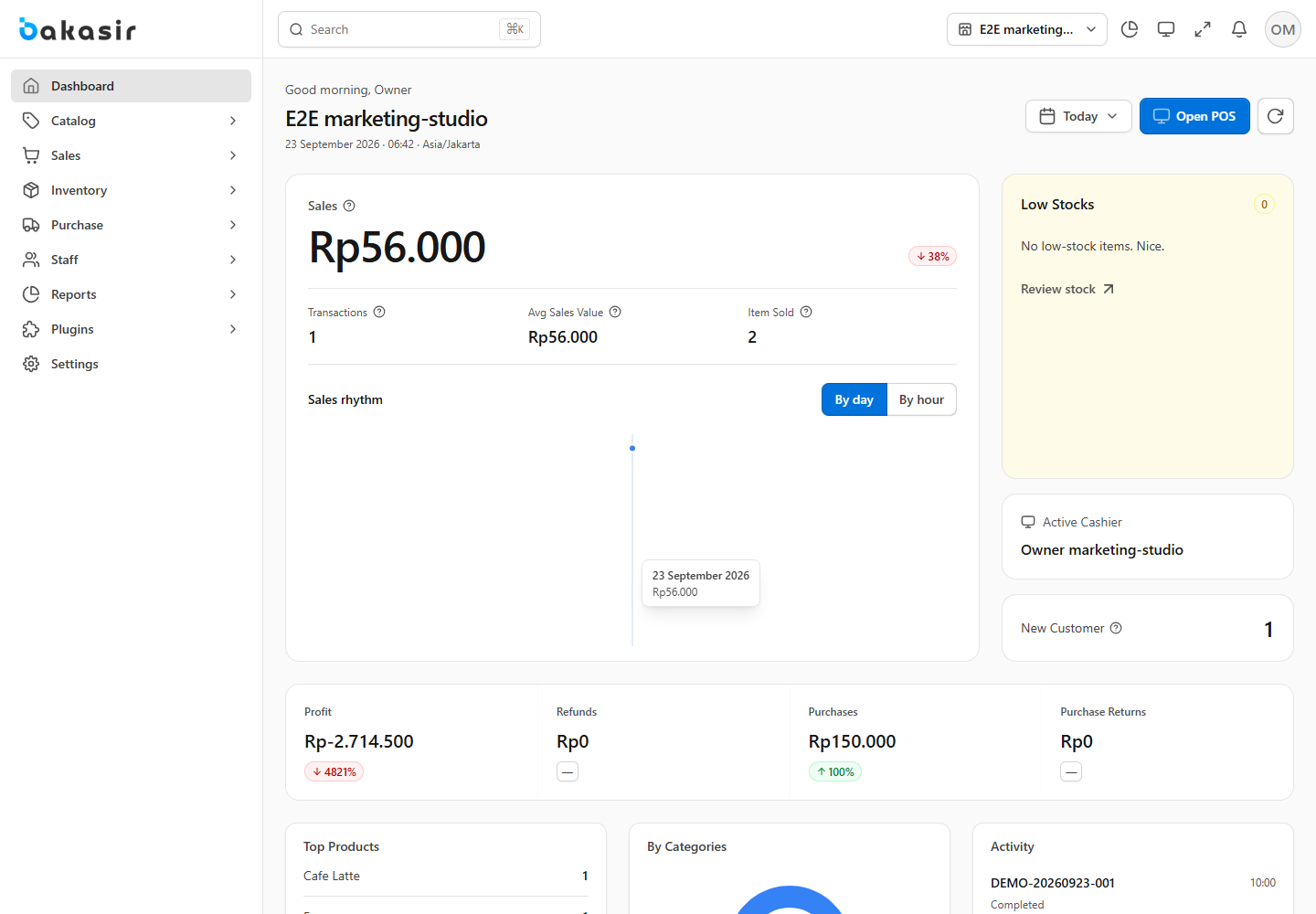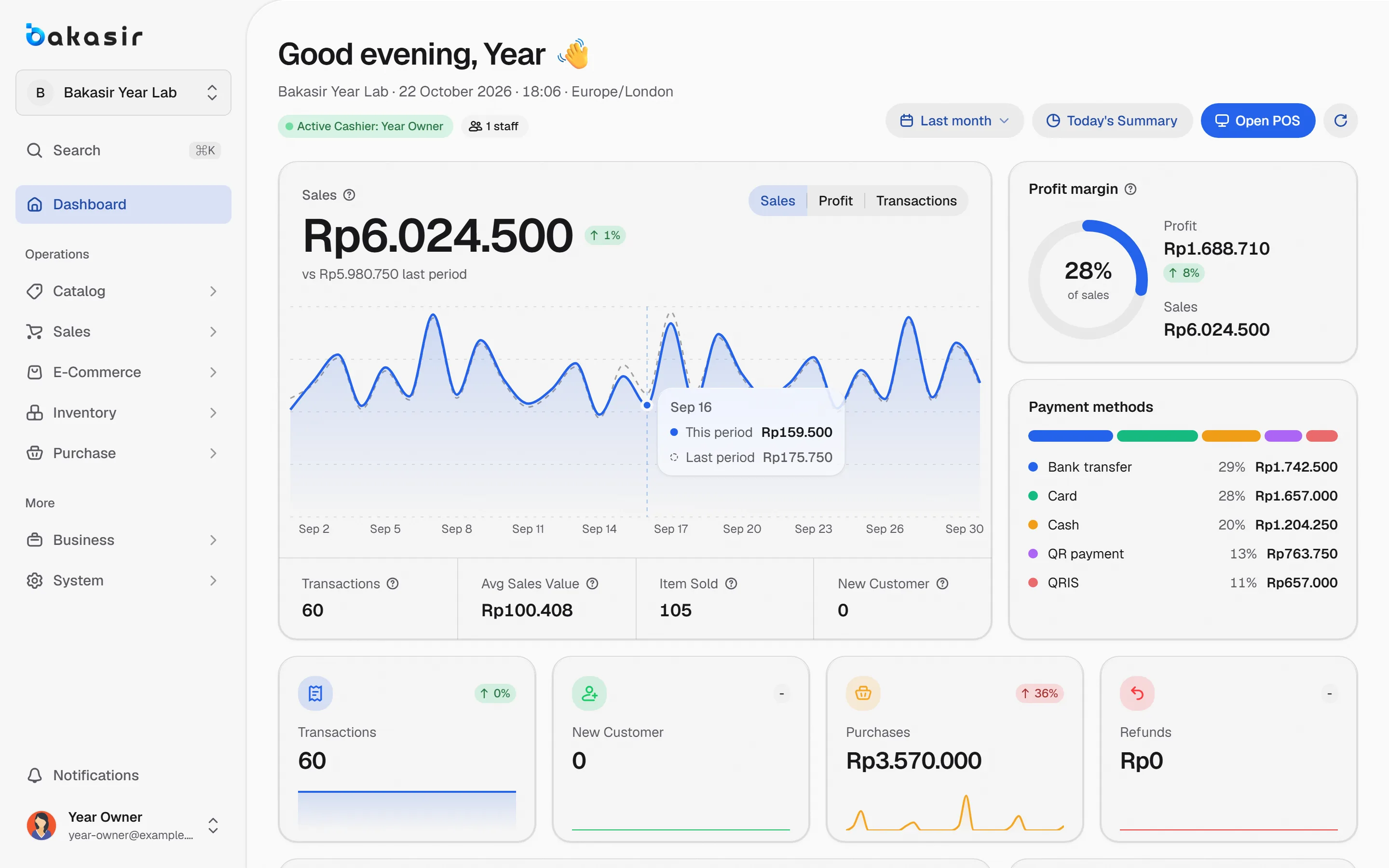
Many owners know their daily revenue but not how much they earn per product. The key is COGS, the cost of goods sold: what the items you actually sold cost you. This article explains how to calculate COGS and gross profit per product with the moving average method, gives a worked example, and shows where Bakasir displays the result.
What COGS and gross profit mean
- COGS (cost of goods sold) is the cost per unit of the goods that were sold.
- Gross profit is sales minus COGS. Other costs such as rent and salaries are not included yet.
- Margin is gross profit divided by selling price. Markup is gross profit divided by COGS. The two are often mixed up, yet they give different numbers.
Net profit only appears after operating expenses are subtracted. Bakasir shows it all in one Profit & Loss report: Total Income, Cost of Goods Sold, Gross Profit, Expenses and Net Profit.
How to calculate COGS with moving average
Moving average folds every new purchase into one average cost per unit. The formula:
New average cost = (old stock value + new purchase value) divided by (old stock quantity + new purchase quantity)
This is Bakasir's default method. The other choices in Settings > System > Costing Method are FIFO and Batch-Specific, and a change only applies to later stock movements. For pharmacies the starting default is FIFO because batches matter.
A worked example (illustrative numbers)
The numbers below are an example to explain the formula. Assume a product sells for Rp15,000 per unit.
| Step | Event | Stock after | Average cost |
|---|---|---|---|
| 1 | Opening stock 10 units @ Rp10,000 | 10 | Rp10,000 |
| 2 | Buy 20 units @ Rp11,500 | 30 | Rp11,000 |
| 3 | Sell 5 units | 25 | Rp11,000 |
| 4 | Buy 15 units @ Rp12,000 | 40 | Rp11,375 |
| 5 | Sell 4 units | 36 | Rp11,375 |
Step 2: the old stock value is 10 x 10,000 = 100,000, plus the purchase of 20 x 11,500 = 230,000, a total of 330,000 divided by 30 units, which gives Rp11,000 per unit.
Step 3: selling 5 units at Rp15,000 brings revenue of Rp75,000. The COGS is 5 x 11,000 = Rp55,000, so gross profit is Rp20,000.
Step 4: stock value of 25 x 11,000 = 275,000 plus 15 x 12,000 = 180,000 gives 455,000, divided by 40 units, which is Rp11,375.
Step 5: revenue is 4 x 15,000 = Rp60,000, COGS is 4 x 11,375 = Rp45,500, and gross profit is Rp14,500.
Notice that the sale in step 3 does not change when the buying price rises in step 4. COGS is recorded at the time of sale, so older reports do not shift.
Margin and markup for the same example
At a selling price of Rp15,000 and COGS of Rp11,000, gross profit per unit is Rp4,000.
| Measure | Formula | Result |
|---|---|---|
| Margin | 4,000 divided by 15,000 | about 26.7 percent |
| Markup | 4,000 divided by 11,000 | about 36.4 percent |
When you set a target, choose one measure and use it consistently. Bakasir reports use the Margin column.
Calculating COGS and gross profit per product in Bakasir
- Reports > Business Analytics > Profit & Loss for gross and net profit over a period.
- Product Analytics shows Qty Sold, Revenue, Cost, Profit and Margin per product, sortable by profit or margin. Brand Analytics and Categories Analytics do the same for brands and categories.
- Inventory Reports shows inventory valuation and stock movements.
The period and outlet filters are at the top, and every report exports to PDF, Excel or CSV. Full guide: read your reports.
A checklist for correct COGS
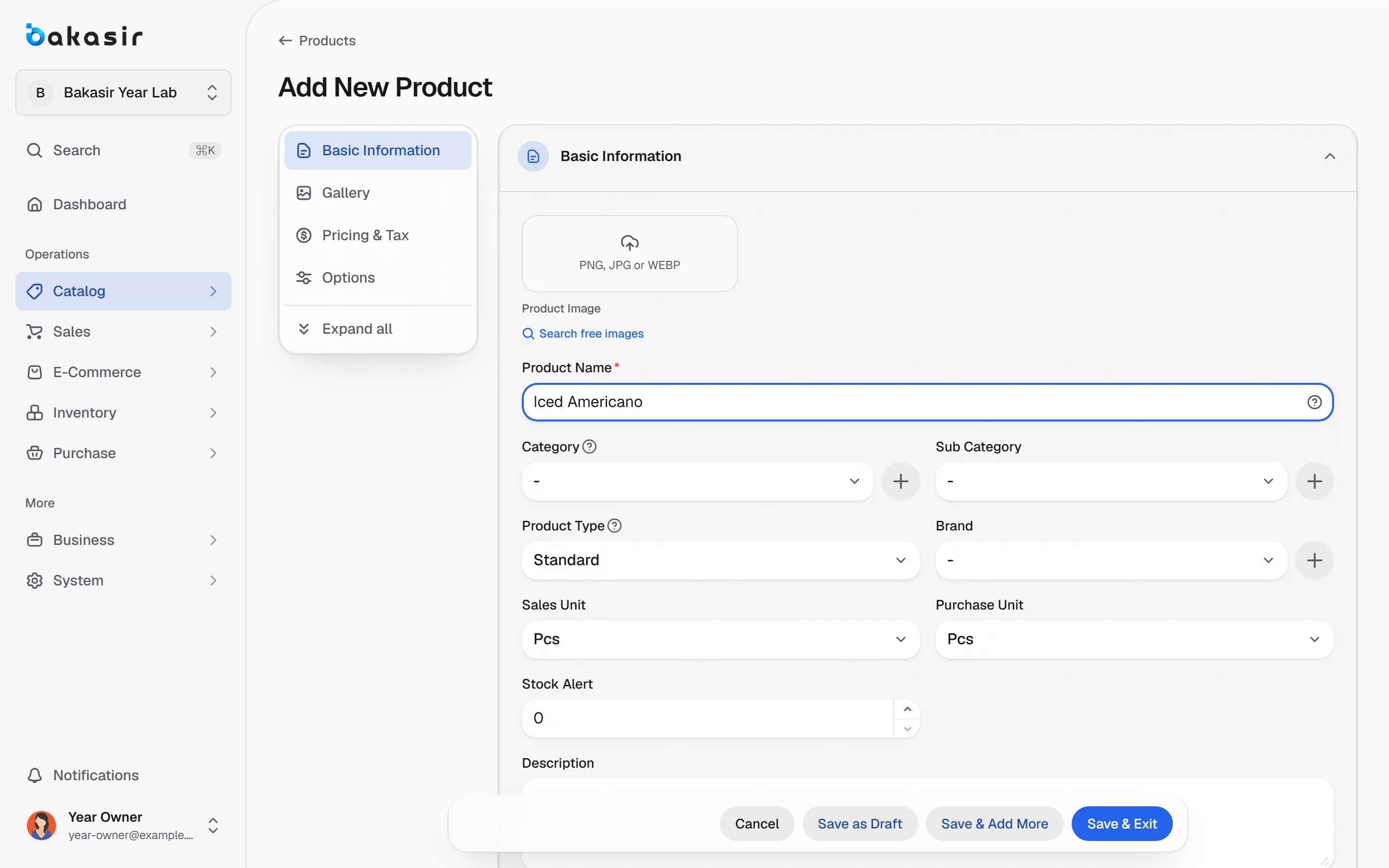
- Fill in Cost on every product and opening stock. A zero cost makes profit look too high.
- Record every incoming delivery through Purchase, not only through adjustments, so the average cost updates. See purchasing and expenses.
- Run Stock Opname regularly so quantities match the shelf.
- Keep operating costs in Purchase > Expenses; do not fold them into the item price.
- Check your tax settings. Inclusive and exclusive prices change the revenue you compare; read small business tax and your POS.
- Review low-margin products monthly before you create a promotion.
One limitation to know: Bakasir uses the cost recorded on products and purchases. Freight or a supplier discount that you do not enter into the item cost will not be part of COGS, so include it in the buying price if you want gross profit to reflect it.
Next steps
Pick your five best sellers, work out each margin, and compare with the Product Analytics report. For a daily habit, read 10 numbers from the daily sales report. Initial setup: set up your business.
Ready to try it yourself? The Free plan has no time limit and needs no credit card.
Keep reading
Daily Sales Report: 10 Numbers Every Business Owner Should Check
Stock Management for Grocery Stores and Minimarkets: Low Stock, Counts, and Transfers
Small Business Tax and Your POS: VAT Settings, Receipts and Invoice Export
Frequently asked questions
What is the difference between COGS and the buying price?
The buying price is the cost of one purchase. COGS is the cost per unit of goods sold, which under moving average is the average of all purchases still making up your stock.
Does changing the costing method change old reports?
No. A change only applies to later stock movements, and past reports are not recalculated.
Why does the gross profit in the report differ from my calculation?
Common causes: product cost not filled in, purchases entered as adjustments, discounts or returns not counted, or wrong opening stock. Check Product Analytics per product to find the source.