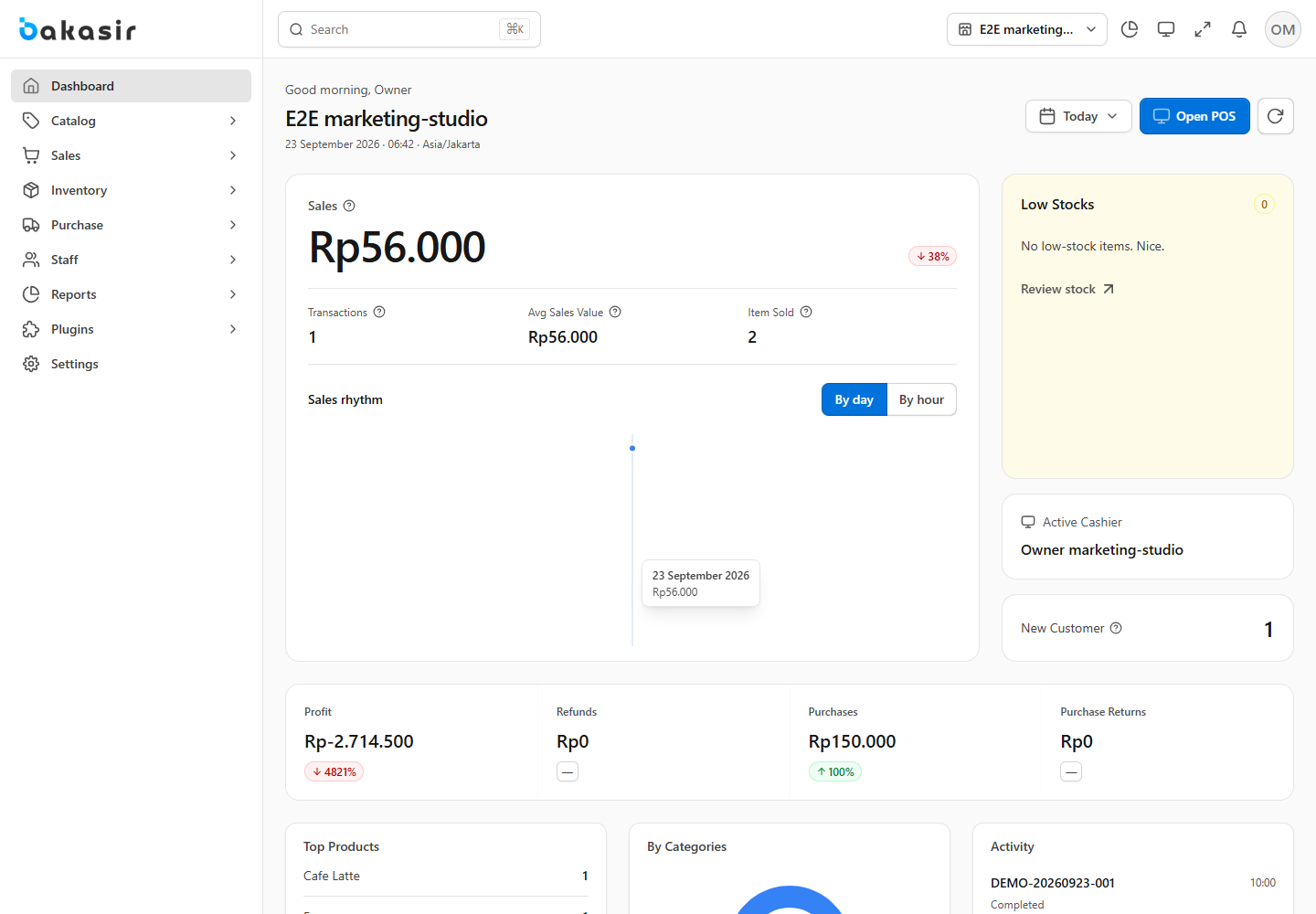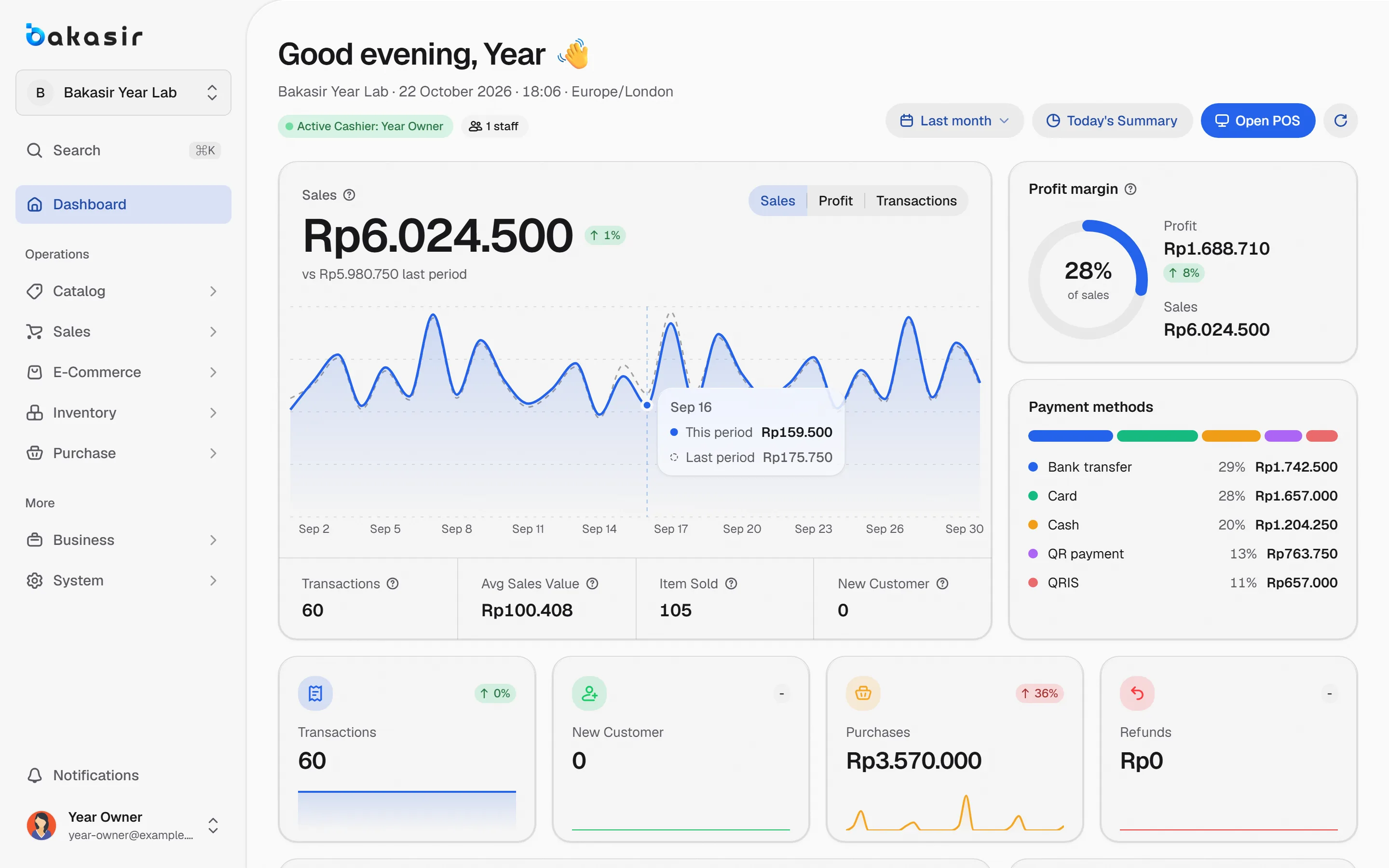
A POS app for a grocery store (toko kelontong) does not need dozens of features. The owner needs a few things done well: fast item entry, honest stock, a record of customer credit, and a drawer that matches the books at closing time. This article filters the Bakasir features that really get used in one working day, and marks which ones need a paid plan.
A day in the shop and the features behind it
The table follows the shop from morning to night.
| Moment | What you do | Bakasir feature |
|---|---|---|
| Morning | Count the drawer, start selling | Open the register with an opening balance |
| Serving | Scan or find an item, set the quantity | Name or barcode search, product cards |
| Bulk buyer | Give a lower price | Wholesale price per line |
| Customer steps away | Park the order, serve someone else | Hold and Drafts |
| Paying | Take exact cash or give change | Quick Cash buttons, transfer, QRIS |
| Credit | Note what a regular owes | Unpaid invoice sales and the customer ledger |
| Midday | Check what is running out | Low Stock tab |
| Night | Match the drawer to the records | Close the register with a cash count |
Start with your item list
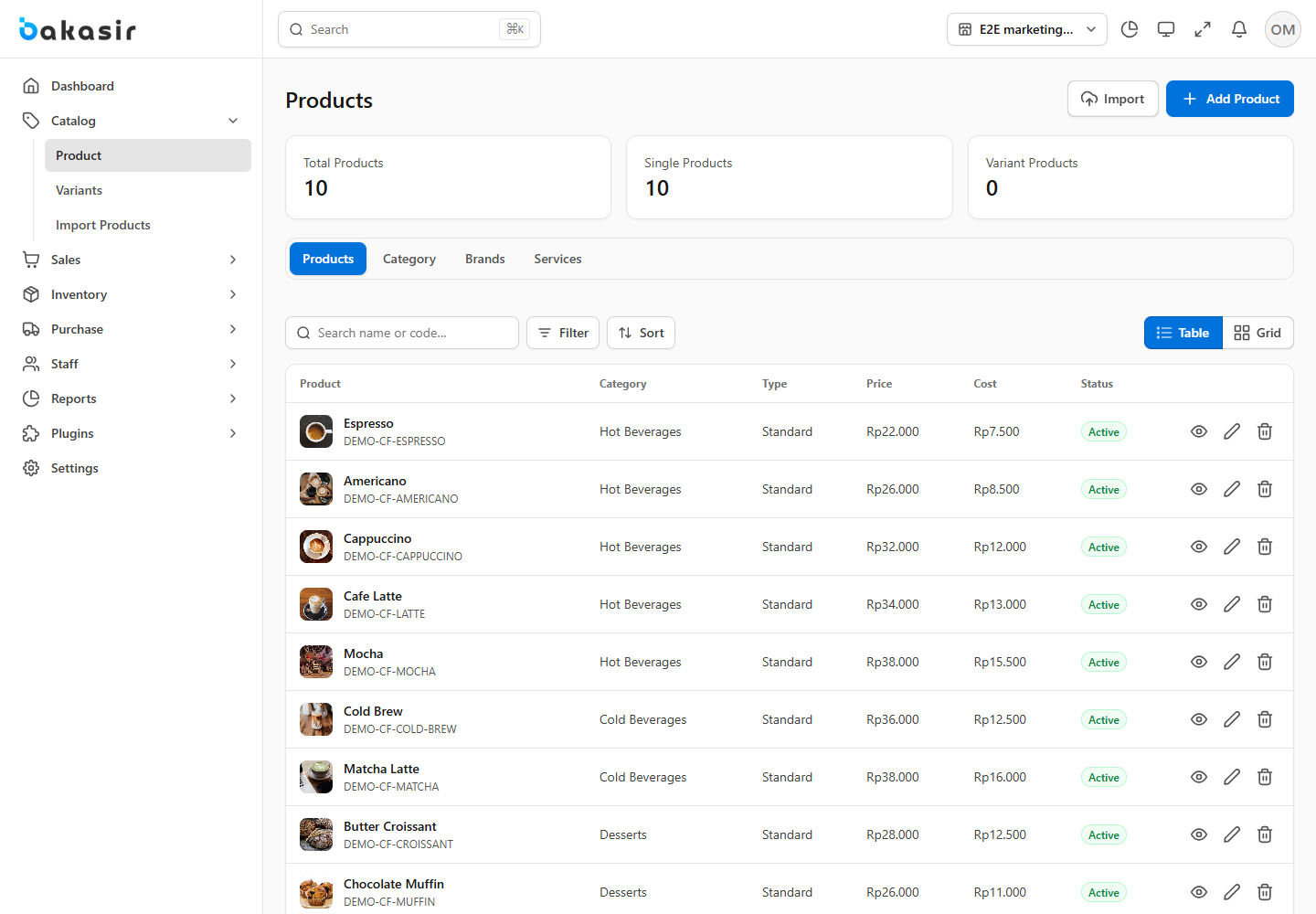
The biggest job when you switch to a POS app is entering your goods. Bakasir has Catalog > Import Products: download the example CSV or Excel file, fill in name, price, cost, opening stock and unit, then upload it. Every row is checked before anything is saved, so mistakes show up before they enter your data. If you already keep a price list in a spreadsheet, you only need to line up the columns.
For fast sellers, also set a Stock Alert. When stock reaches that number, the item appears in the low stock list. The full steps are in the product guide.
Retail and wholesale prices
A grocery store often serves two kinds of buyers: single-item customers and people who buy in bulk. On each product you can fill in a Retail Price and a Wholesale Price. In the General checkout style every cart line has a price selector, so the cashier switches to the wholesale price for a particular buyer.
If you want the price to drop automatically once the quantity reaches a threshold, for example a lower price from 10 pieces, that is Quantity Pricing. It is a plugin: included in the Tumbuh plan and available as a paid add-on on the Mulai plan. Check the pricing page for current figures.
Customer credit without the notebook
Many grocery stores have regulars who pay later. In Bakasir:
- Create the customer in Sales > Customers, add a WhatsApp number, and fill in Opening Balance if they already owe you.
- Sell through Sales > Invoice Sales with the payment status Unpaid. The remaining amount shows as Outstanding on that customer.
- Open the Customer ledger to see each sale, what was paid and the running balance.
One honest note: Credit Limit is only a reminder for you and your cashiers. Bakasir does not block a sale when the limit is passed, so check the ledger before extending more credit. Details are in the customer guide.
Stock that moves by itself
Every sale, purchase and return updates the stock of the outlet. To keep the app in line with the shelf, run a stock count once a month in Inventory > Stock Opname: count the goods, enter the numbers and post the variance. New goods come in through Purchase, which also updates your cost. For more depth, read stock management for grocery stores and minimarkets.
What hardware a POS app for a grocery store needs
You do not have to buy a dedicated cash register. The options are:
- Web POS in the browser of a laptop or tablet.
- The Android app for a phone or tablet.
- The Desktop app for a Windows PC.
A USB barcode scanner that behaves like a keyboard needs no setup in the Desktop app. A receipt printer and a cash drawer are optional. If the internet drops, sales stay saved on the device and are sent when the connection returns, as long as POS Offline Transaction is switched on.
What the Free plan covers, and what it does not
The Free plan gives you 1 outlet, 1 terminal, 100 products and 300 transactions a month. A small shop with dozens of sales per day can pass 300 in a month, so work out your average first. A few things need a paid plan: dynamic QRIS, automatic quantity-based pricing, and receipts without the Bakasir mark. Read what you really get on the Free plan before you decide.
Next steps
Start with your 30 to 50 best sellers, run one full day, then close the register and match the drawer. For the retail campaign overview, see Bakasir for retail shops. For hands-on guides: create an account and your first sale.
Ready to try it yourself? The Free plan has no time limit and needs no credit card.
Keep reading
Stock Management for Grocery Stores and Minimarkets: Low Stock, Counts, and Transfers
Free POS App: What You Really Get, and Where the Limits Are
Daily Sales Report: 10 Numbers Every Business Owner Should Check
Frequently asked questions
Does a grocery store need a barcode scanner?
No. You can find items by typing the name or tapping a product card. A scanner helps when many goods are packaged with barcodes, and a standard USB scanner works without extra setup in the Desktop app.
Can I use this POS app on a phone?
Yes. There is an Android cashier app, and Web POS runs in the browser of a phone or tablet. Owners can also watch reports in the Android app on plans that include it.
What if the power or internet fails while I am selling?
Sales are saved on the device when offline selling is on, then sent automatically when the connection is back. For the drawer and printer, keep a backup power source that suits your shop.