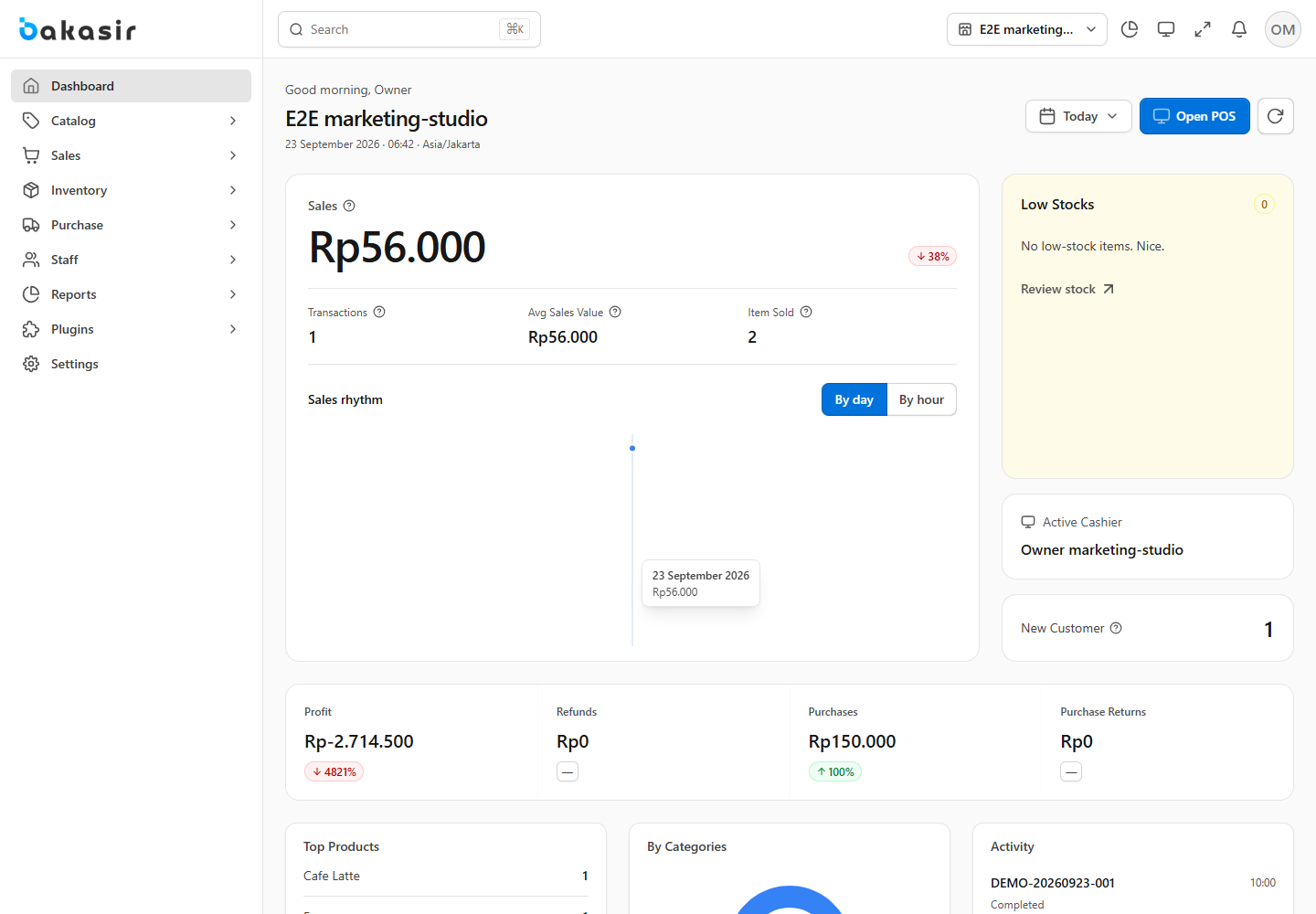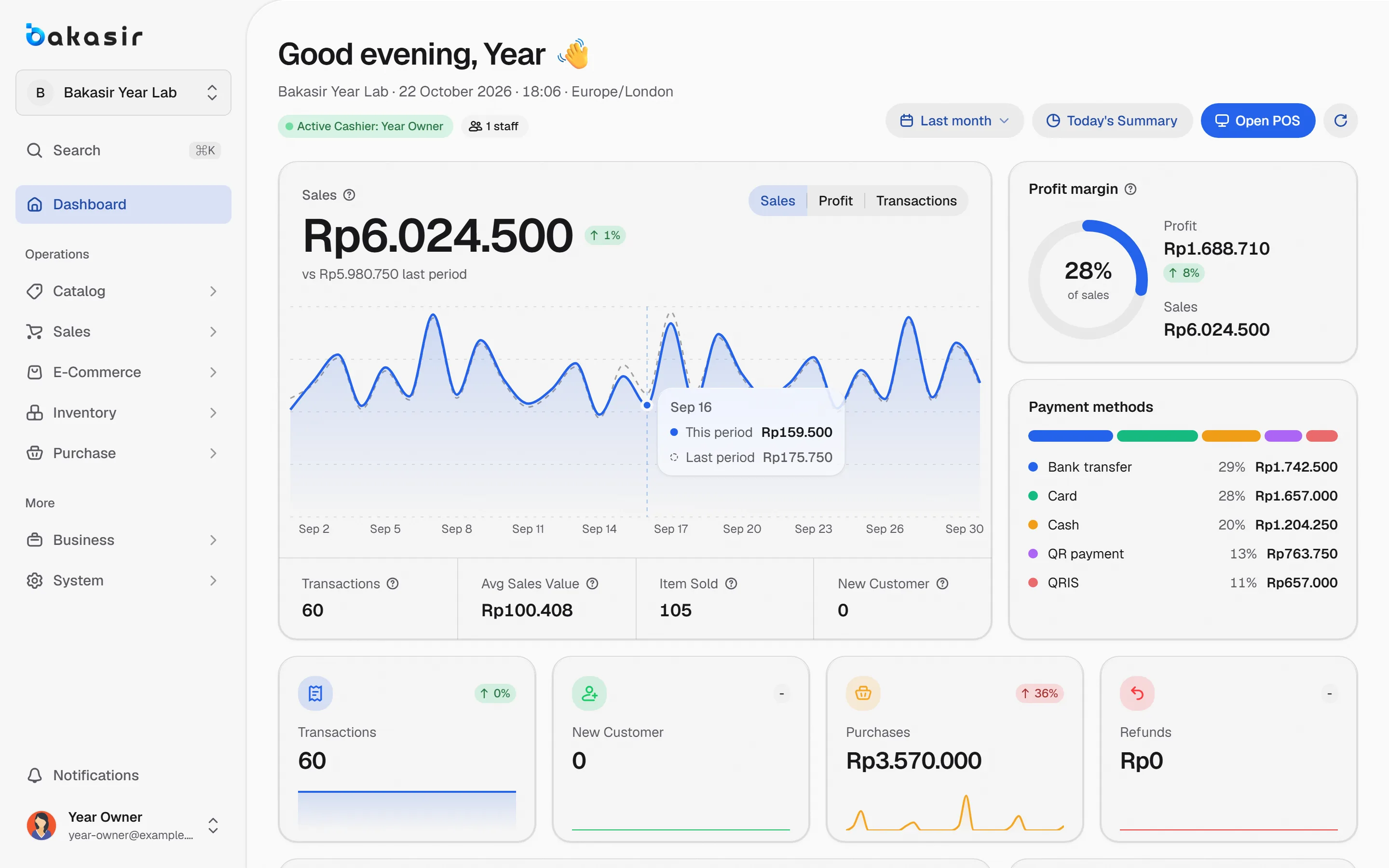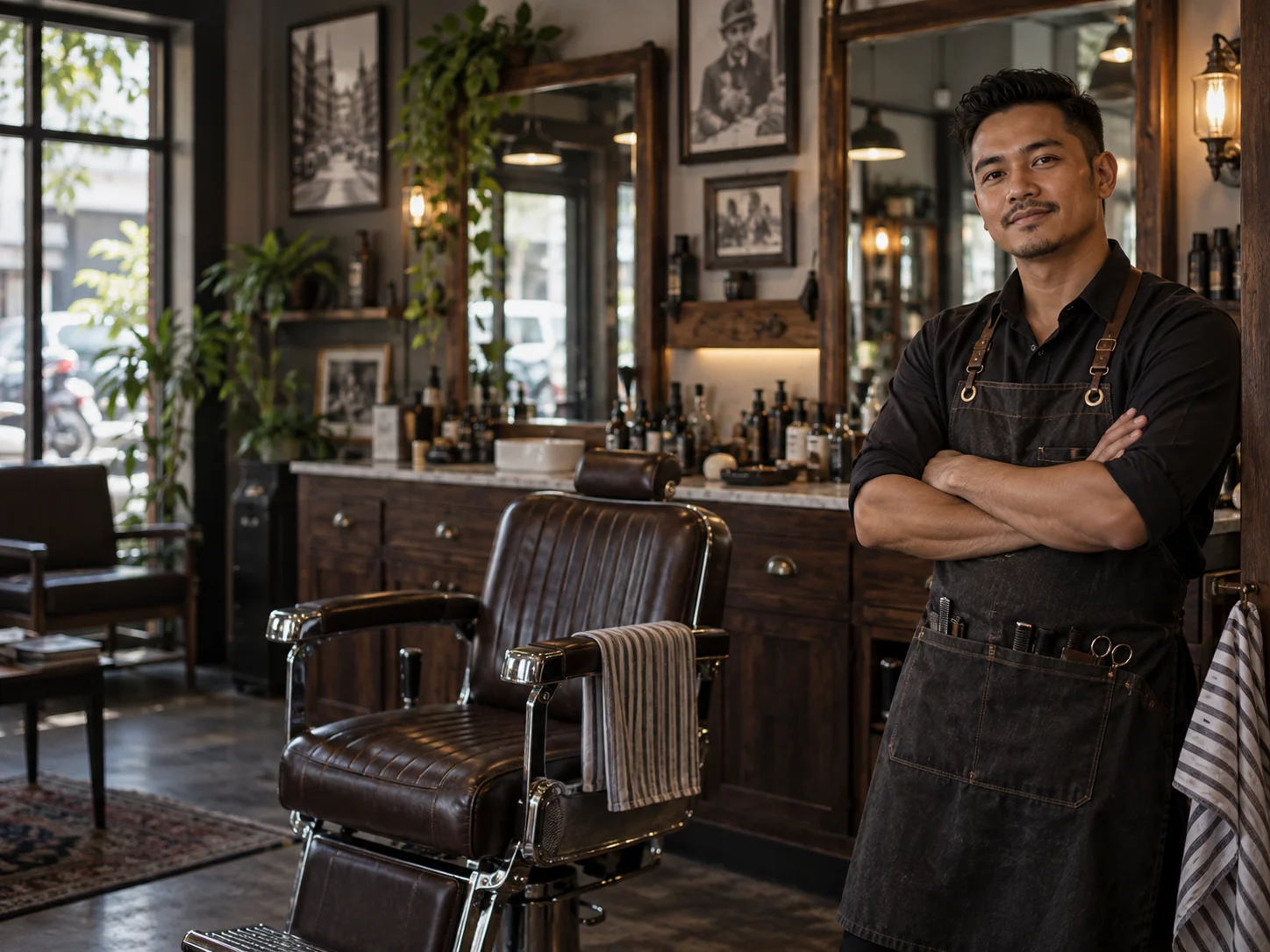
A POS app for barbershops and other service businesses, such as salons, laundries or small workshops, has different needs from a goods shop. You sell services that have no stock, staff who work in turns, and sometimes extras such as pomade. This article explains what Bakasir really supports for service businesses, and says plainly what it does not have.
Service items: sold without stock
In Catalog > Product, the Add Product button offers three types: Product for stocked goods, Digital Product, and Service. A service has no stock field and is never out of stock. So a haircut, a shave or a hair treatment goes on the register like any item, with a price, tax and category.
The Services tab in the product list shows all your services. To add many at once, open Catalog > Import Products, choose the Services tab and upload a CSV with name and price columns. The import rules are in the product guide.
You can mix services and goods in one sale. For example, a customer gets a haircut and buys one pomade: the service sells without touching stock, while the pomade reduces stock and uses its cost for the profit report.
Staff, shifts and who made the sale
Each staff member has an account and a PIN for the cashier apps. The owner or a manager adds them in Staff > Staff List with the role Staff, Manager or Owner, then sets an operator PIN for the Desktop and Android apps. Each sale is recorded under the cashier who was signed in, and Staff Reports compares the sales of each team member.
For work schedules there is Staff > Working Shift: shift name, start and end time, break, grace period and a night shift option. Staff > Attendance shows a monthly grid with statuses such as Present, Late, On Leave and Day Off. With the HRM plugin you also get leave, holidays, payroll and recruitment; the guide is in managing store staff.
Regular customers and points
A barbershop lives on returning customers. Save the name and WhatsApp number in Sales > Customers and pick the customer at checkout. Receipts can be sent by WhatsApp or email from the sales list. With the Loyalty & Membership plugin, registered customers collect points and redeem them at the register; read a simple customer loyalty program. Customer groups such as regular or vip are available as labels to sort the list.
An online shopfront for services
If you want to show your services and products online, the E-Commerce Suite plugin comes with several store templates. One of them is a Barber Shop theme, monochrome with the classic red and blue barber accents. The template is a shopfront for showing and selling items, not a booking system. See an online store connected to POS stock for its limits.
What is not there: plainly
So you do not set the wrong expectations, here is what Bakasir does not have at the time of writing:
- Customer booking or appointments, including a calendar per barber and queue reminders.
- Automatic commission per barber from the services performed.
- Automatic payroll from sales or attendance. Payroll in Bakasir is a record you fill in: who, when, how much and how it was paid.
A common way of working: each barber or cashier rings up sales under their own account, and the owner reads the sales-by-staff report as the basis for working out a revenue share by hand. If the barber does not sign in personally, the sale is recorded under the cashier operating the screen.
POS app for barbershops: hardware and plans
One Android tablet or a laptop is enough for a small barbershop. A receipt printer is optional. The Free plan (1 outlet, 1 terminal, 100 products, 300 transactions a month) is enough to try; for two or more cashiers, see the pricing page because staff and terminal limits differ by plan.
Getting started in one afternoon
- Sign up and name the outlet after your barbershop.
- Add 8 to 15 services as Service items.
- Add retail goods such as pomade and shampoo with opening stock.
- Add your staff and set their PINs.
- Make three test sales, then close the register and match the cash.
An example list of services and goods
The table below is only an example of naming, not a recommended price list.
| Item | Type in Bakasir | Stock |
|---|---|---|
| Haircut | Service | None |
| Beard trim | Service | None |
| Hair treatment | Service | None |
| Pomade 80 g | Product | Yes, reduces when sold |
Name services clearly and group them in categories such as Services and Products so cashiers find them quickly. Split services that are priced differently by stylist, such as a senior and a junior haircut, into two items. That way the price is clear on the receipt and in reports, with no need to type a manual discount.
Next steps
For a selection checklist, read how to choose a POS app for your small business. Start by creating an account.
Ready to try it yourself? The Free plan has no time limit and needs no credit card.
Keep reading
Managing Store Staff: Attendance, Shifts and Simple Payroll
An Online Store for Small Businesses, Connected to Your POS Stock
How to Choose a POS App for Your Small Business: A Practical Checklist
Frequently asked questions
Does Bakasir have booking for barbershops?
Not yet. Bakasir has no customer appointment booking or per-barber queue calendar. It covers the register, service items, staff, shifts, attendance and reports.
Can services and goods be sold in one sale?
Yes. Services have no stock, goods reduce stock as usual, and both appear on the same receipt.
Is barber commission calculated automatically?
No. You can see sales per team member in the staff report and work out the revenue share yourself. Payroll in Bakasir is a record you fill in by hand.