Customers increasingly ask, "can I pay with QRIS?" Accepting QRIS at the register is easy to start, but there is an important difference between merely recording a payment and actually confirming the money arrived. This article explains QRIS at the register: the difference between static and dynamic QRIS, how Bakasir records digital payments, and how to connect dynamic QRIS using your own Midtrans account.
Static and dynamic QRIS: what is the difference
| Static QRIS | Dynamic QRIS | |
|---|---|---|
| Form | One fixed code, usually a sticker or printout | A new code for every transaction |
| Amount | The customer types it in | Pre-filled to match the bill |
| Risk of error | Mistyped amounts; needs a manual check | Low, because the amount is automatic |
| Confirmation | The cashier checks a bank or app notification | The system knows when payment arrives |
| Setup | Register with a QRIS provider or bank | Needs a payment gateway integration |
Both are valid. Static QRIS is enough for a business just starting; dynamic QRIS is tidier for a busy shop because it reduces amount errors and manual matching.
QRIS at the register: how to record QRIS and e-wallet payments
In the payment window you pick a method: Cash, Card, Bank Transfer, QR, E-Wallet or Check. In Web POS, the QR and E-Wallet methods record the method the customer used; Web POS does not send a charge to a bank or e-wallet. So the flow is:
- Show your shop's QRIS code (static) to the customer.
- Look for the payment notification in your own bank or e-wallet app.
- Once the money has really arrived, choose the QR or E-Wallet method and click Complete Payment.
In the Android app, the method list contains Cash, Card, Bank transfer, QRIS, E-wallet and Check, with the same recording flow. Split payments are also available when enabled in Settings → POS, for example part cash and part QRIS. The full guide is at taking payments in Web POS.
Dynamic QRIS in the Desktop app through Midtrans
The Windows Desktop app can show dynamic QRIS. When the cashier chooses QRIS, Bakasir generates a QR code for that transaction's amount, shows it in the payment window and on the customer display, and completes the sale once the customer pays. The system keeps checking the payment status, so the cashier does not have to guess.
For this to work, three things must be true:
- Your plan includes dynamic QRIS. It is available from the Mulai plan.
- You use your own Midtrans account. Enter your Midtrans Client Key and Server Key in Settings → Integrations. The funds from your shop's transactions follow your agreement with Midtrans, not with Bakasir.
- QRIS is active on your Midtrans account. If not, Bakasir shows that QRIS has not been activated on that account, and you need to contact Midtrans to enable it.
If any of these is missing, the cashier is never stuck. Bakasir falls back to manual QRIS: QRIS is recorded as paid when the cashier clicks Confirm payment, so check the customer's phone or your bank notification first. Details are in selling on Desktop.
Android and Web POS do not show dynamic QRIS yet
To keep expectations clear: for now the dynamic QRIS code is displayed by the Desktop app. In Web POS and Android, QRIS is recorded as a payment method as described above. If your shop needs dynamic QRIS at the register, plan for one Desktop terminal. Online payments in the web store (such as e-commerce checkout) use a separate flow through Midtrans; see an online store connected to your POS stock.
Keeping cash and reports tidy
- Drawer cash is cash only. Card, QR, e-wallet and bank transfer payments do not count toward the money in the drawer. When you close the register, only cash is counted.
- The Z-Report separates by method, so you know the day's QRIS total. Match this against your bank statement or your QRIS provider's dashboard daily.
- Bank transfer proof. For Bank Transfer you can attach a photo or PDF of the proof in the payment window, and it is stored with the sale.
- Non-cash refunds. A refund is recorded with its method, while returning the money is done manually through the original channel. Automatic refunds to the gateway are not available yet.
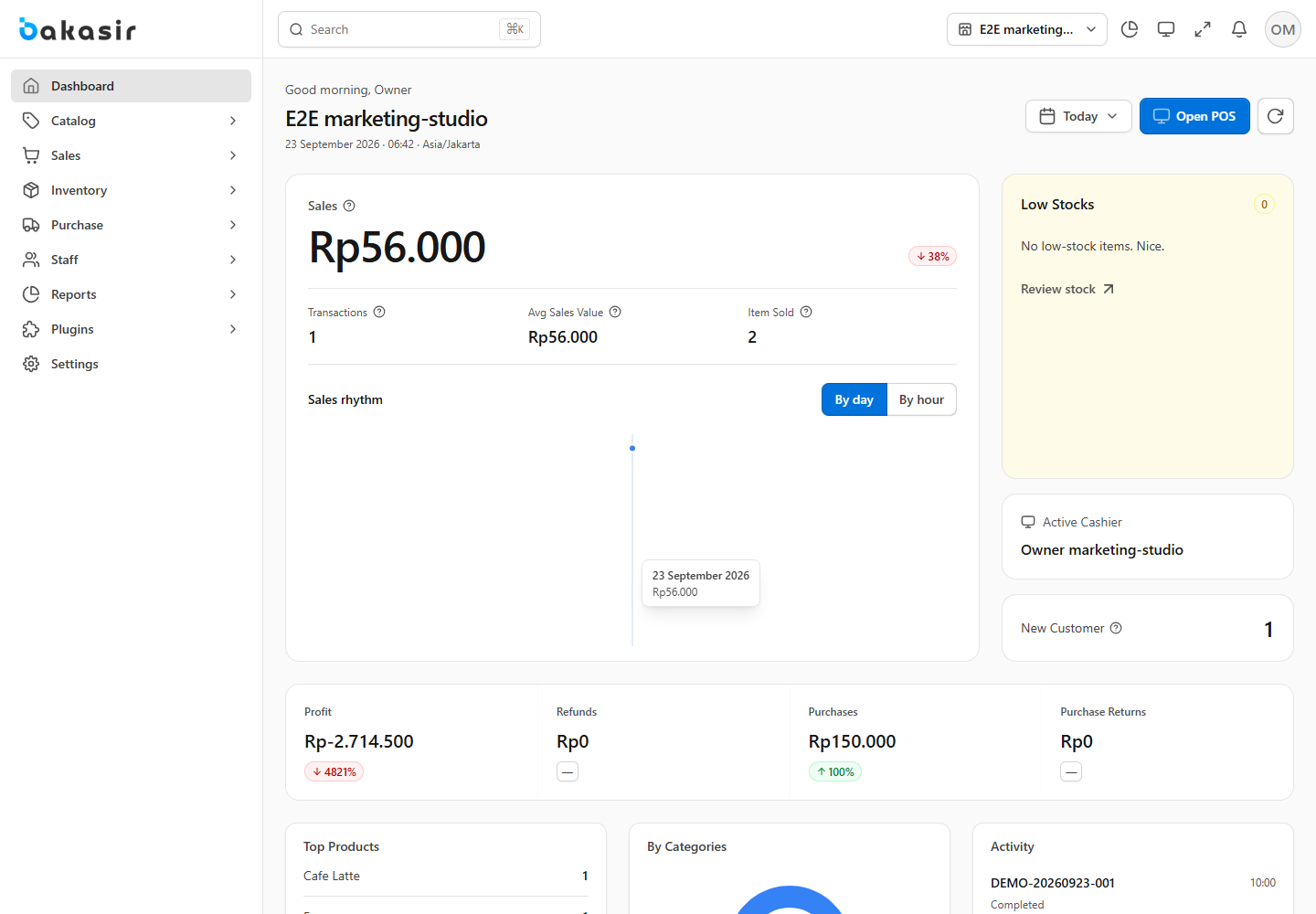
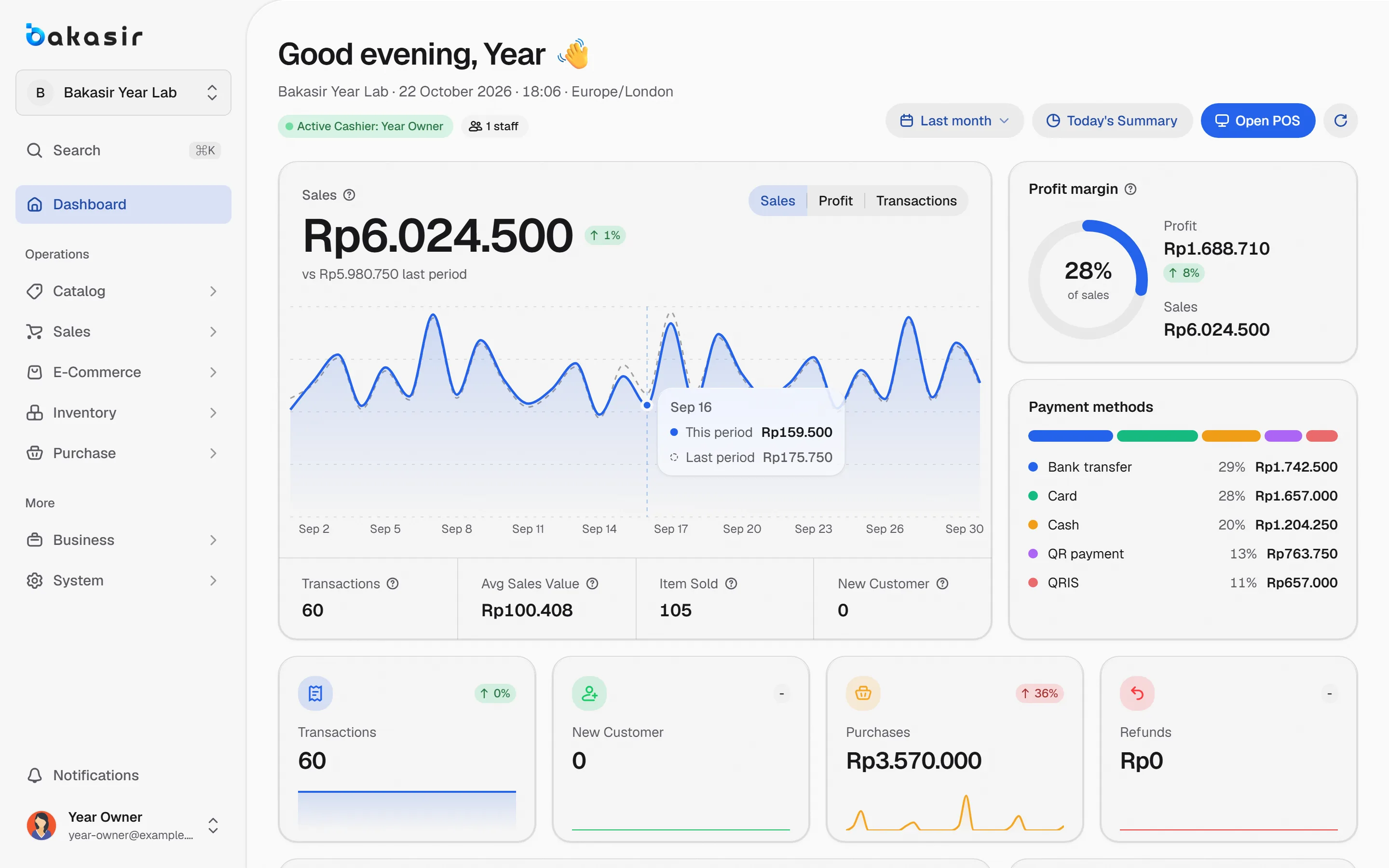
- Dashboard. The Payment methods panel shows the cash and digital mix. Read the daily sales report checklist for a closing routine.
Fees and obligations to know about
QRIS and e-wallet transaction fees are set by your payment provider or bank, not by Bakasir, and can differ between providers. Ask about fees and payout schedules before you sign up. Bakasir itself does not hold or touch your shop's transaction funds in your own Midtrans flow. Also make sure your sales records follow tax requirements; see small business tax and your POS.
A checklist to start with QRIS in your shop
- Register for static QRIS or a payment gateway account; ask about fees and payout schedules.
- Put the QRIS sticker where it is visible and set a rule: confirm through notifications, not screenshots.
- Train cashiers to record QR or E-Wallet only after the money arrives.
- Test a small transaction and match it in the Z-Report and your account.
- If you use Desktop and want dynamic QRIS, enter the Midtrans keys and test until the QR code shows on the customer display.
Next steps
Start with disciplined recording, then move up to dynamic QRIS when transaction volume makes manual matching feel heavy. Compare plans and payment features on the pricing page, and see what the Free plan includes before deciding.
Ready to try it yourself? The Free plan has no time limit and needs no credit card.
Keep reading
Daily Sales Report: 10 Numbers Every Business Owner Should Check
An Online Store for Small Businesses, Connected to Your POS Stock
Offline POS: How to Keep Selling When the Internet Goes Down
Frequently asked questions
Can the Free plan accept QRIS?
In the form of recording, yes: the cashier picks the QR or E-Wallet method after confirming the money arrived. Dynamic QRIS through Midtrans needs a paid plan.
Does QRIS money flow through Bakasir?
No. With the Midtrans integration you use your own Midtrans account, so payouts follow your agreement with that provider.
What if the internet is down when a customer pays by QRIS?
A dynamic QRIS code is generated through the gateway, so it needs a network. Without one, use static QRIS and record it as the QR method once the money is confirmed in your bank or e-wallet app.